


The Visual Paradigm Model Canvas Tool is an AI-powered online platform designed to simplify strategic planning by enabling users to create, edit, and analyze various model canvases efficiently. This tutorial covers the key concepts, benefits, features, step-by-step usage (with a focus on the demo process), examples, and who should use it.
Key Concepts: What is a Model Canvas?
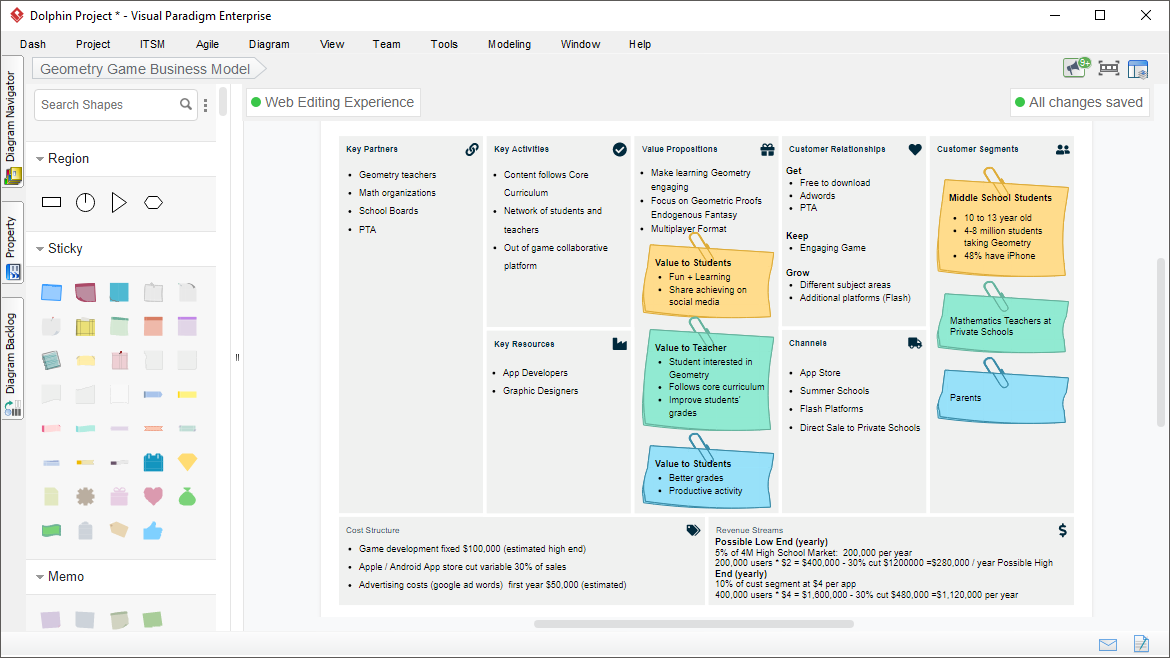
A model canvas is a visual framework that organizes complex ideas, strategies, or analyses on a single page. It uses structured sections (often with sticky notes or cards) to break down elements like business models, strengths/weaknesses, or customer journeys.
Popular examples include:
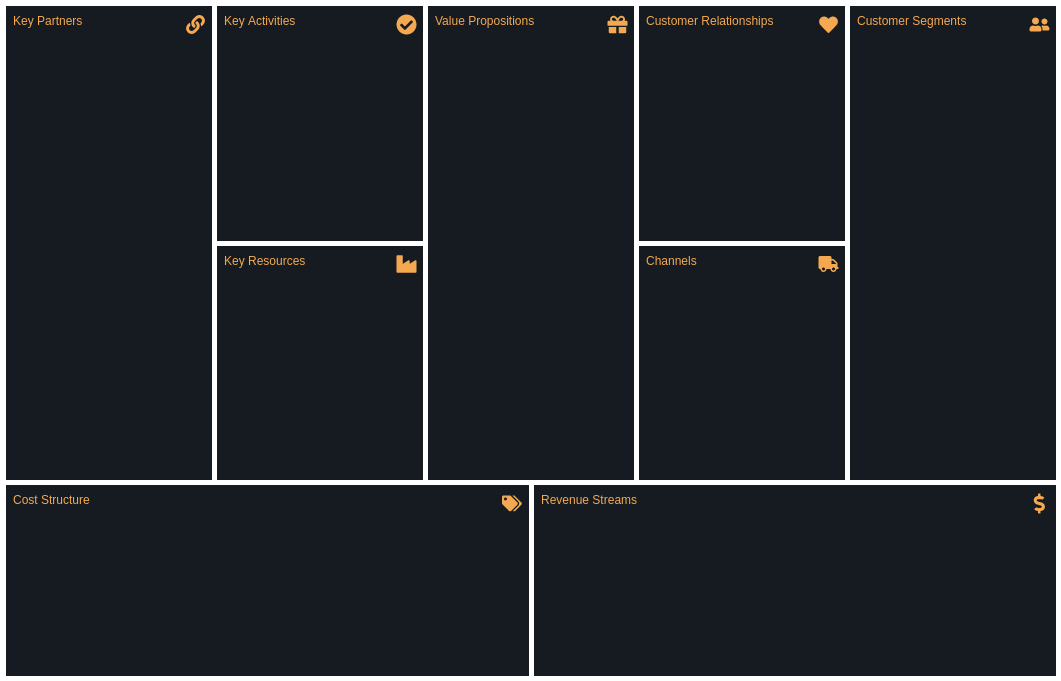
- Business Model Canvas (BMC): Maps out key business components like customer segments, value propositions, and revenue streams.
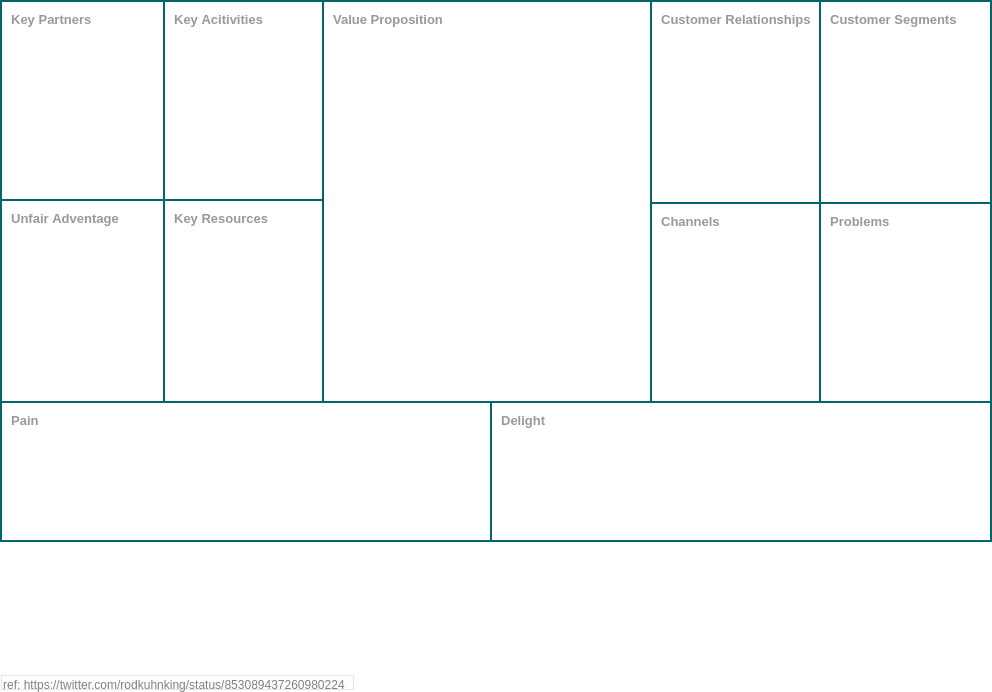
- Lean Canvas: A startup-focused adaptation emphasizing problems, solutions, and key metrics.
- SWOT Analysis Canvas: Evaluates Strengths, Weaknesses, Opportunities, and Threats.
- Customer Journey Canvas: Visualizes user experiences and touchpoints.
These canvases replace lengthy documents with intuitive visuals, making them ideal for brainstorming and alignment.
Why Use the Visual Paradigm Model Canvas Tool?
Traditional methods like physical whiteboards or static documents hinder collaboration, sharing, and iteration. The Model Canvas Tool addresses this with digital, AI-enhanced capabilities.
Key benefits:
- Clarity and Focus: Highlights essential strategy elements on one page.
- Enhanced Communication: Provides a shared visual for instant team alignment.
- Speed and Iteration: Easy to update, refine, and iterate quickly.
- Problem Solving: Reveals relationships, opportunities, gaps, and insights.
The AI integration accelerates creation by generating content from simple prompts, saving time on research and ideation.
Features of the Tool
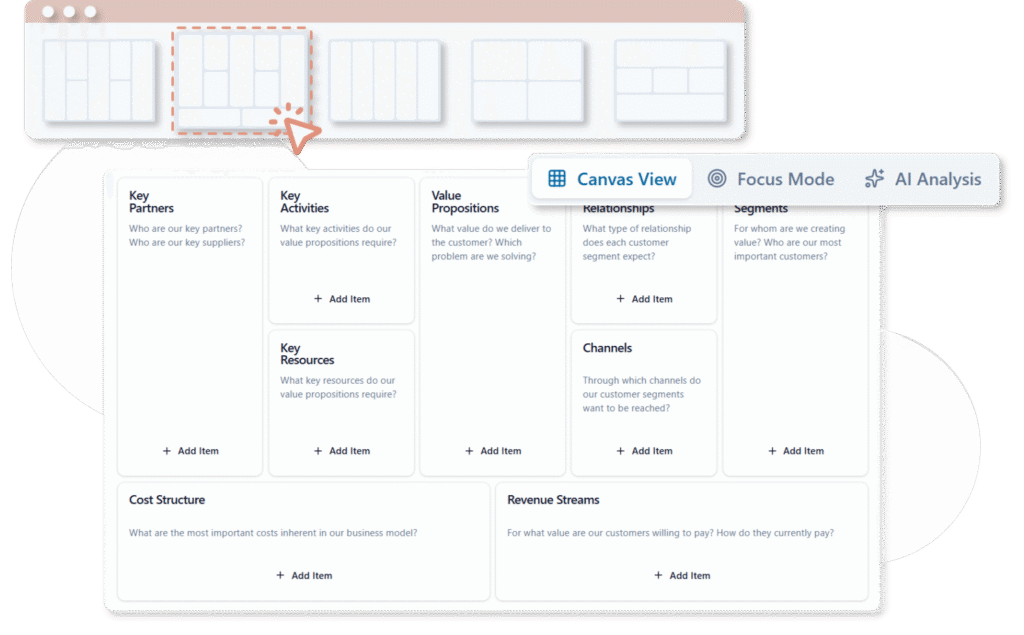
- Access to a wide library of ready-made templates and real-world examples for major canvas types.
- AI Generation: Instantly populate canvases based on your topic or idea.
- Editing Tools: Add, modify, tag, link, and color-code items; manual or AI-suggested additions.
- Collaboration Features: Real-time team editing, filters (keywords, tags, colors), built-in timer for discussions, and focus views.
- AI Analysis: Generate detailed reports from multiple perspectives (e.g., SWOT insights or viability checks).
- Export Options: Save canvases, export as JSON, documents (Word/PDF), Markdown, or images.
- Online platform with team sharing and collaboration.
Step-by-Step Guide: How to Use the Tool (Demo Walkthrough)
Follow these steps to create a model canvas, using SWOT Analysis as an example (as highlighted in the demo).
1. Access and Selection
-
Log in to Visual Paradigm Online (VP Online) or access the AI toolbox at https://ai-toolbox.visual-paradigm.com/app/canvas/ (requires Combo Edition or higher).
-
Navigate to AI Tools > Model Canvas Tool.
-
Click “Start Creating Now.”
-
Browse and select a canvas type (e.g., SWOT Analysis, Business Model Canvas, Lean Canvas).
Tip: Use built-in examples for inspiration before starting.
2. AI Generation
- Enter your topic or business idea (e.g., “A new electric vehicle startup”).
- Click “Generate Canvas with AI.”
- The tool instantly creates a complete, populated canvas with relevant items in each section.
3. Refinement and Editing
- Manually add new items or ask AI for suggestions in specific sections.
- Select fitting ideas and click “Add” to include them.
- Edit items: Change titles/descriptions, add tags/links, adjust colors.
- Organize with drag-and-drop for better visualization.
4. Team Management and Focus
- Filter items by keywords, tags, or colors to highlight priorities.
- Use the built-in timer to allocate discussion time per section.
- Switch to “Focus View” for concentrating on one area.
- Hide descriptions to emphasize key points during reviews.
5. Analysis and Export
- Access the AI Analysis tool.
- Select an analysis type (e.g., deep SWOT review or market viability).
- Click “Generate Analysis” for a detailed report.
- Save the canvas online.
- Export as needed: JSON for editing, document/Markdown/PDF for sharing.
This process turns a blank canvas into a refined, insightful strategy in minutes.
Examples
- SWOT Analysis: Generate strengths/opportunities for a coffee shop chain, then refine with team input.
- Business Model Canvas: Input “Online education platform” to auto-fill customer segments, revenue streams, etc.
- Lean Canvas: Ideal for startups—AI suggests problems/solutions based on your niche.
These AI-generated starting points ensure comprehensive coverage, which you can customize.
Who Should Use This Tool?
The Model Canvas Tool is perfect for:
- Teams needing visual, collaborative planning in modern business.
- Startups, enterprises, consultants, and educators organizing complex ideas.
- Anyone requiring efficient strategy development, from solo brainstorming to full-team workshops.
It supports real-time collaboration, making it ideal for remote or hybrid teams.
Summary
Visual Paradigm’s Model Canvas Tool revolutionizes strategic planning by combining classic canvas frameworks with powerful AI. It eliminates the blank-page problem, accelerates ideation, and fosters better collaboration and insights. Whether analyzing SWOT for a project or building a full Business Model Canvas, this tool delivers clarity, speed, and actionable results. Start with a simple prompt, refine with your team, and export professional outputs—transforming ideas into structured plans effortlessly. For access, check Visual Paradigm Online subscriptions.

 English
 Arabic
 Chinese (Simplified)
 Dutch
Dutch French
 German
 Italian
 Japanese
 Korean
 Portuguese
 Russian
 Spanish