Understanding the Foundational Vocabulary of Enterprise Architecture Modeling
🔍 Introduction: Why Definitions Matter
Before you can draw a useful architecture diagram — whether it’s to align business goals with IT systems or communicate cloud migration plans — you need a shared language. That’s exactly what Chapter 2 of the ArchiMate 3.2 Specification provides: the formal vocabulary of the language.
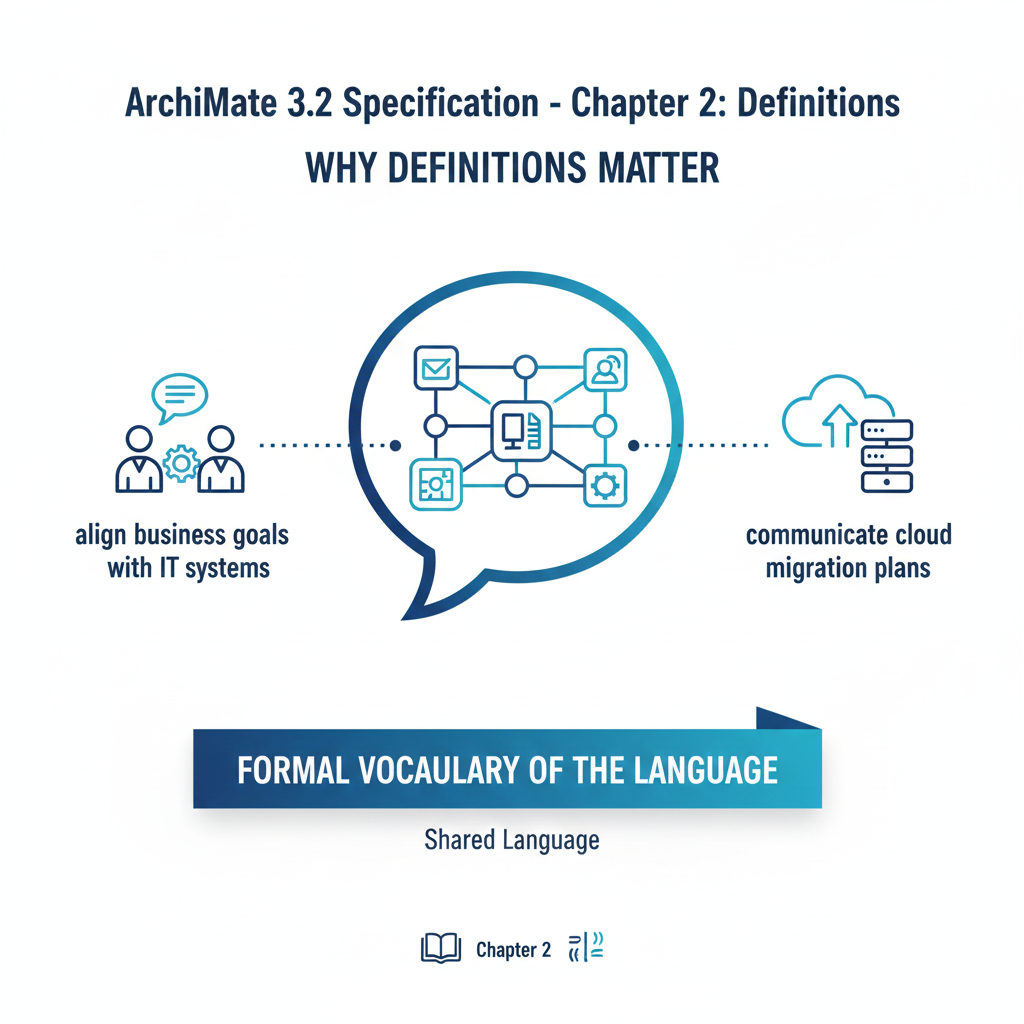
Think of this chapter as the glossary + grammar primer for ArchiMate. Without precise definitions, two architects might use the same term (“view”, “layer”, “element”) with different meanings — leading to miscommunication, flawed models, or failed implementations.
✅ This tutorial will help you:
- Grasp each term intuitively through analogies and examples
- See how terms interrelate (e.g., viewpoint → view → model → element)
- Avoid common confusions (e.g., view vs. viewpoint, layer vs. aspect)
- Prepare confidently for ArchiMate certification or real-world modeling.
Let’s dive in — one term at a time.
🧱 Key Concepts & In-Depth Explanations (with Examples)
1. ArchiMate Core Framework
“A reference structure used to classify elements of the ArchiMate core language. It consists of three layers and three aspects.”
🔹 Analogy: Think of it like a 3×3 grid in a spreadsheet — rows = layers, columns = aspects — helping you categorize every building block.
| Layer (Rows) | Active Structure | Behavior | Passive Structure |
|---|---|---|---|
| Business | Business Actor, Role | Business Process, Function | Business Object |
| Application | Application Component | Application Service, Interaction | Data Object |
| Technology/Physical | Node, Device | System Software, Communication Path | Artifact, Equipment |
📌 Example:
- You’re modeling how customer orders are fulfilled.
- Business Layer:
Customer(Actor),Process Order(Process),Order(Object) - Application Layer:
Order Management System(Component),Place Order API(Service) - Technology Layer:
Web Server(Node),Order Database(Artifact)
- Business Layer:
⚠️ Note: The full grid and metamodel are in Section 3.4, but this framework is the mental map guiding where to place elements.
2. ArchiMate Core Language
“The central part… includes concepts from three layers: Business, Application, and Technology (including Physical).”
🔹 This is the “standard toolbox” — the official set of elements & relationships you’re allowed to use in conformant ArchiMate models.
🚫 Not part of the core language: Motivation, Strategy, Implementation & Migration extensions (covered in later chapters or extensions).
📌 Practical Tip:
If you’re building a TOGAF-aligned EA model at a large org (e.g., Acme Cloud), stick to the Core Language first — it ensures clarity and tool compatibility (e.g., with BiZZdesign, Sparx EA, or Archi).
3. Architecture View vs. Architecture Viewpoint
Commonly confused! Let’s untangle them.
| Term | Definition | Analogy | Example |
|---|---|---|---|
| Viewpoint | Specification of conventions for a certain type of view (the template or lens) | Camera lens settings (e.g., “macro”, “portrait mode”) | Security Viewpoint: Defines you’ll show only security-relevant elements (actors, roles, data flows, policies) and use access/assignment relationships. |
| View | Instance of a viewpoint — the actual diagram/report built using those rules | The photo you take using that lens | A diagram titled “Order Fulfillment – Security View”, showing Customer →[access]→ Order DB, Payment Gateway →[serves]→ Process Payment |
✅ Best Practice: Always document your viewpoint before drawing the view. This ensures stakeholder alignment (e.g., CFO cares about cost flows; CISO cares about data access).
4. Aspect
“Classification based on layer-independent characteristics… related to stakeholder concerns.”
Three aspects:
- Active Structure → Who/what performs? (e.g., Actor, Role, Component)
- Behavior → What is done? (e.g., Process, Function, Service)
- Passive Structure → What is acted upon? (e.g., Object, Data, Artifact)
📌 Example: E-commerce Order Flow
| Aspect | Business Layer | Application Layer | Technology Layer |
|---|---|---|---|
| Active | Sales Rep (Actor) |
Order Service (Component) |
API Gateway (Node) |
| Behavior | Process Refund (Process) |
Validate Order (Interaction) |
Encrypt Traffic (Function) |
| Passive | Refund Request (Object) |
Order DTO (Data Object) |
TLS Certificate (Artifact) |
💡 Insight: Aspects let you slice the model horizontally — e.g., “Show me all Passive Structures across layers” to analyze data lineage.
5. Element, Relationship, Relationship Connector, and Concept
| Term | Role | Example | Visualization Tip |
|---|---|---|---|
| Element | Basic building block (noun) | Customer, Checkout API, Docker Container |
Boxes, ovals, cylinders |
| Relationship | Connection (verb) between elements | Customer →[triggers]→ Place OrderOrder Service →[serves]→ Place Order API |
Arrows: solid (structural), dashed (dependency), dotted (dynamic) |
| Relationship Connector | Joins multiple relationships of the same type | Used in junctions: AND, OR, XOR in process flow |
Diamond-shaped node linking arrows |
| Concept | Umbrella term: Element + Relationship + Connector | Any node or edge in the model | Everything in the diagram |
6. Composite Element
“An element consisting of other elements from multiple aspects or layers.”
🔹 Most real-world elements are composite!
📌 Examples:
Online Banking System= Business Service (Transfer Funds) + Application Component (Transaction Engine) + Technology Node (Cloud Cluster)Customer Portal= Business Interface (Web UI) + Application Component (Frontend App) + Technology Device (Web Server)
🔧 Modeling Tip: Use composition (black diamond) or aggregation (white diamond) relationships to build composites:
[Customer Portal] ◆── [Frontend App]
                ◆── [Auth Service]
                ◆── [Web Server]
7. Attribute
“A property associated with an element or relationship.”
📌 Not drawn directly, but used in tool metadata or model repositories:
- Element:
Payment Gateway→ attributes:version=3.2,SLA=99.95%,owner=Finance Team - Relationship:
Customer →[accesses]→ DB→ attribute:encryption=TLS 1.3
💡 In Archi (free tool), you can add attributes in the “Properties” tab — great for traceability, compliance, or governance.
8. Conformance & Conforming Implementation
“Fulfillment of specified requirements.”
“An implementation that satisfies the conformance clause.”
✅ Critical for:
- Tool vendors (e.g., ensuring Sparx EA exports valid ArchiMate 3.2 XML)
- Certification exams (Open Group ArchiMate® certification)
- Enterprise governance (auditable architecture artifacts)
📌 Example Conformance Check:
- ✅ Valid: Using only standardized names (
Business Actor, notPerson) - ❌ Invalid: Inventing a new relationship like
magicLinkwithout extension definition
🔗 Reference: Conformance rules are in Section 1.3 — but intent is: Interoperability & consistency across teams/tools.
9. Model
“A collection of concepts in the context of the ArchiMate language structure.”
🔎 Don’t confuse with diagram!
- A model = full repository of elements, relationships, views, viewpoints, metadata (like a database)
- A view = one diagram or report extracted from the model
📌 Analogy:
- Model = Entire movie studio (scripts, sets, actors, cameras)
- View = One scene (shot for marketing, edited for trailer, etc.)
🔧 Tool Tip: In Archi, your .archimate file is the model — containing multiple views (diagrams), grouped by viewpoints.
10. Layer
“An abstraction… at which an enterprise can be modeled.”
Three core layers:
| Layer | Focus | Stakeholders | Key Questions |
|---|---|---|---|
| Business | Capabilities, services, value | Executives, Product, Legal | What value do we deliver? Who does what? |
| Application | Software systems, data | Developers, Architects | Which apps support which processes? |
| Technology/Physical | Infrastructure, hardware | Ops, SecEng, SREs | Where/how are apps deployed? |
📌 Real-World Traceability (e.g., at Acme Cloud):
Business Goal: Reduce checkout time
→ Business Process: Optimize Payment Flow
→ Application Service: Async Payment Auth
→ Technology: Kafka + Redis Cache
This traceability across layers is where ArchiMate shines.
📊 Summary Table: Chapter 2 Definitions at a Glance
| Term | Category | Key Idea | Visual/Modeling Role | Example |
|---|---|---|---|---|
| Core Framework | Structure | 3×3 Grid (Layers × Aspects) | Mental map for element placement | Business/Behavior = Process |
| Core Language | Scope | Standard elements & relationships | Baseline for conformant models | Application Component, Composition |
| Viewpoint | Specification | Template for a stakeholder concern | Blueprint for a diagram | Security Viewpoint |
| View | Artifact | Instance of a viewpoint | Actual diagram/report | Data Flow – PCI View |
| Aspect | Classification | Active/Behavior/Passive | Horizontal slicing | Actor (Active), Process (Behavior) |
| Element | Building Block | Noun (thing) | Box, circle, etc. | Customer, Order DB |
| Relationship | Connection | Verb (action/link) | Arrow | serves, triggers, accesses |
| Relationship Connector | Glue | Joins relationships | Diamond (junction) | AND, OR in flow |
| Composite Element | Aggregation | Made of other elements | Grouped/contained elements | E-Commerce Platform |
| Attribute | Metadata | Property (not drawn) | Tool-side data | version=2.1, owner=PMO |
| Conformance | Standard | Meets specification | Quality gate | Valid ArchiMate XML export |
| Model | Repository | Full concept collection | .archimate file |
All elements + views + metadata |
| Layer | Abstraction Level | Business → App → Tech | Vertical slicing | Business Actor vs. Node |
🎯 Conclusion: Putting It All Together
Chapter 2 may seem like “just definitions” — but it’s the semantic foundation of ArchiMate. Mastering these terms enables you to:
✅ Speak precisely with architects, developers, and executives
✅ Model consistently — avoiding ambiguity or tool incompatibility
✅ Scale effectively — from single diagrams to enterprise-wide architecture repositories
✅ Integrate with TOGAF — using ArchiMate for the Architecture Content Framework (e.g., TRM, ABM)
📌 Pro Tip for Practitioners (e.g., Senior PM at Acme Cloud):
When roadmapping cloud modernization, start by:
- Choosing viewpoints (e.g., Application Migration, Cost Impact)
- Building views using core elements across layers
- Tracing dependencies via relationships
- Documenting attributes (cost, risk, owner) for decision support
➡️ In short: Define → Structure → Model → Communicate
With Chapter 2 internalized, you’re ready to tackle Chapter 3 (Language Structure) and begin drawing — not just talking — architecture.
Here are the official Visual Paradigm ArchiMate tool recommendations with real, up-to-date URLs:
1. Visual Paradigm Online (Free Online ArchiMate Tool)
- URL: https://online.visual-paradigm.com/diagrams/features/archimate-tool/
- Features: Free online ArchiMate diagram tool supporting ArchiMate 3 notation and syntax. Offers examples, templates, and collaborative features for enterprise architecture modeling.
2. Visual Paradigm Enterprise Edition (Certified ArchiMate 3.1 Tool)
- URL: https://www.visual-paradigm.com/features/archimate-tools/
- Features: Certified by The Open Group, supports all ArchiMate 3.1 vocabulary, notation, and semantics. Includes advanced modeling, collaboration, and AI-powered diagram generation.
3. AI ArchiMate Generator & Viewpoints
- URL: https://updates.visual-paradigm.com/releases/ai-archimate-viewpoints-generator/
- Features: AI-powered generation of ArchiMate diagrams and viewpoints, accelerating EA modeling and stakeholder communication.
4. ArchiMate Viewpoints Guide & Examples
- URL: https://www.visual-paradigm.com/guide/archimate/full-archimate-viewpoints-guide/
- Features: Comprehensive guide to all 23 official ArchiMate viewpoints with examples, drawn using Visual Paradigm’s certified tool.
Note: Visual Paradigm is widely used by Fortune 500 companies, startups, and government entities for enterprise architecture and digital transformation. The tool is certified by The Open Group and supports both ArchiMate 2.1 and 3.1 standards.
📘 Next Steps?
Let me know if you’d like:
- A hands-on lab modeling a SaaS product using these definitions
- A comparison: ArchiMate vs. UML vs. BPMN
- A cheat sheet PDF of this tutorial
- Practice questions for Open Group certification
Happy modeling!
— Your EA Learning Partner 🏗️

 English
 Arabic
 Chinese (Simplified)
 Dutch
Dutch French
 German
 Italian
 Japanese
 Korean
 Portuguese
 Russian
 Spanish