


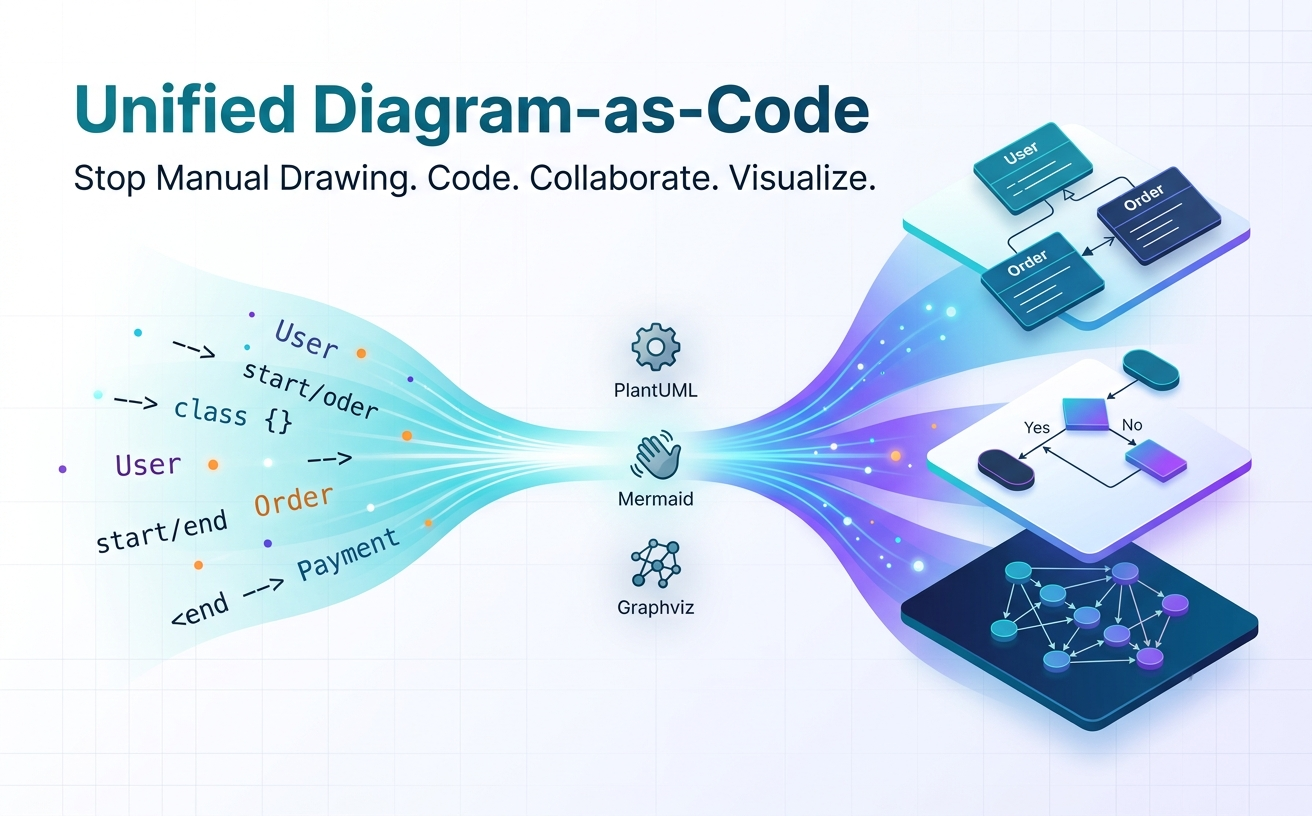
This “architecture drift” isn’t a failure of discipline; it’s a failure of tooling. Drag-and-drop diagramming tools force engineers to step outside their natural developer environment. When updating a diagram requires re-drawing nodes, re-aligning arrows, and manually exporting image files, documentation quickly gets deferred to “later”—which usually means never.
The solution is Diagram-as-Code (DaC). By treating architectural diagrams as plain-text files stored right alongside your application logic, diagrams become versionable, reviewable in pull requests, and easy to update.
The Multi-Engine Dilemma in Modern Engineering
As Diagram-as-Code has matured, the ecosystem has coalesced around three distinct open-source engines, each excelling in specific visual domains:
- PlantUML: The gold standard for formal software design (class structures, sequence flows, state machines, and C4 models).
- Mermaid.js: A lightweight, Markdown-native syntax that shines for user journeys, inline pull request documentation, and simple flowcharts.
- Graphviz (DOT): Optimized for algorithmic layouts, dependency graphs, and complex network topologies.
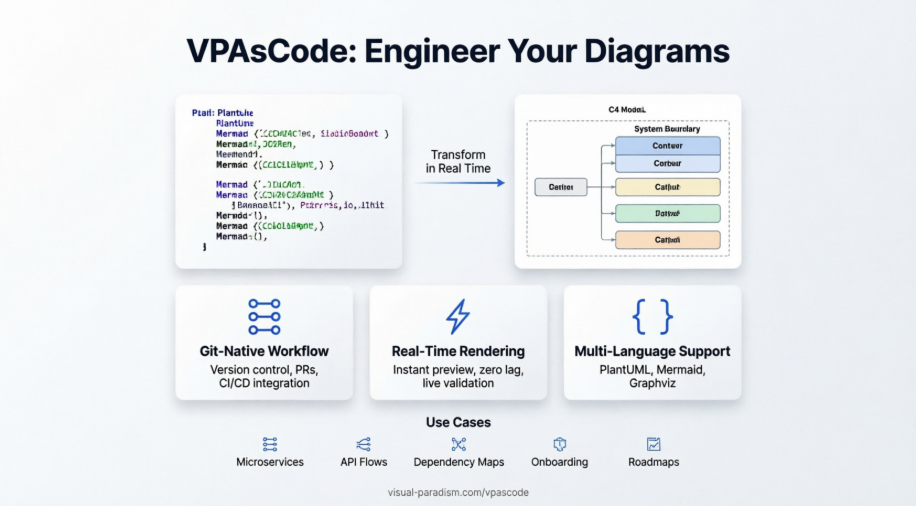
Historically, adopting DaC meant picking one engine and forcing all architectural views into its domain—or dealing with a fragmented setup requiring local Java runtimes, Node modules, CLI tools, and disparate editor extensions. Recently, cloud-native platforms have emerged to solve this syntax fragmentation. For a deeper breakdown of how multi-engine environments can be integrated into a single browser-based workspace, take a look at how VPasCode unifies diagram-as-code engines into a seamless text-to-vision workflow.
Hands-On Example: From Domain Model to Code
To see how plain-text diagrams fit into a developer workflow, consider a typical e-commerce domain model. Instead of relying on a visual canvas, we express entity relationships directly in code using PlantUML syntax:
@startuml
skinparam style strictuml

interface IPaymentProcessor {
    + authorize(amount: Double): Boolean
    + capture(): Void
}

class Order {
    - orderId: String
    - status: OrderStatus
    + calculateTotal(): Double
}

class User {
    - userId: String
    - email: String
    + placeOrder(order: Order): Void
}

User "1" --> "0..*" Order : "places"
Order ..> IPaymentProcessor : "uses"
@enduml
When this markup lives inside a /docs/architecture directory in your repository, updating a data type or adding a relationship is a simple 2-line edit in VS Code or Vim. During a code review, your peers can review the diagram diff directly in Git alongside the backend implementation.
Comparing Diagram-as-Code Engines
Choosing the right syntax depends on what you are trying to communicate. Here is how the three main engines stack up across common engineering tasks:
| Engine | Primary Use Case | Strengths | Key Trade-off |
|---|---|---|---|
| PlantUML | Enterprise UML, C4 Architecture Models | Rich feature set, precise UML compliance, high extensibility | Requires Java backend for local rendering |
| Mermaid.js | Markdown docs, GitHub/GitLab READMEs | Native browser rendering, simple human-readable syntax | Limited customization for dense enterprise models |
| Graphviz (DOT) | Network topologies, DAGs, dependency graphs | Automated hierarchical layout algorithms | Styling syntax can feel verbose and rigid |
Final Thoughts
Diagram-as-Code isn’t just about drawing boxes with text—it’s about removing friction from software documentation. By integrating plain-text diagram engines into your existing version control, code review, and continuous integration workflows, you ensure that your architectural documentation evolves at the exact same pace as your code.
Related posts:
 Visual Paradigm Online PowerPoint Web Viewer: Convert PPT to HTML5 with Animations & Transitions
 Complete Guide to Visual Paradigm Online Office Suite
 VPasCode Feature Review Guide: The Ultimate Diagram-as-Code Solution for Modern Teams
Mastering Business Process Modeling: A Practical Guide to BPMN 2.0
VPasCode Feature Review Guide: The Ultimate Diagram-as-Code Solution for Modern Teams
Mastering Business Process Modeling: A Practical Guide to BPMN 2.0

 English
 Arabic
 Chinese (Simplified)
 Dutch
Dutch French
 German
 Italian
 Japanese
 Korean
 Portuguese
 Russian
 Spanish