The definition of a user story and how to best create one have sparked much debate. Various templates, techniques, and acronyms are used to help Product Owners write user stories. The most common technique is the Role-Feature-Reason template, which helps teams and product owners begin writing user stories in three parts: (1) As a (Role); (2) I want (Feature); So that (Reason).
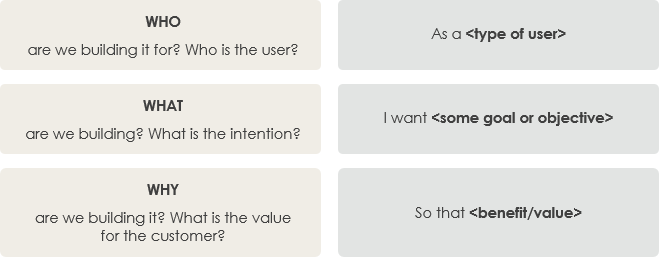
User Story Role-Feature Template
This template acts as a “training wheel,” reminding people that when discussing user stories, they should focus not only on the “what” of the desired software product (I want what), but also on “who (As a [who])” and the goal or purpose behind it—”why (So that [why])”. Here are the purposes of using this template when creating user stories:
- Keep it simple and concise;
- Write from the user’s perspective (who/role);
- Describe a specific feature (what/feature);
- Make the value or benefit of the story clear (why/reason).
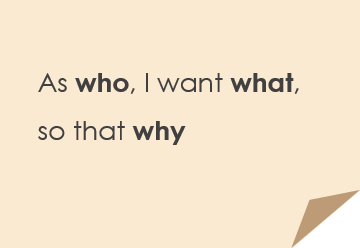
User Story – Who, What, Why Template
Example of Using the Role-Feature-Reason Template
This three-part template focuses on As a (Role), I want (Feature), and So that (Reason). It helps prevent product owners from providing too much detail about how a solution should be implemented. By focusing on these three elements, the development team retains the freedom to find the best technical solution and avoids over-specifying stories before Sprint Planning.

 English
 Arabic
 Chinese (Simplified)
 Dutch
Dutch French
 German
 Italian
 Japanese
 Korean
 Portuguese
 Russian
 Spanish