


🌟 Introduction: Why State Machine Diagrams Matter (And Why They Shouldn’t Be Hard)
- ✅ Launch your first diagram in under 60 seconds
- ✅ Leverage 20+ free, editable templates as your launchpad
- ✅ Master core UML states, transitions, and advanced patterns
- ✅ Collaborate in real-time with your team, anywhere
- ✅ Export polished diagrams for docs, presentations, or dev handoff
A Complete User Experience Guide with Visual Paradigm
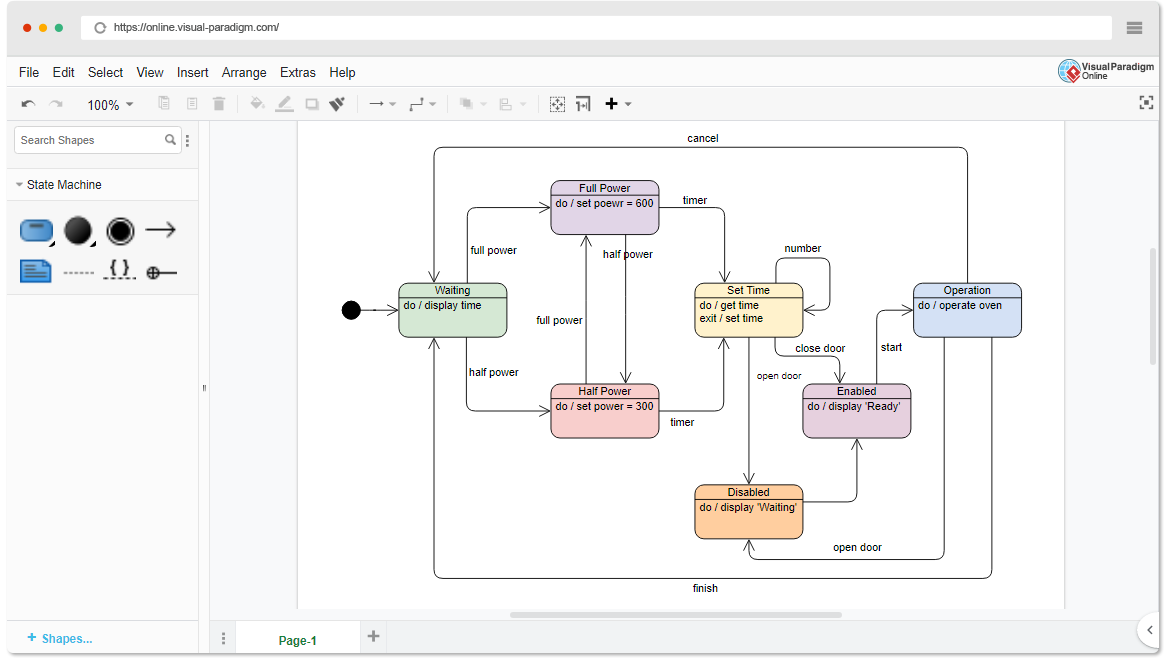
🚀 Phase 1: Discovery & Getting Started
Welcome to Effortless Diagramming
You’ve just discovered VP Online, a powerful cloud-based UML diagramming tool designed to help you create professional State Machine Diagrams in minutes—no installation, no complexity, just pure productivity.
Your First Step: Make a State Machine Diagram
Why Start Here?
-
✅ No registration required to begin editing templates
-
✅ Drag-and-drop interface for intuitive design
-
✅ Cloud-based workspace saves your work automatically
-
✅ Cross-platform access from any device with a browser
🗺️ Phase 2: Explore & Choose Your Template
Browse the Template Gallery
Instead of starting from scratch, leverage our curated collection of free UML state machine diagram templates. Each template is fully editable and designed to accelerate your workflow.
🔧 Device & Appliance Examples
| Template | Preview | Edit Now |
|---|---|---|
| Heater State Machine Diagram | 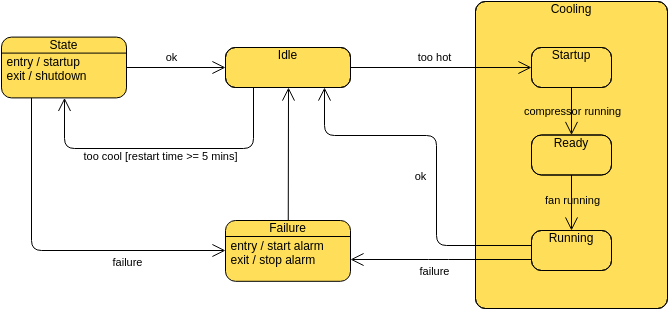 |
Edit → |
| Coffee Machine | 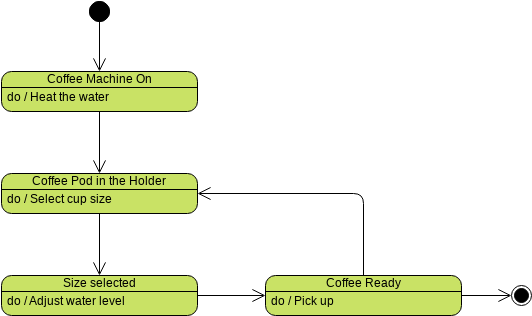 |
Edit → |
| Oven Example | 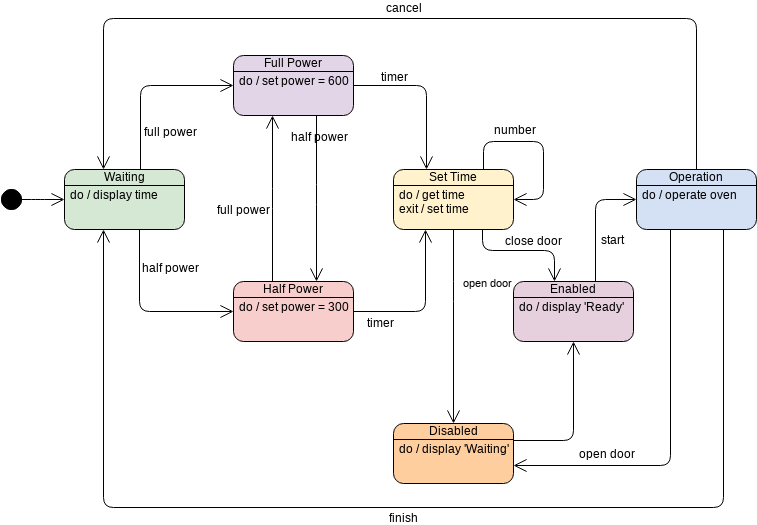 |
Edit → |
| Toaster Example | 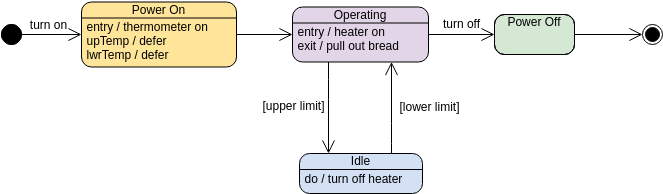 |
Edit → |
📚 System & Business Process Examples
| Template | Preview | Edit Now |
|---|---|---|
| Library System | 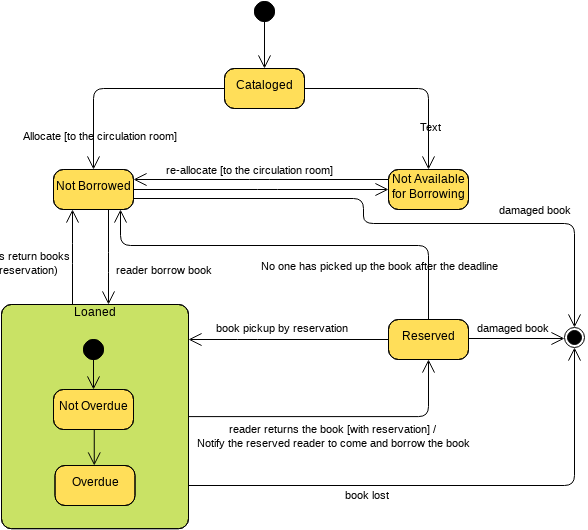 |
Edit → |
| Online Bookstore | 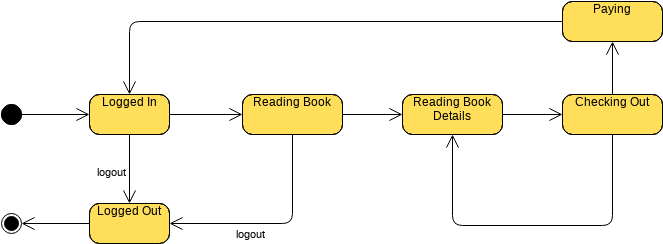 |
Edit → |
| ATM System Example | 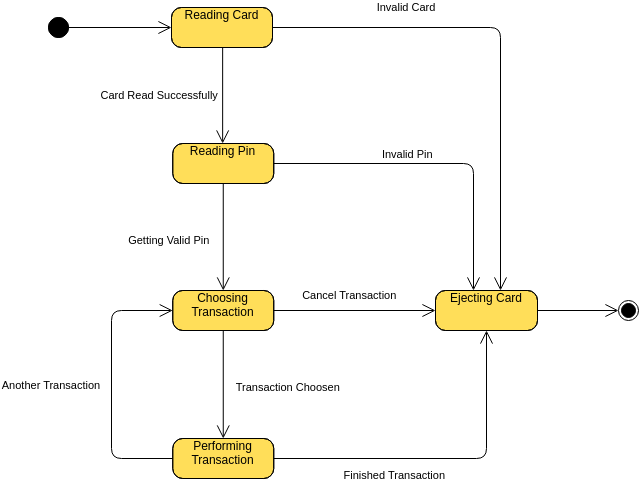 |
Edit → |
| Ticket Selling System | 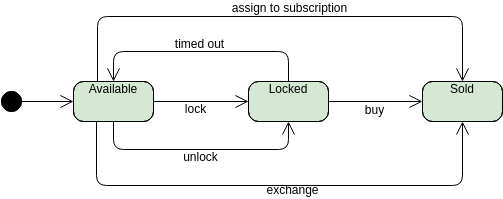 |
Edit → |
⚙️ Advanced UML Concepts
| Template | Preview | Edit Now |
|---|---|---|
| Composite State | 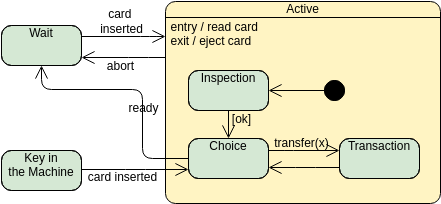 |
Edit → |
| Orthogonal State | 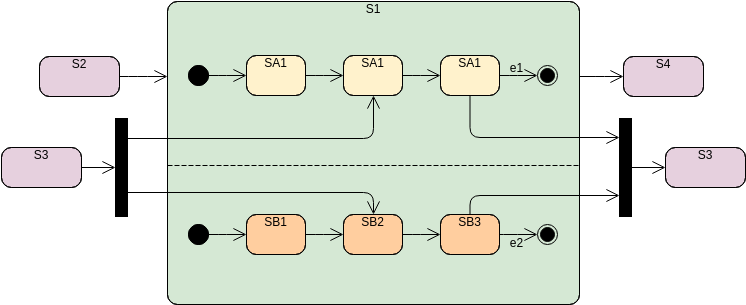 |
Edit → |
| Fork and Join Node |  |
Edit → |
| Choice Node | 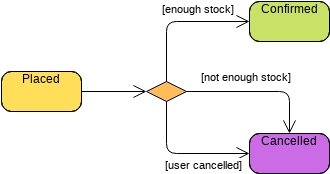 |
Edit → |
🎓 Learning & Reference Templates
| Template | Preview | Edit Now |
|---|---|---|
| State Machine Diagram Symbols | 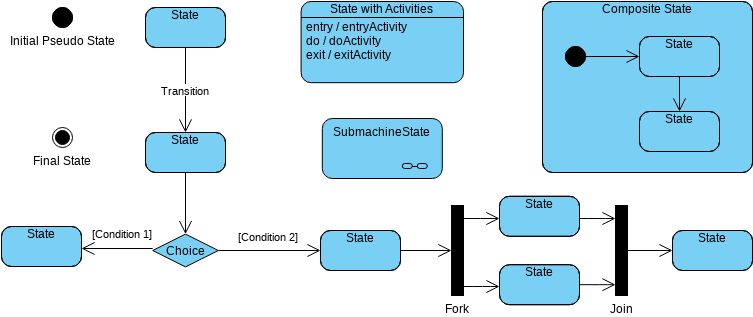 |
Edit → |
| Historical States | 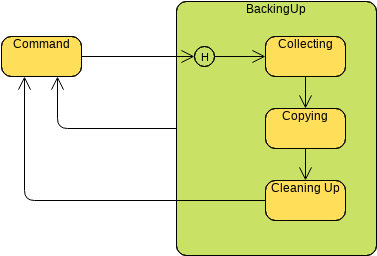 |
Edit → |
✏️ Phase 3: Create & Customize Your Diagram
Drag, Drop, Design
Once you’ve selected a template or started blank, the intuitive canvas empowers you to:
-
Add States: Drag state nodes from the palette onto your canvas
-
Define Transitions: Connect states with arrows, label triggers and guards
-
Insert Actions: Add entry/exit actions, do-activities, and effects
-
Organize with Layers: Use the layer panel to manage complex diagrams
-
Align Precisely: Smart guides ensure professional spacing and alignment
Pro Tips for Efficiency
💡 Use Keyboard Shortcuts: Speed up editing with Ctrl+C/V, arrow keys for nudging
💡 Group Related Elements: Keep composite states organized with nested regions
💡 Add Notes: Clarify complex logic with annotation shapes
💡 Version as You Go: Name your iterations to track design evolution
🤝 Phase 4: Collaborate & Share in Real-Time
Work Together, Anywhere

-
Real-Time Editing: Multiple team members can edit simultaneously
-
Comment Threads: Discuss specific diagram elements without leaving the canvas
-
Share Links: Generate view-only or edit-access links for stakeholders
-
Cloud Sync: Access your diagrams from any device, anywhere
Integrate with Your Workflow

-
Embed diagrams directly into Word, Excel, PowerPoint, or OneNote
-
Keep documentation and visuals synchronized
-
Export updates without reformatting
📤 Phase 5: Export, Publish, Present
Flexible Output Options

Export your finished State Machine Diagram in multiple formats:
| Format | Best For |
|---|---|
| PNG/JPG | Presentations, web pages, quick sharing |
| SVG | Scalable graphics for developers & designers |
| Professional documentation, printing, archiving | |
| XML/VPX | Future editing, version control, backup |
Switching from Visio?
✅ Import your existing .vsdx files
✅ Preserve layers, shapes, and connections
✅ Enjoy enhanced UML compliance and collaboration features
🌟 Feature Highlights Recap
| Feature | Benefit |
|---|---|
 Intuitive Drawing Tools Intuitive Drawing Tools |
Drag-and-drop + smart alignment = faster, cleaner diagrams |
| MS Office Integration |
Seamless workflow between diagrams and documentation |
 Import Visio Drawing Import Visio Drawing |
Migrate existing work without starting over |
| Diagram Export |
Share outputs in any format your team requires |
 2,000+ Templates 2,000+ Templates |
Jumpstart projects across UML, BPMN, flowcharts, and more |
| Real-Time Collaboration |
Brainstorm, review, and finalize diagrams together |
- Mastering State Diagrams with Visual Paradigm AI: A Guide for Automated Toll Systems: This guide demonstrates how to use AI-enhanced state diagrams to model and automate complex behavior within toll system software.
- AI-Powered UML Chatbot State Diagrams: This article explores how artificial intelligence enhances the creation and interpretation of UML state diagrams specifically for chatbot systems.
- UML State Machine Diagram: A Definitive Guide to Modeling Object Behavior with AI: This resource provides a detailed guide on using AI-enhanced tools to model object behavior with standardized state machine notation.
- Comprehensive Step-by-Step Guide to the 3D Printer State Machine: A detailed walkthrough that explains the state machine concept in 3D printing systems and the operational logic used to automate them.
- State Diagram Quick Tutorial: Master UML State Machines in Minutes: A beginner-friendly tutorial designed to help users master the creation and understanding of state diagrams using modern modeling tools.
- Generating Source Code from State Machines in Visual Paradigm: This technical guide provides instructions on generating source code directly from diagrams, enabling developers to implement complex state-driven logic efficiently.
- What is a State Machine Diagram? A Comprehensive Guide to UML State Diagrams: This guide provides an in-depth explanation of state machine purposes, components, and real-world applications in modern system design.
- AI-Powered Visual Modeling and Design Solutions by Visual Paradigm: This central hub explores cutting-edge AI-driven tools for visual modeling and software design, enabling smarter development workflows for UML diagrams including state machines.
- How AI Chatbot Can Help You Learn UML Faster: This article explains how users can practice UML interactively, receive feedback, and visualize concepts instantly using an AI modeling partner.
- AI Textual Analysis – Transform Text into Visual Models Automatically: This feature overview details how to use AI to analyze text documents and automatically generate diagrams, such as UML state machines, for faster documentation.
🎯 Ready to Start?
Launch the State Machine Diagram Editor Now →
No signup required. Begin designing in seconds.
Visual Paradigm Online — Where complex logic becomes clear, collaborative, and beautifully visual. 🚀

 English
 Arabic
 Chinese (Simplified)
 Dutch
Dutch French
 German
 Italian
 Japanese
 Korean
 Portuguese
 Russian
 Spanish