


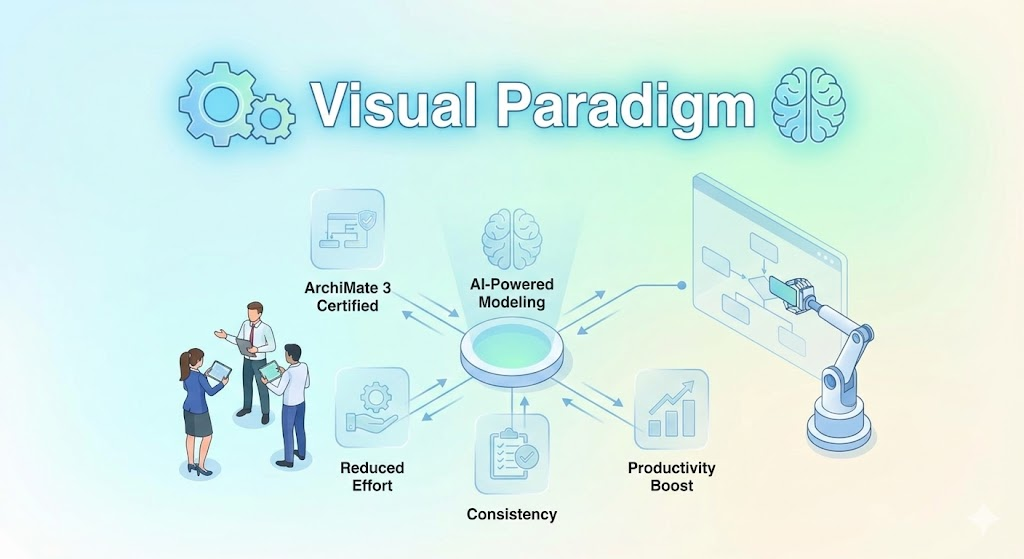
Visual Paradigm is a powerful, AI-enhanced visual modeling platform trusted by over 320,000 professionals worldwide. It supports a vast array of diagramming standards for software development, enterprise architecture, business process management, project management, and more. With generative AI integrations, it accelerates workflows by turning text descriptions into diagrams, charts, infographics, and presentations. The platform offers both a robust desktop application and a cloud-based online suite (Visual Paradigm Online), making it accessible for individuals, teams, educators, and enterprises.
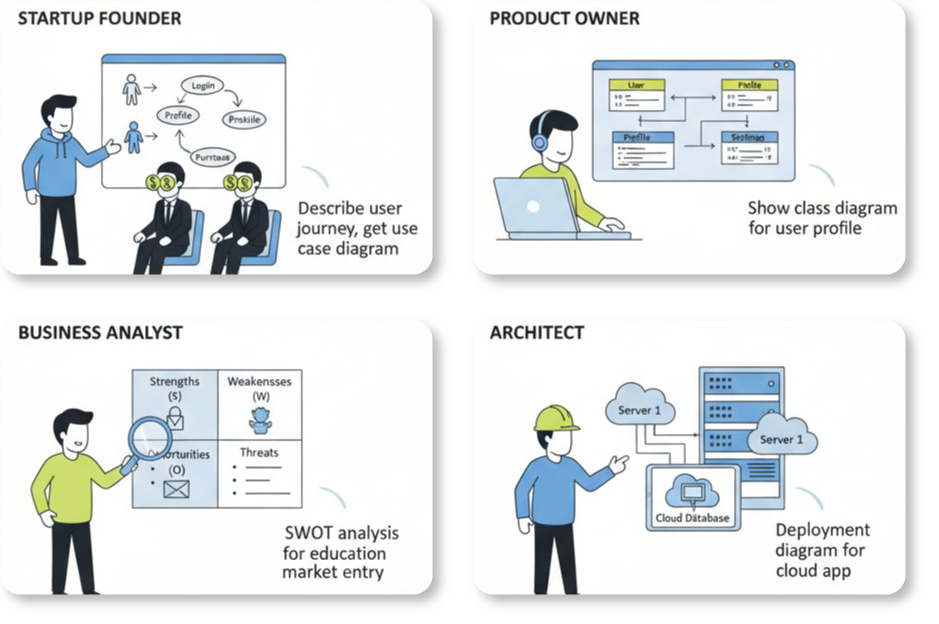
This guide is designed for beginners, helping you get started, explore core features, and leverage its AI capabilities effectively.
Getting Started
1. Choose Your Edition and Access
- Community Edition (Free): Ideal for beginners and non-commercial use. Download it from the official site for UML, SysML, ERD, basic diagramming, and limited features. No time limit or obligation.
- Online Version (Free Tier Available): Go to online.visual-paradigm.com for a browser-based experience. Sign up for a free account to access diagramming, AI tools, charts, infographics, and more without installation.
- Desktop Editions: Professional or Enterprise versions unlock advanced features like code engineering, full AI apps, and team collaboration. Start with a trial or Community Edition, then upgrade.
- Academic Program: Students and educators can get free or discounted licenses.
Quick Start Steps:
- Visit www.visual-paradigm.com or online.visual-paradigm.com.
- Download the desktop app (Windows, macOS, Linux) or sign up online.
- Create a new project: In desktop, go to Project > New. In online, select a tool (e.g., Flowchart) and start from templates.
- Explore demos: Many tools have “Try Now” buttons for instant hands-on experience.
Official tutorials and quick starts are available at visual-paradigm.com/tutorials/ and in the user’s guide.
Core Diagramming Capabilities
Visual Paradigm supports over 200 diagram types, making it a one-stop tool for technical and business visuals.

- Software Development: UML (class, sequence, use case, etc.), SysML.
- Business Process: BPMN, Data Flow Diagrams (DFD), Event-driven Process Chain (EPC).
- Database: ERD (Entity Relationship Diagrams) in standard or Chen notation.
- Enterprise Architecture: ArchiMate, TOGAF ADM, Zachman Framework.
- General Purpose: Flowcharts, Mind Maps, Organization Charts, PERT Charts, Network Diagrams, Floor Plans.
- UX and Wireframing: Wireframes, Wireflows, Storyboards.
- Casual/Visual: Infographics, Greeting Cards, Resumes, Brochures.
Beginner Tip: Start with templates—search for pre-built examples in the tool to modify instead of building from scratch.
AI-Powered Features
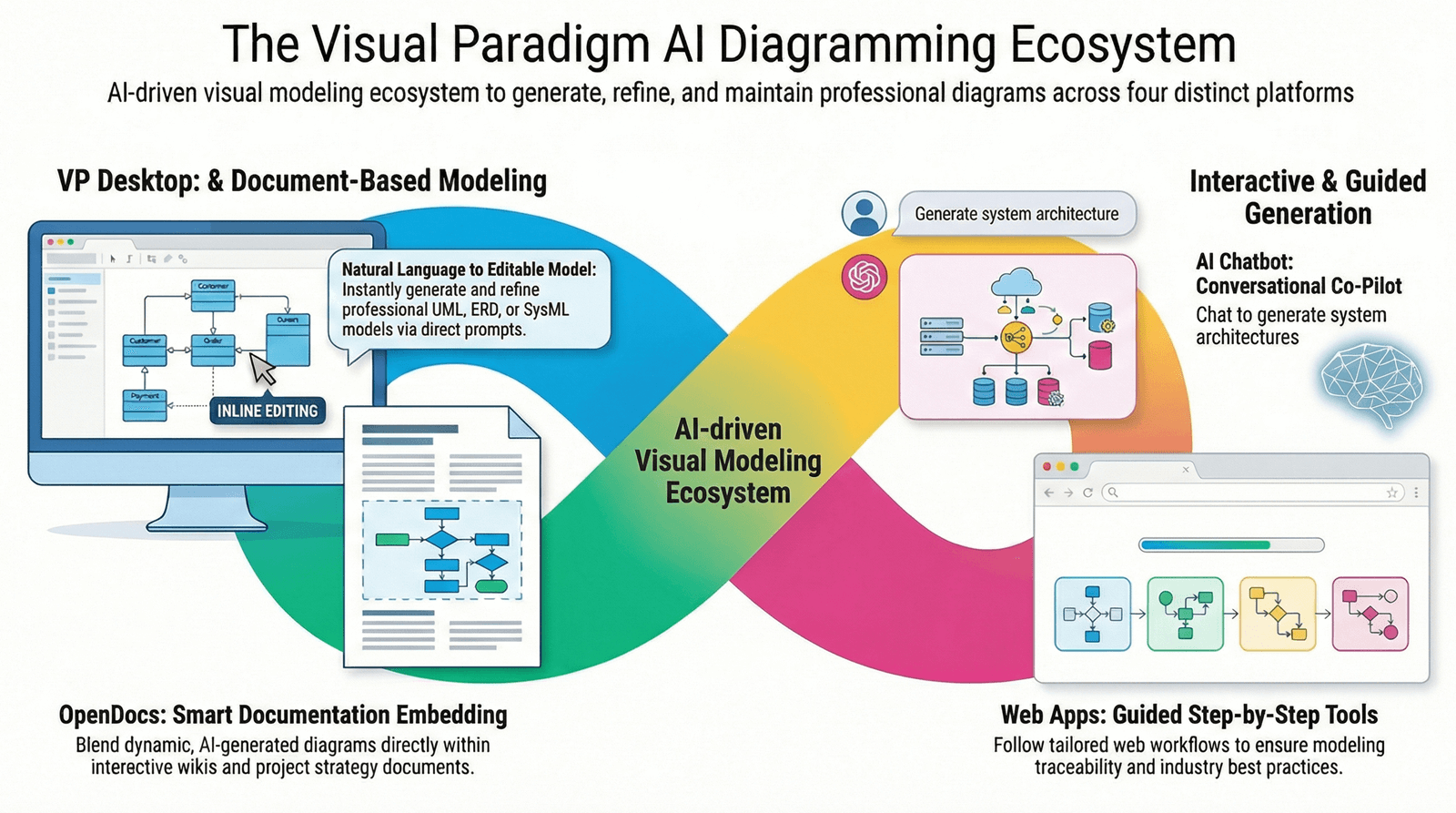
One of Visual Paradigm’s standout strengths is its generative AI, with over 50 specialized AI apps to automate and enhance creativity.
- AI Diagram Generation: Describe your idea in text (e.g., “Create a class diagram for an online shopping system”), and AI generates UML, BPMN, flowcharts, or ERDs instantly.
- AI Chatbot: Interact via chat to create, refine, or modify diagrams (e.g., “Add authentication to this sequence diagram”).
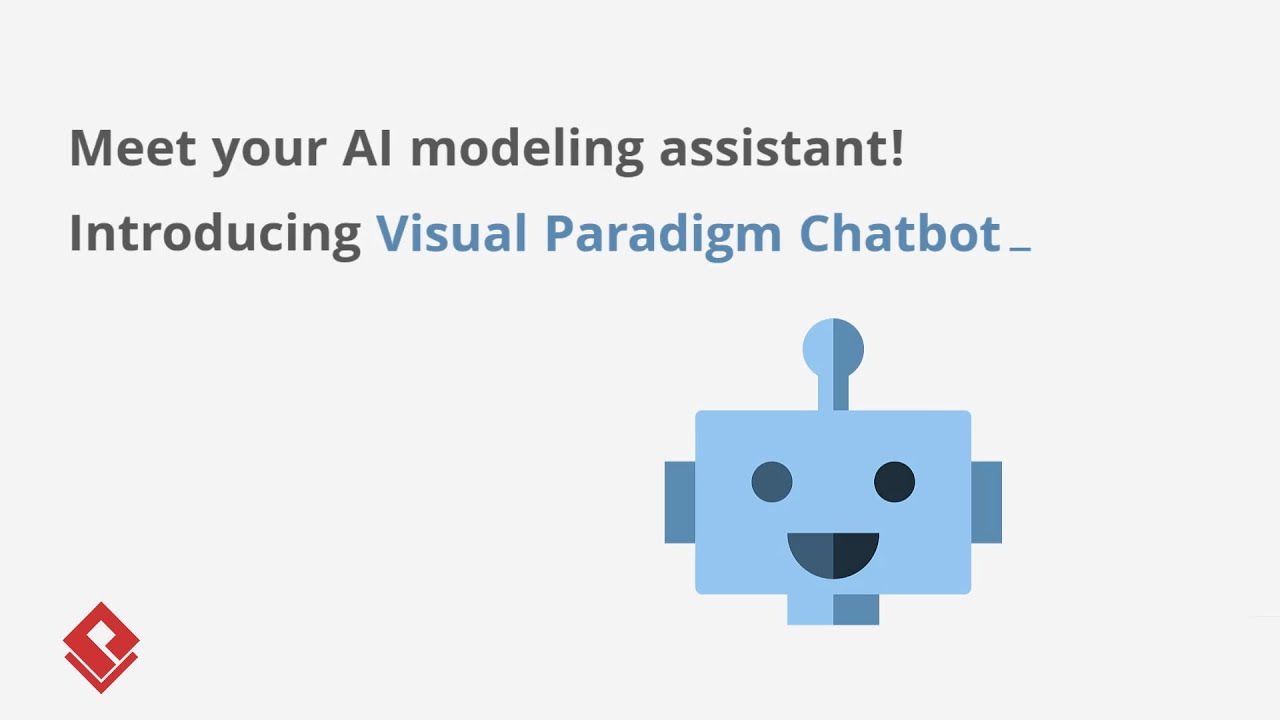
- AI Analysis Tools:
- Strategy: SWOT, PESTLE, BCG Matrix, OKRs.
- Process: 5 Whys, Gap Analysis, Lean Six Sigma.
- Agile: User Story refinement, Sprint planning, Jira backlog sync.
- Project: Risk prediction, WBS, KPI tracking.
- AI Content Creation: Generate infographics, animated banners, flipbooks, markdown-to-slides presentations.
- Other AI Apps: AI charts (from data/text), table/database tools, image translation, OCR for PDFs.
How to Use AI as a Beginner:
- In the online or desktop interface, look for the AI Chatbot icon.
- Try simple prompts first: “Generate a flowchart for user login process.”
- Access the AI App Library for targeted tools (e.g., AI SWOT Analyzer).
Presentation and Productivity Tools
Beyond diagrams, Visual Paradigm Online excels in content creation:
- Presentation Makers: Convert Markdown to slides, create animated presentations, flipbooks, or HTML websites.
- Graphic Design: Infographics, posters, flyers, collages, animations (2D/3D with lip-sync and text-to-speech).
- Office Tools: Document/spreadsheet editors, PDF tools (with AI OCR), form builders.
- Flipbooks and Animations: Turn content into interactive digital books or videos.
Tip: Use AI to generate content—e.g., “Create an infographic on climate change” for instant visuals.
Collaboration and Advanced Features
- Team Work: Cloud workspaces for real-time editing, commenting, versioning, and task management.
- Project Management: Gantt charts, Scrum boards, User Story Mapping, Burndown charts.
- Integrations: Jira, Confluence, code generation (10+ languages), database reverse engineering.
- Customization: Plugins, guide-through processes.
For teams, enable cloud collaboration early to share projects seamlessly.
Tips for New Users
- Learning Resources:
- Official Tutorials: Step-by-step guides for UML, BPMN, Agile, etc.
- Demo Videos and Know-How sections on the site.
- Community Forums for questions.
- Best Practices:
- Use AI to bootstrap diagrams—refine manually for precision.
- Organize with models and folders in projects.
- Experiment in the free online version before committing to desktop.
- Common Beginner Workflow:
- Describe requirements in text.
- Let AI generate initial diagrams/charts.
- Edit and collaborate.
- Export or present (PDF, image, HTML).
Visual Paradigm evolves rapidly with AI updates—check the “What’s New” section regularly.
Whether you’re a student learning UML, a business analyst mapping processes, or a developer designing systems, Visual Paradigm’s intuitive interface and AI make it accessible and powerful. Start exploring today at visual-paradigm.com! If you need help, their support team is responsive.
Related posts:
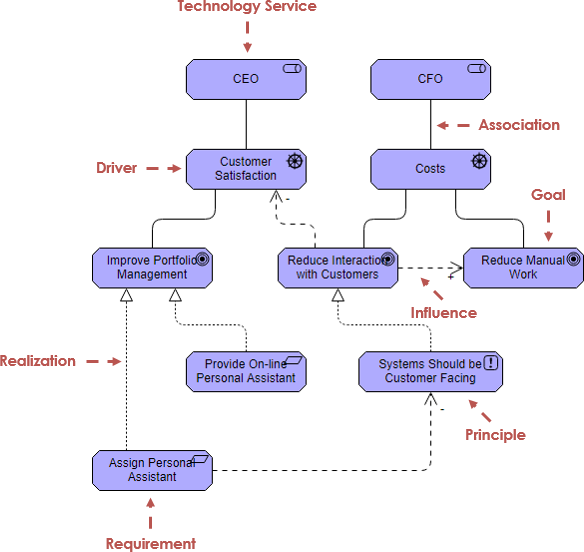 Case Study: Enhancing Customer Experience through Digital Transformation in a Technology Service Company
 Creating a Strategic Report for Food Delivery: An AI-Powered Competitive Analysis Tool
 Harnessing Visual Paradigm’s AI for Diagram Generation: The Ultimate 2026 Guide
 OpenDocs Review: The AI-Powered Knowledge Platform That Transforms Team Collaboration

 English
 Arabic
 Chinese (Simplified)
 Dutch
Dutch French
 German
 Italian
 Japanese
 Korean
 Portuguese
 Russian
 Spanish