


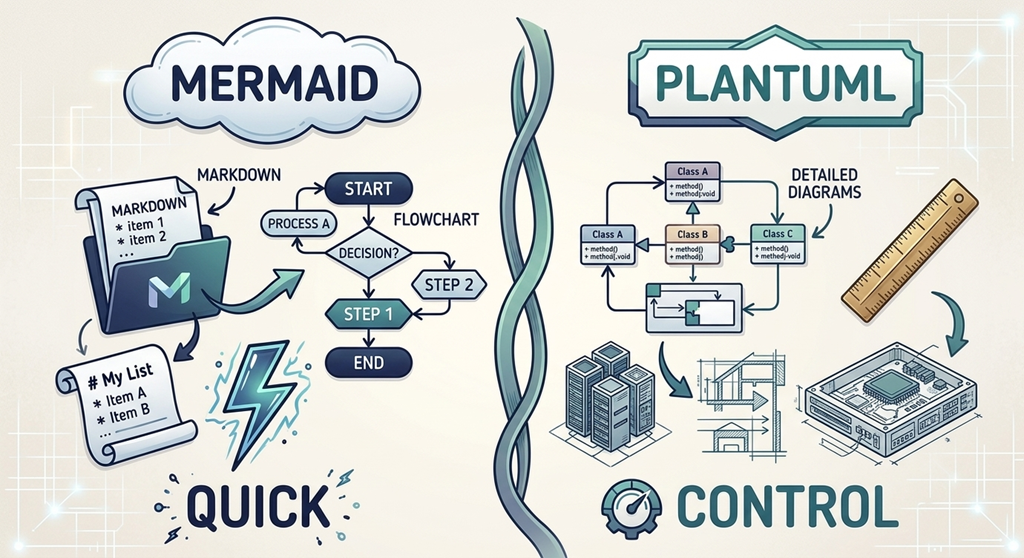
Mermaid prioritizes rapid, native Markdown rendering, whereas PlantUML excels at highly structured enterprise modeling.
1. PlantUML: The Enterprise Powerhouse
PlantUML is the undisputed veteran in the text-based UML tool space. It is incredibly robust, highly flexible, and supports an exhaustive library of classic UML layouts.
If your goal is comprehensive text-based UML diagram editing, PlantUML is usually the default choice. It is optimized to map complex software relationships and easily generates a highly detailed:
- Class diagram or Object diagram
- Sequence diagram and Use case diagram
- Activity diagram and State diagram
- Component diagram and Deployment diagram
- Timing diagram
The Verdict: Choose PlantUML if you are modeling complex, multi-layered enterprise software architectures where strict layout control and comprehensive UML compliance are non-negotiable.
2. Mermaid: The Web-Native Markdown Favorite
Mermaid is a modern, JavaScript-based Markdown diagram tool. It has gained massive popularity because it is natively supported directly inside Markdown readers like GitHub, GitLab, and Notion.
Its syntax is exceptionally lightweight and clean, making it incredibly fast to generate diagram from text directly within your project’s README.md files.
The Verdict: Choose Mermaid if you want quick, beautiful documentation that integrates seamlessly with web platforms, sits directly alongside your markdown documentation, and doesn’t require compiling local background engines.
3. Graphviz: The Master of Automated Layouts
Graphviz uses the DOT scripting language. Unlike PlantUML or Mermaid, which are structured specifically around software design, Graphviz is a mathematical graph visualization engine.
It is designed to take raw relationships (nodes and edges) and automatically compute optimal spatial layouts. It is commonly used to render complex network topographies, database entity relationships, or state machines.
The Verdict: Choose Graphviz if you are visualizing massive, auto-generated data webs or highly complex network structures where manual layout design would be impossible.
Direct Comparison Matrix
| Feature | PlantUML | Mermaid | Graphviz |
|---|---|---|---|
| Primary Focus | Enterprise software modeling | Markdown documentation | Data & network graphs |
| Ease of Use | Moderate | High (simple syntax) | Steep learning curve |
| UML Support | Full coverage (9+ formats) | Basic / growing support | General networks only |
| Web Native | No (requires server rendering) | Yes (JavaScript) | No (command line native) |
The Real Problem: Tool Siloing
When teams standardize on a single diagram as code software, they often end up compromising. If you pick Mermaid, your system architects might miss PlantUML’s advanced sequence diagram capabilities. If you choose PlantUML, your technical writers might struggle with non-web integration.
What if you didn’t have to choose?
Meet VPasCode: The Unified Solution
VPasCode—a key component of the Visual Paradigm AI Ecosystem—is designed to eliminate tool silos entirely. It acts as a single, centralized workspace that unifies PlantUML, Mermaid, and Graphviz under one roof.
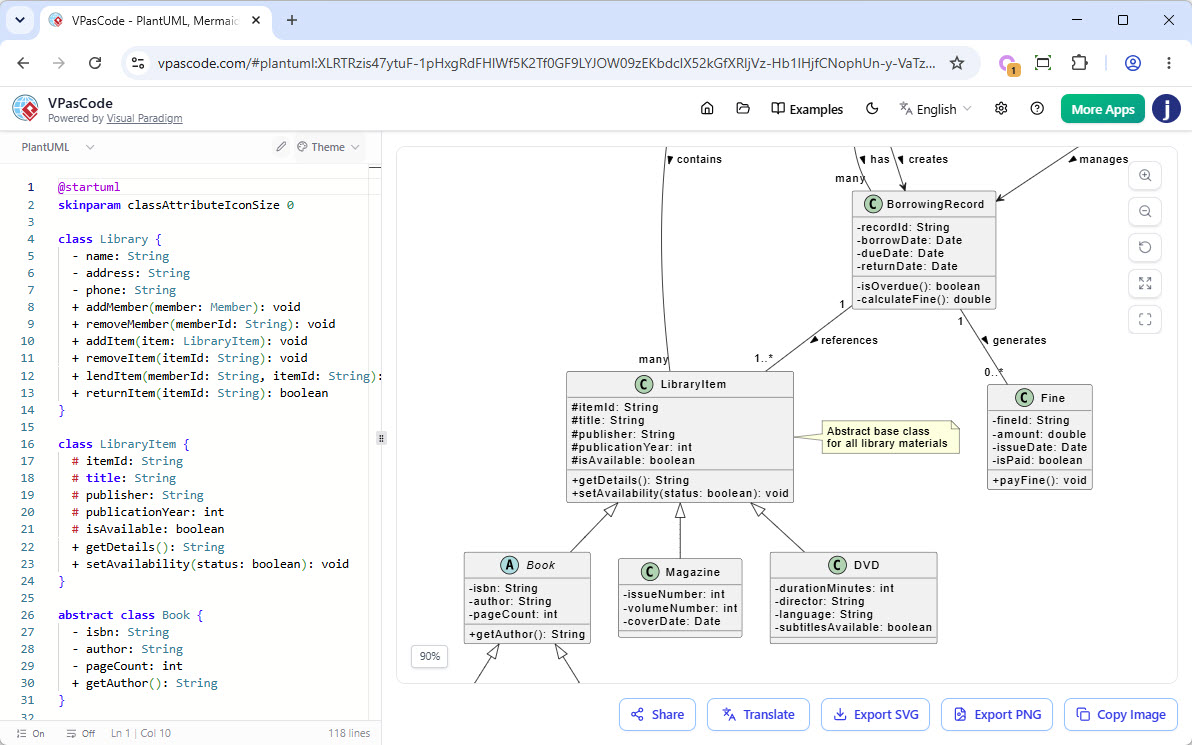
Instead of switching between environments, you can write in the syntax that best fits your immediate task:
- Work on detailed enterprise structures in PlantUML.
- Maintain fast, lightweight documentation with Mermaid.
- Map massive network structures with Graphviz.
- Visualize data with integrated ECharts, JSON, and SQL engines.
Furthermore, VPasCode elevates your diagramming experience with AI-backed tools. Use the Visual Paradigm AI Diagramming Chatbot to prompt a schema into existence, click “Edit in VPasCode” to manually polish it, and use built-in AI code error fixing or AI code content translation to instantly correct and adapt your layouts.
When you’re finished, share it seamlessly across the organization using Visual Paradigm OpenDocs.
Conclusion
You don’t need to force your engineering team into a single diagram-as-code syntax. By adopting a unified editor like VPasCode, you gain the versatility of Mermaid, the architectural strength of PlantUML, and the computational intelligence of Graphviz—all powered by a modern, collaborative AI ecosystem.

 English
 Arabic
 Chinese (Simplified)
 Dutch
Dutch French
 German
 Italian
 Japanese
 Korean
 Portuguese
 Russian
 Spanish