


Introduction
When I first started diving into software design and system modeling, I was overwhelmed by the cost of professional UML tools. Like many students and hobbyists, I needed something powerful yet affordable—or better yet, free. That’s when I discovered Visual Paradigm Community Edition, and honestly, it changed my entire approach to visual modeling. After spending months creating everything from class diagrams to sequence diagrams, I can confidently say this tool punches way above its weight class. Whether you’re a student working on your thesis, an educator preparing course materials, or just someone who loves clean system design, let me walk you through my experience with this remarkable free UML modeling solution.
Getting Started: First Impressions Matter
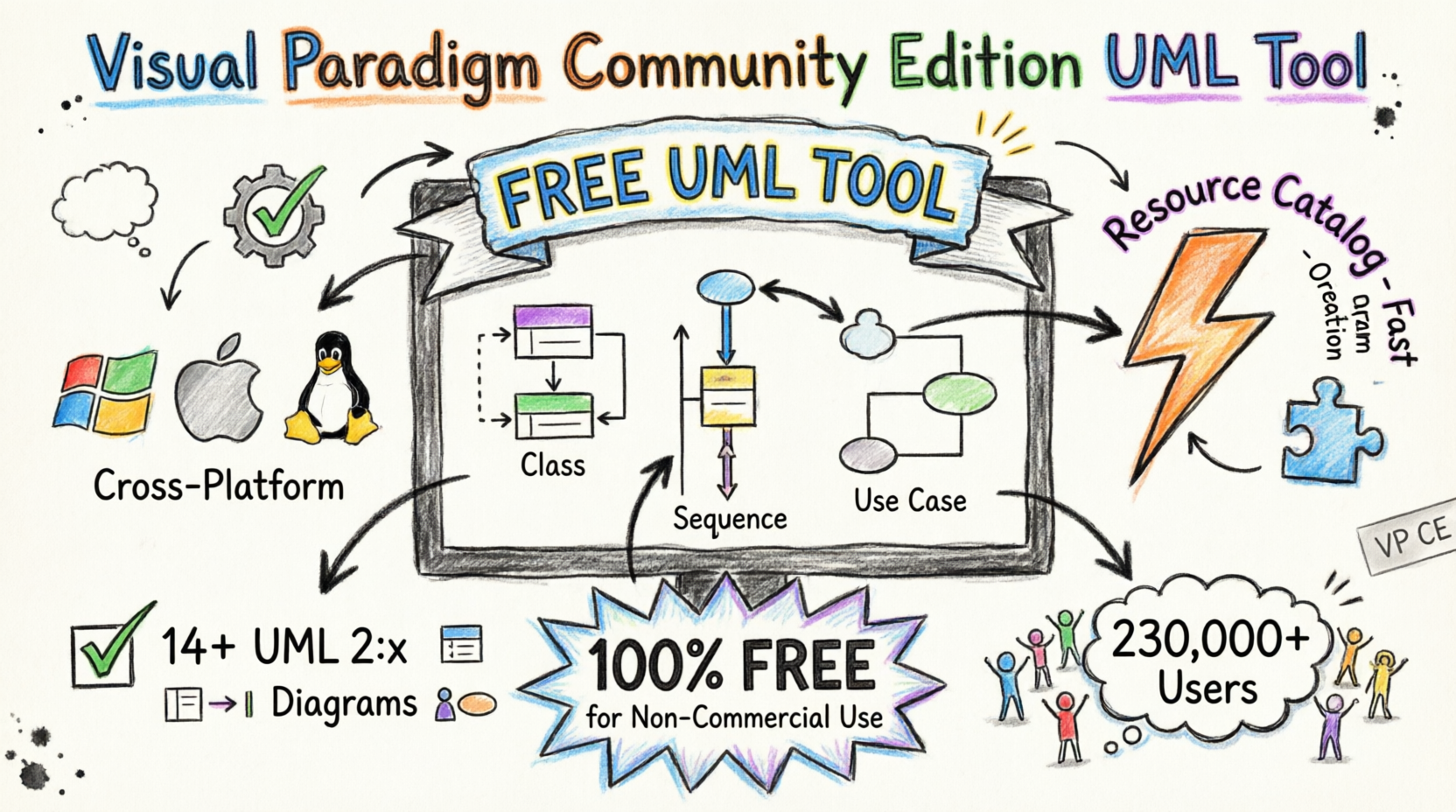
From the moment I launched Visual Paradigm Community Edition, I appreciated how it runs seamlessly across Windows, macOS, and Linux—any Java-enabled environment really. The interface immediately struck me as clean and professional, without the clutter and redundant widgets that plague so many diagramming tools. It’s clear the developers prioritized actual modeling work over flashy but unnecessary features.
Everything You Need, in One Place
What impressed me most early on was how this free tool combines intuitive diagramming with advanced modeling features that professional tools often lock behind expensive paywalls. Here’s what stood out during my daily use:
-
UML Support: I could draw any of the UML 2.x diagrams with full notation fidelity—no compromises.
-
Modeling Capability: The ability to reuse elements, automatic syntax checking, and sub-diagrams for multiple abstraction levels made my workflow so much smoother.
-
Efficiency: The thoughtful UI details—like the meaningful difference between a click and a drag—made everything feel natural and fast.
-
Cross-Platform: Whether I was working on my Windows desktop or Mac laptop, the experience was seamless.

UML Support
Draw ANY of the UML2 diagrams

Modeling Capability
Re-usable elements, syntax checking, sub-diagrams, etc.

Efficiency
We care about the difference between a click and a drag.

Cross Platforms
Modeling in ANY Java-enabled platforms – Windows, Mac OS X, Linux
The Game-Changer: Resource Catalog
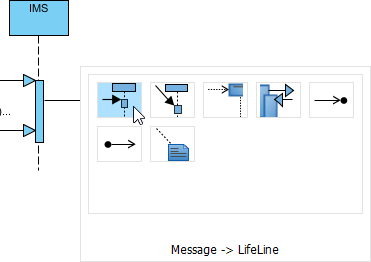
If I had to pick one feature that transformed my productivity, it would be the Resource Catalog. This became my secret weapon for speed and consistency. Instead of hunting through menus for shapes or connectors, I could build high-quality UML diagrams with just a few mouse clicks. It kept my focus on actual modeling rather than wrestling with the interface. I found myself creating diagrams faster than ever before, and the consistency across my projects improved dramatically.
Real Modeling vs. Just Drawing
Coming from basic diagramming apps, I initially didn’t realize what I was missing. Visual Paradigm emphasizes genuine modeling practices, and once I experienced the difference, I couldn’t go back:
-
Element Reuse: I could reuse elements across different diagrams and models, saving hours of redundant work.
-
Built-in Syntax Checking: The tool caught my design errors before they became problems, maintaining correctness automatically.
-
Sub-diagrams: Creating layered abstraction through sub-diagrams helped me manage complex projects without losing clarity.
-
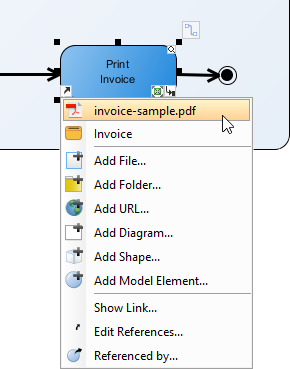
External References: Adding references to external design artifacts kept everything connected and contextual.
If you’ve used professional modeling software before, you’ll immediately appreciate how these capabilities streamline complex projects. If you haven’t, trust me—you’re getting professional-grade tools here.
Keeping Everything Connected: Element Referencing
One feature I grew to rely on was the robust element referencing system. Visual Paradigm enabled me to create strong connections between model elements and external resources—webpages, files, documents. This created what felt like a living, traceable model where everything stayed linked and contextual. When reviewing my work months later, I could instantly understand the relationships and context without scrambling to remember where I stored supporting materials.
Putting It to Work: Real Diagram Examples
Throughout my projects, I used Visual Paradigm across various UML scenarios, and it handled everything beautifully:
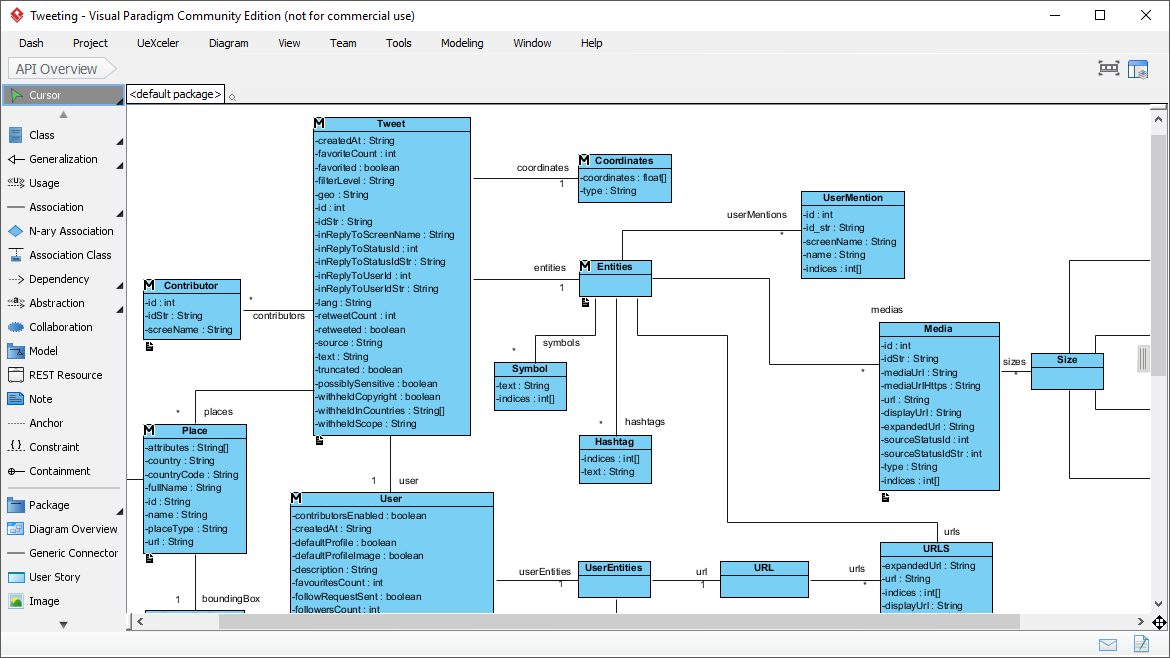
Class Diagram
Designing APIs and system structures felt natural in the spacious, distraction-free editor. I could focus on the architecture without interface clutter getting in the way.
Entity Relationship Diagram (ERD)
For database modeling, the ERD capabilities were exactly what I needed—clean, professional, and easy to modify as requirements evolved.
Sequence Diagram
Capturing object interactions became straightforward with the sequence diagram tools. The visual clarity helped me spot design issues I might have missed in code alone.
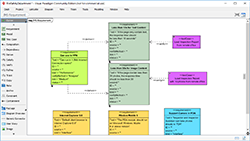
Requirement Diagram
The SysML support for requirement diagrams added another layer of professionalism to my projects, especially when working on systems with complex requirement hierarchies.
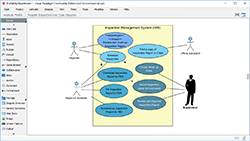
Use Case Diagram
Mapping functional requirements through use case diagrams helped me communicate system behavior clearly to stakeholders and team members.
Understanding the Limitations: What’s Free vs. Paid
Transparency matters, so let me be clear about what you get with the Community Edition versus what requires an upgrade. The Community Edition is completely FREE for non-commercial use, while the Modeler Edition costs $6/month for any purposes.
What’s Included in the Free Community Edition (with a single-line watermark on prints/exports):
-
Use Case Diagram
-
Class Diagram
-
Sequence Diagram
-
Communication Diagram
-
State Machine Diagram
-
Activity Diagram
-
Component Diagram
-
Deployment Diagram
-
Package Diagram
-
Object Diagram
-
Composite Structure Diagram
-
Timing Diagram
-
Interaction Overview Diagram
-
Entity Relationship Diagram (ERD)
-
SysML Requirement Diagram
-
SysML Block Definition Diagram
-
SysML Internal Block Diagram
-
SysML Parametric Diagram
-
Business Concept Diagram
-
Printing & Image exporting (PNG, JPG) — with watermark
What’s Limited or Unavailable: Many advanced collaboration features, BPMN, DFD, flowchart tools, team and task management, glossary features, textual analysis, and other business diagramming capabilities (EPC, Organization Chart, Network/Rack diagrams, etc.) are restricted in the free edition.
For my personal projects and learning, the Community Edition provided everything I needed. The watermark on exports was a small trade-off for access to such powerful tools.
FREE Download – Community Edition | FREE Trial – Full Editions
Joining a Massive Community
It’s reassuring to know I’m not alone in using this tool. Over 230,000 users trust Visual Paradigm, including small businesses, Fortune 500 companies, universities, and government organizations. This massive user base means there’s plenty of community support, tutorials, and shared knowledge available. The fact that such diverse organizations—from students to enterprise-level companies—rely on Visual Paradigm speaks volumes about its reliability and capability.
Conclusion
After months of hands-on experience, I can confidently say that Visual Paradigm Community Edition delivers a genuinely professional UML modeling experience without costing a dime (for non-commercial use). The clean interface eliminates distractions, the Resource Catalog accelerates my workflow, and real modeling features like syntax checking and element reuse have elevated the quality of my designs. The broad UML 2.x support, plus ERD and SysML capabilities, sets it far apart from lighter drawing tools that just create pretty pictures without actual modeling intelligence.
Yes, the Community Edition includes a watermark on exports and restricts commercial or team collaboration features, but for students, educators, or personal system design work, it remains one of the most capable free options available—perhaps the most capable. It’s an outstanding starting point that scales gracefully if your needs grow and you decide to upgrade.
If you’re serious about visual modeling but don’t want to invest hundreds of dollars upfront, download Visual Paradigm Community Edition today. Experience focused, high-quality modeling without the bloat, and join the hundreds of thousands who’ve already made this their go-to UML tool. You won’t regret it.
References
- Free UML Tool: Official page presenting Visual Paradigm Community Edition as a free UML software for visual modeling with UML 2.x diagrams, including feature highlights, screenshots, and comparison table.
- Download Visual Paradigm Community Edition: Direct download portal for the free Community Edition (non-commercial use), with system requirements and version details.
- Easy-to-Use UML Tool: In-depth feature overview of UML diagramming capabilities, diagram types, and modeling tools.
- Compare Visual Paradigm Product Editions: Edition comparison showing what Community Edition includes versus paid tiers.
- Visual Paradigm Community Edition: The Best Free UML Tool on the Market: Independent review highlighting extensive UML support, usability, and key strengths.

 English
 Arabic
 Chinese (Simplified)
 Dutch
Dutch French
 German
 Italian
 Japanese
 Korean
 Portuguese
 Russian
 Spanish