


Visual Paradigm OpenDocs is an AI-powered, browser-based knowledge management and documentation workspace. It bridges the gap between traditional text documentation and visual architecture by embedding professional diagramming directly into text pages.
Full Feature List
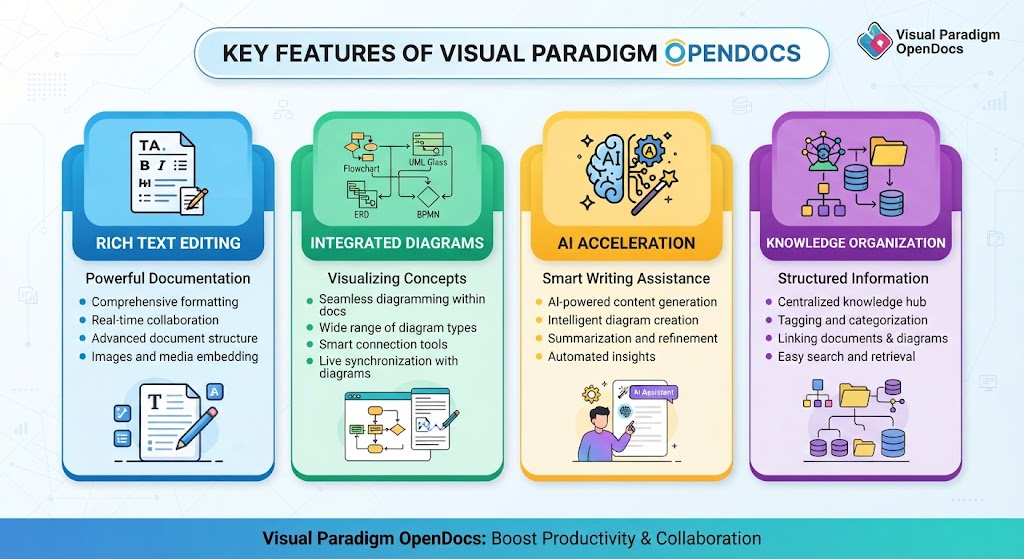
1. Rich Text & Markdown Editing
-
Live Markdown Preview: Features a split-pane, real-time WYSIWYG-like Markdown preview as you type.
-
Technical Formatting: Supports tables, nested lists, blockquotes, code blocks with syntax highlighting, and custom headings.
-
Keyboard-First Workflow: Optimized for fast, mouse-free documentation formatting.
2. Integrated Professional Diagramming Engine
-
Native Embedding: Create, edit, and view complex diagrams right inside your document pages without jumping between tools or tabs.
-
Extensive Diagram Support:
-
UML Diagrams: Class, Sequence, Use Case, Activity, State Machine, Component, and Deployment diagrams.
-
Data Modeling: Entity-Relationship Diagrams (ERDs) and Data Flow Diagrams (DFDs).
-
Business Processes: BPMN 2.0, Flowcharts, Swimlane, and Event-Driven Process Chains (EPC).
-
Strategic & Planning: Mind Maps, SWOT Analysis, PERT Charts, Gantt Timelines, and Work Breakdown Structures (WBS).
-
Architecture: Cloud architecture stencils, network topologies, and system context diagrams.
-
Rich Shape Libraries: Hundreds of professional stencils for cloud services, databases, infrastructure, and APIs.
3. AI-Powered Acceleration
-
AI Diagram Generation: Describe a system, workflow, or architecture in plain English text (e.g., “Create a sequence diagram for user login”), and the AI instantly generates a fully editable diagram.
-
AI Content Assistant: Draft full sections, summarize lengthy text blocks, rephrase complex technical jargon, or generate documentation from simple outlines.
-
Advanced Guidance: Features context-aware AI tools (such as AI-driven TOGAF Guide-Through) to assist with enterprise architecture frameworks.
4. Knowledge Tree & Structure Management
-
Hierarchical Organization: Structure knowledge bases using collapsible, nested folders and subfolders.
-
Drag-and-Drop Management: Easily reorganize files, pages, and folders via intuitive drag-and-drop actions.
-
Global Search: Fast full-text search across all documents, folders, and embedded diagrams.
5. Collaboration and Sharing
-
Cloud-Based Accessibility: Fully web-based; requires zero local installation and works across modern browsers and devices.
-
Real-Time Collaboration: Multiple team members can work within the shared workspace simultaneously.
-
One-Click Sharing: Publish and share the entire knowledge base via secure, read-only links for external stakeholders and clients.
Primary Use Cases
1. Software & System Architecture Documentation
-
API References & Contracts: Document backend services, endpoints, schemas, and error-handling specs alongside actual sequence diagrams.
-
Architecture Decision Records (ADRs): Record high-level technical decisions, system context, constraints, and consequences linked directly to component or deployment diagrams.
2. Business Analysis & Requirements Gathering
-
Functional Specifications: Combine business problems, user stories, and acceptance criteria with Use Case diagrams and process flowcharts on a single page.
-
Process Mapping: Map out standard operating procedures (SOPs) and BPMN business flows alongside step-by-step descriptive text.
3. IT & DevOps Operations
-
Infrastructure Runbooks: Maintain cloud network architecture layouts alongside deployment configurations and incident post-mortems.
-
Database Documentation: Keep ERDs, schema change histories, performance considerations, and sample query logs unified in one workspace.
4. Team Onboarding & Product Management
-
Developer Onboarding Guides: Provide new hires with centralized access to architecture guides, system boundaries, and code structures.
-
Product Roadmaps & Feature Briefs: Outline product strategies using mind maps, feature briefs, and user journey flows that can be easily shared with cross-functional stakeholders via a single link.
Related posts:
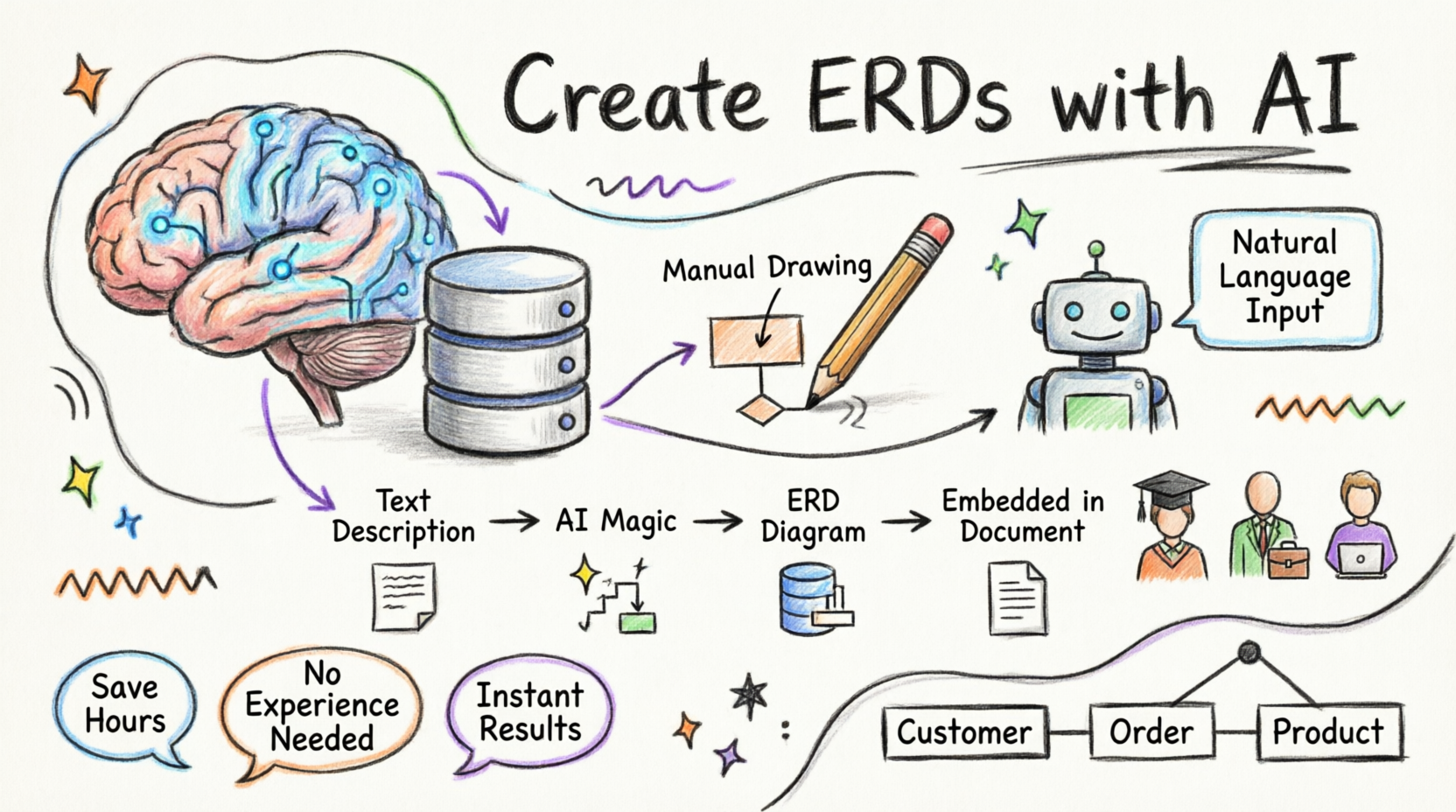 Getting Started with AI-Powered ERD Creation in OpenDocs: A Complete Beginner’s Guide
 Visual Paradigm OpenDocs: The Complete Developer’s Guide to AI-Powered Technical Documentation
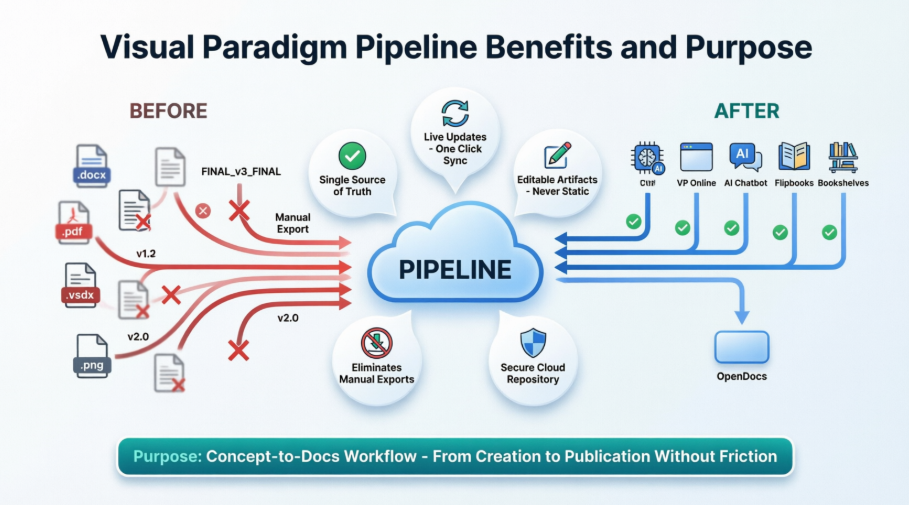 Solving the Documentation Chaos: How Visual Paradigm’s Pipeline Creates a Frictionless Concept-to-Docs Workflow
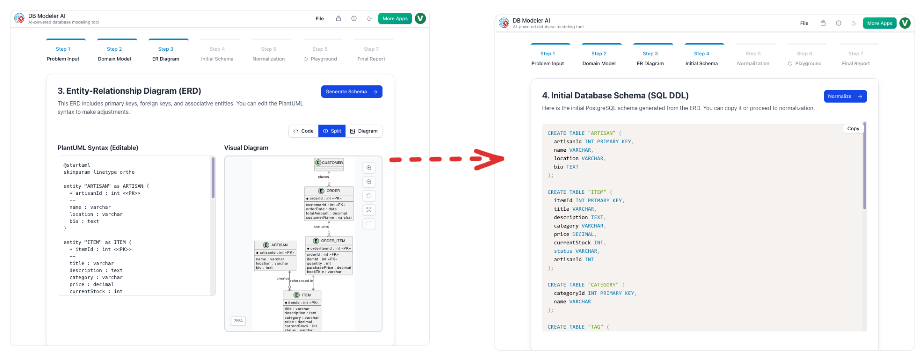 From Static Diagrams to Living Knowledge: A Case Study on Visual Paradigm’s Unified AI-Driven Documentation Ecosystem

 English
 Arabic
 Chinese (Simplified)
 Dutch
Dutch French
 German
 Italian
 Japanese
 Korean
 Portuguese
 Russian
 Spanish