


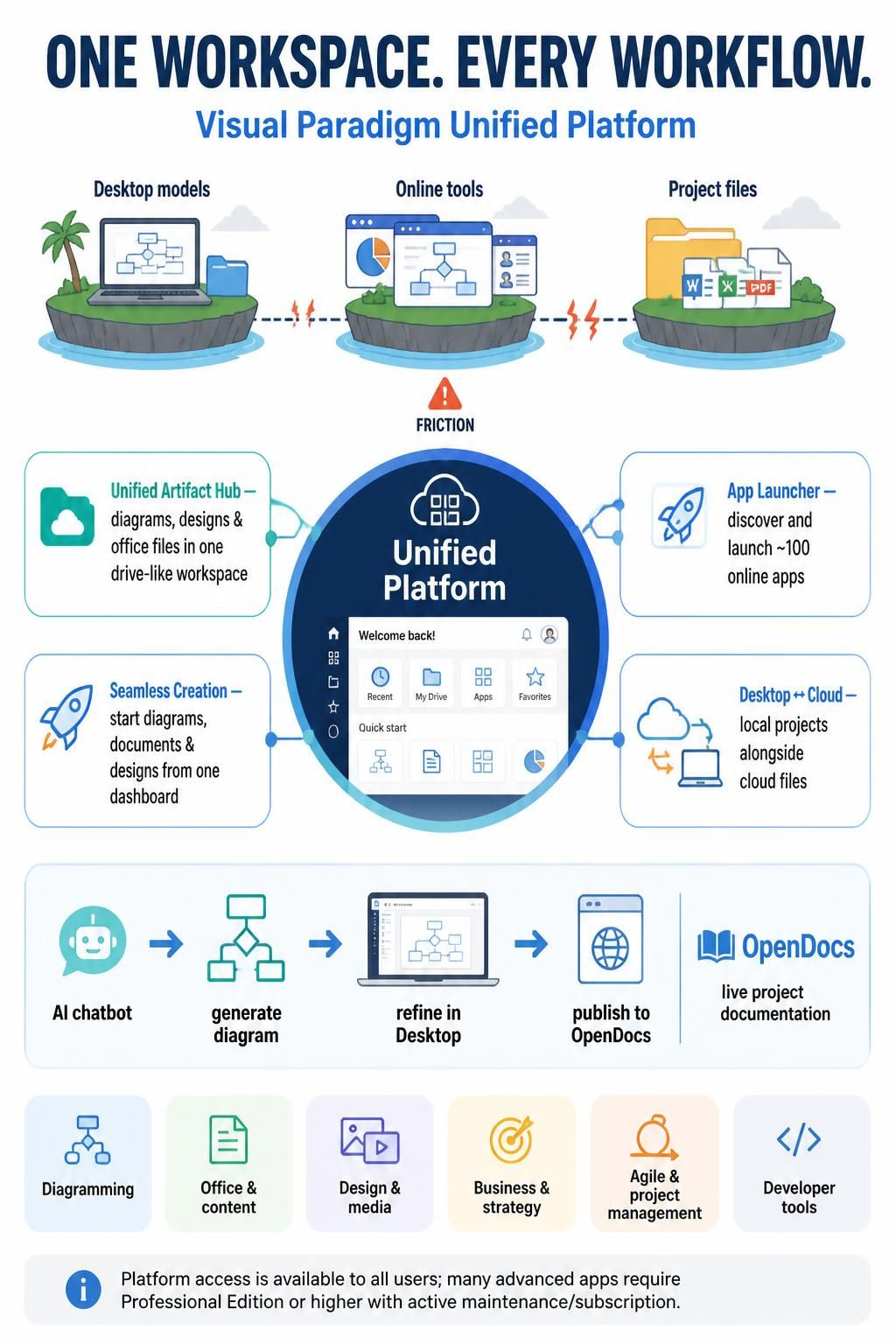
The Visual Paradigm Unified Platform is a centralized workspace for connecting Visual Paradigm Desktop modeling projects with online tools for diagrams, documentation, design, and business planning. Its aim is to bring artifacts that might otherwise live in separate desktop apps, web apps, and files into one drive-like environment. Think of it as a shared command center for creating, finding, and working with project materials.
What it brings together
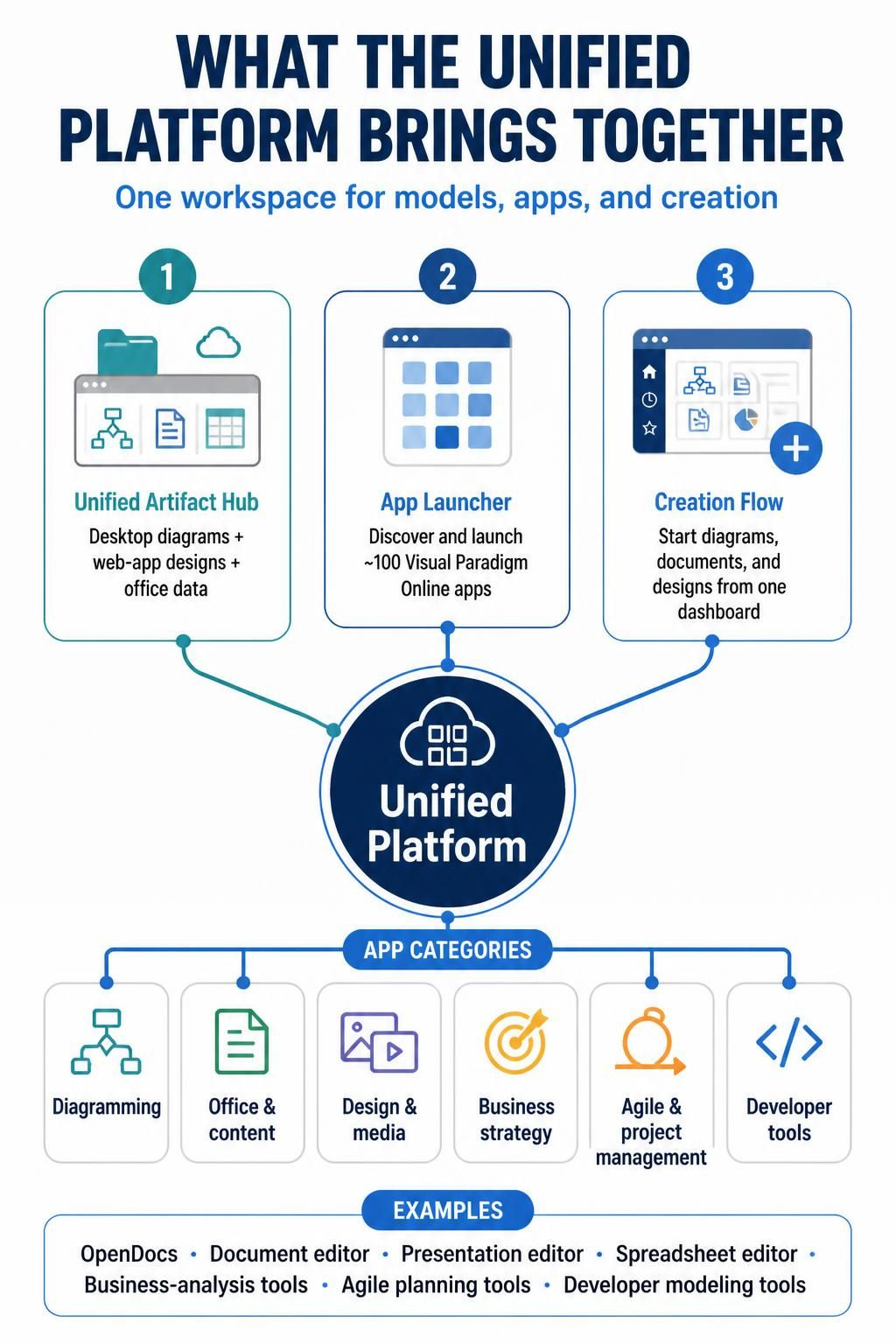
The platform centers on three parts:
-
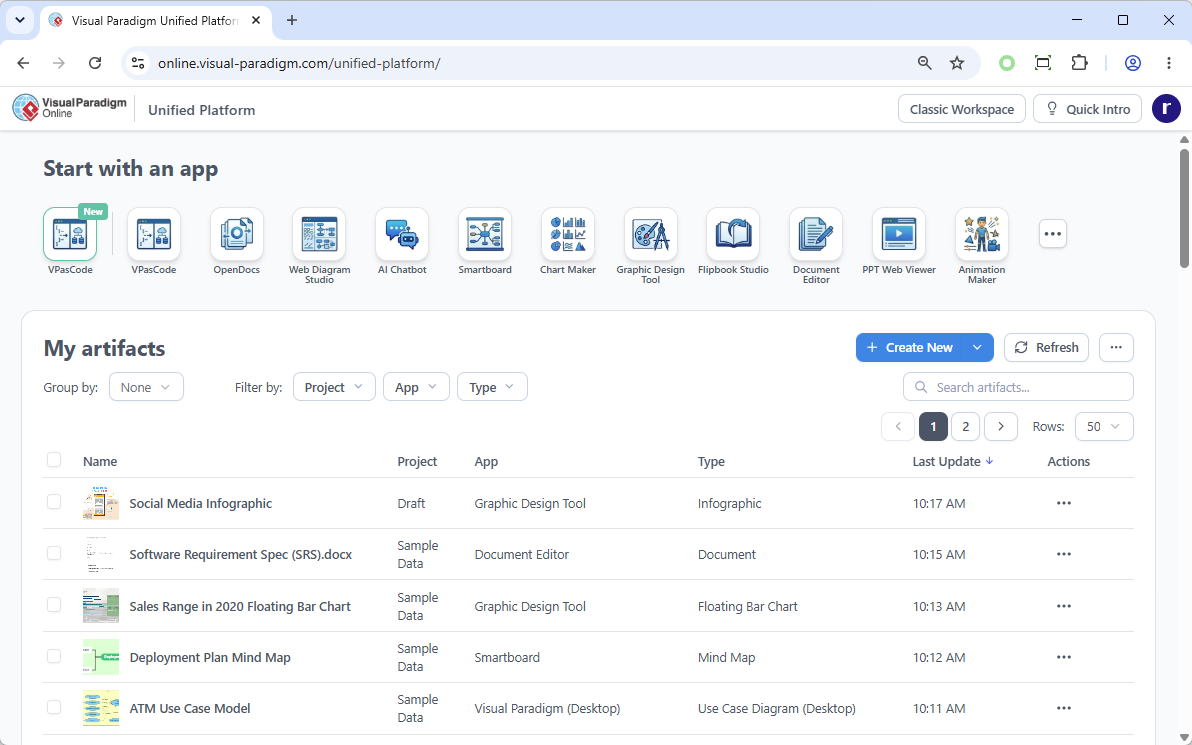
Unified Artifact Hub: View and manage Desktop diagrams alongside designs created in web apps and data from office tools.
-
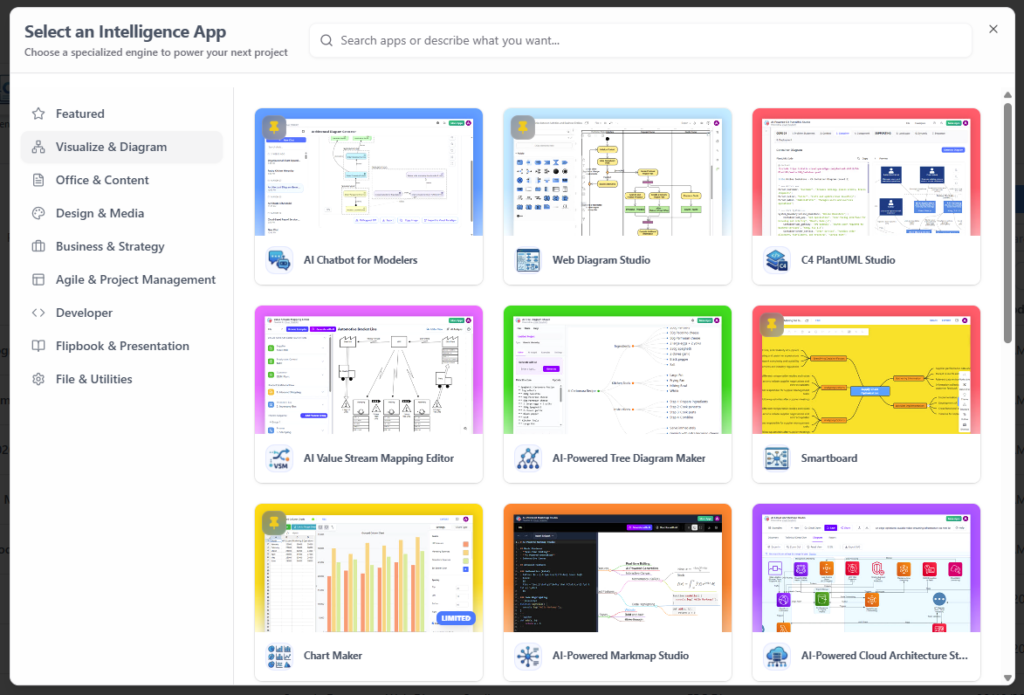
App Launcher: Discover and launch Visual Paradigm Online apps from one organized place. The article describes the collection as approximately 100 apps and growing.
-
Creation flow: Start a new diagram, document, or design from the central dashboard rather than first locating a separate tool.
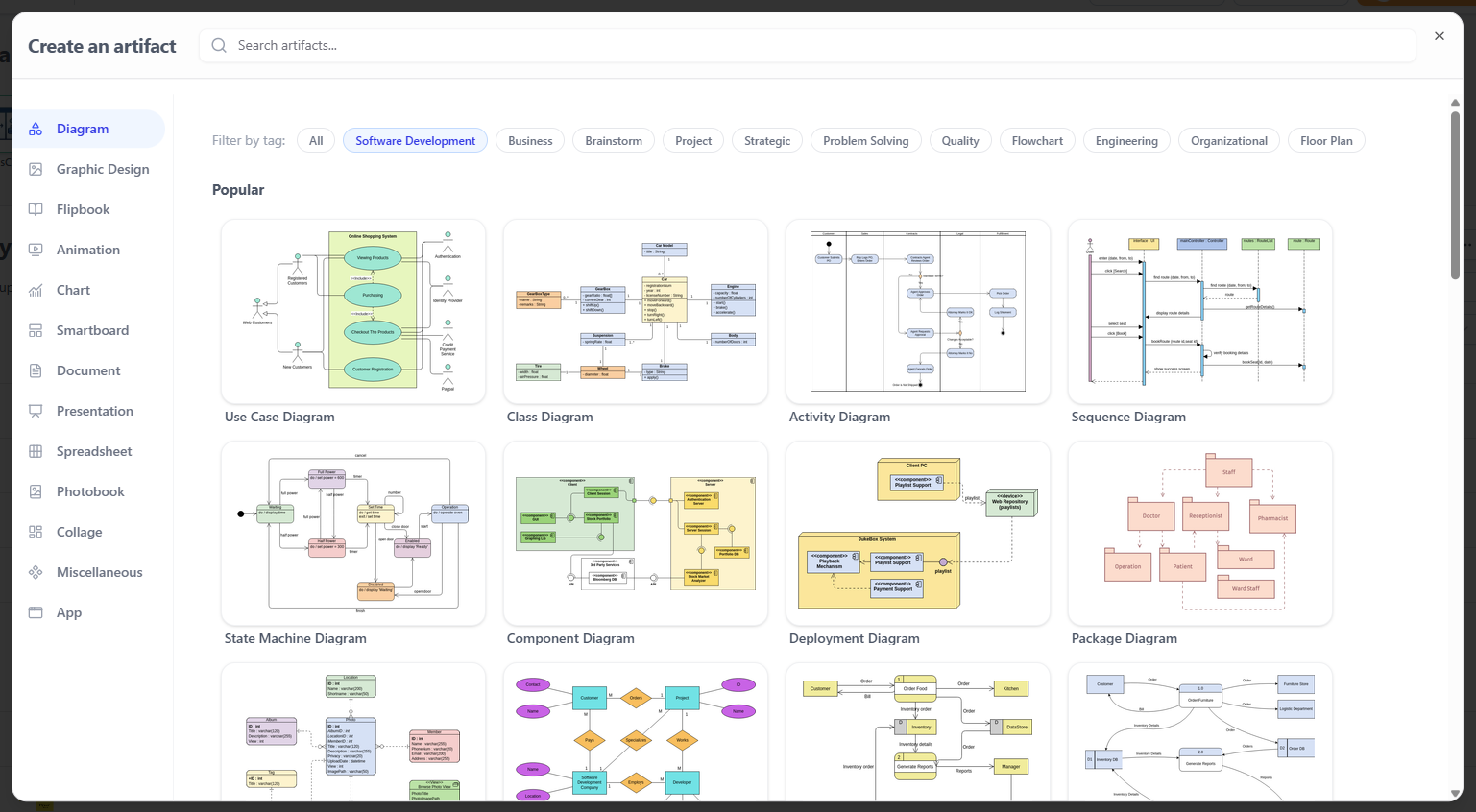
The apps cover a range of work, including diagramming, office and content creation, design and media, business strategy, agile and project management, developer tools, presentations, and file utilities. Examples listed in the article include OpenDocs, a document editor, a presentation editor, a spreadsheet editor, business-analysis tools, agile planning tools, and developer-focused modeling tools.
How it can fit into a project workflow
A useful way to approach the platform is to treat it as a path from initial idea to shared project documentation:
-
Start with the work at hand. Open the platform and choose an existing artifact or create a new diagram, document, or design from the dashboard.
-
Generate a first draft if appropriate. The article describes using the VPP Chatbot to generate diagrams from natural-language prompts.
-
Refine models in Desktop. Import a chatbot-generated diagram into Visual Paradigm Desktop when you want to edit it further or integrate it into a desktop project.
-
Bring Desktop work into the workspace. Desktop users can open the platform using Team → Unified Platform. The article says locally saved diagrams then appear in the central artifact list alongside cloud-based files.
-
Document and share the result. Send Desktop diagrams to OpenDocs through the built-in pipeline, then explain the model in a web-based project document.
For example, a team could draft a UML diagram from a text description, refine it in Desktop, and then include it in OpenDocs with context about the design and its role in the project. The diagram becomes part of a larger, readable record rather than standing alone.
A simple way to organize your work
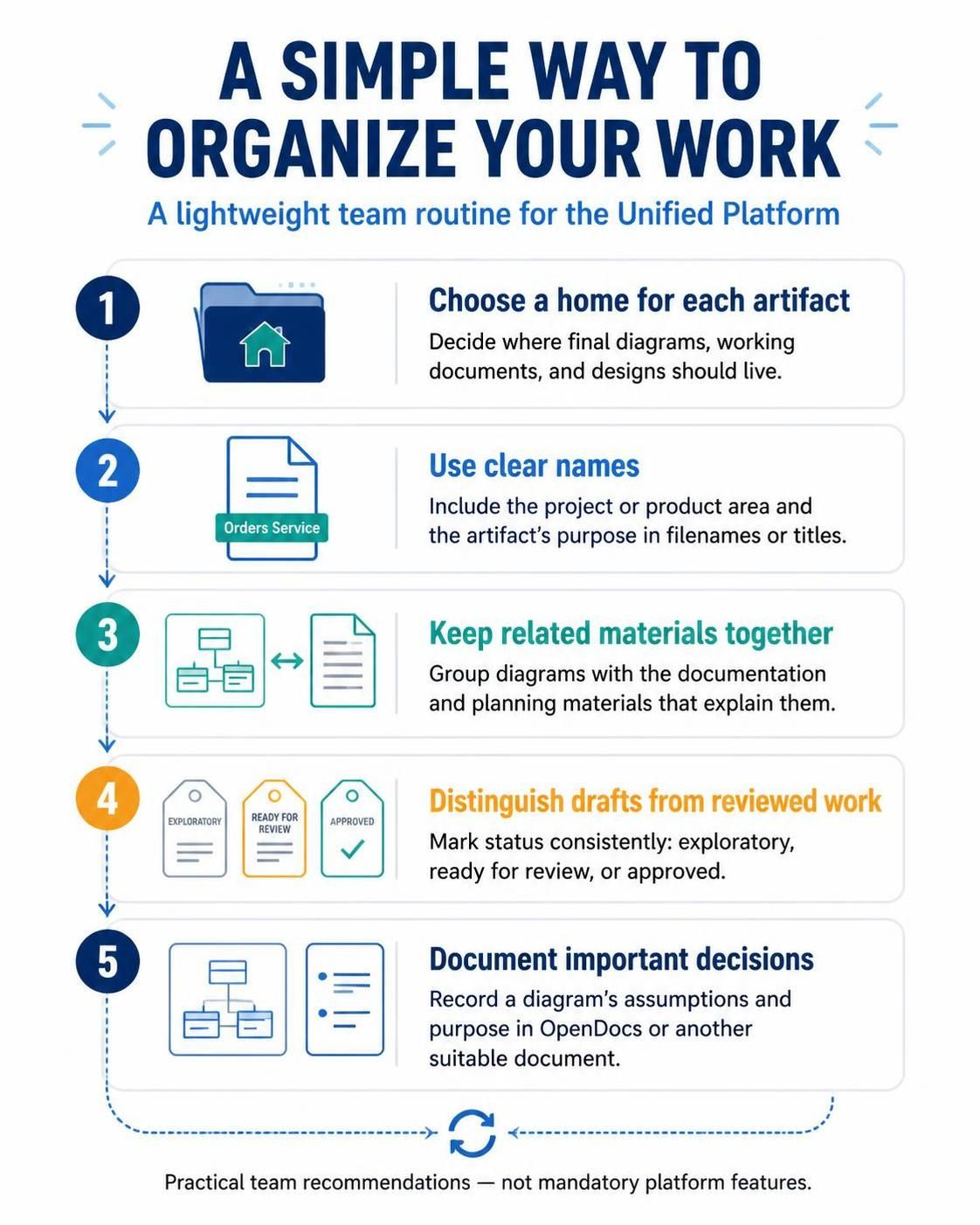
A central workspace is most useful when the team agrees on how to use it. Consider a lightweight routine:
-
Choose a home for each artifact. Decide where final diagrams, working documents, and designs should live.
-
Use clear names. Include the project or product area and the artifact’s purpose in filenames or titles.
-
Keep related materials together. Group diagrams with the documentation and planning materials that explain them.
-
Distinguish drafts from reviewed work. Mark status consistently so collaborators can tell whether an artifact is exploratory, ready for review, or approved.
-
Document important decisions. A diagram is easier to understand later when its assumptions and purpose are recorded in OpenDocs or another suitable document.
These are practical organizational recommendations, not mandatory platform features.
Who may find it useful
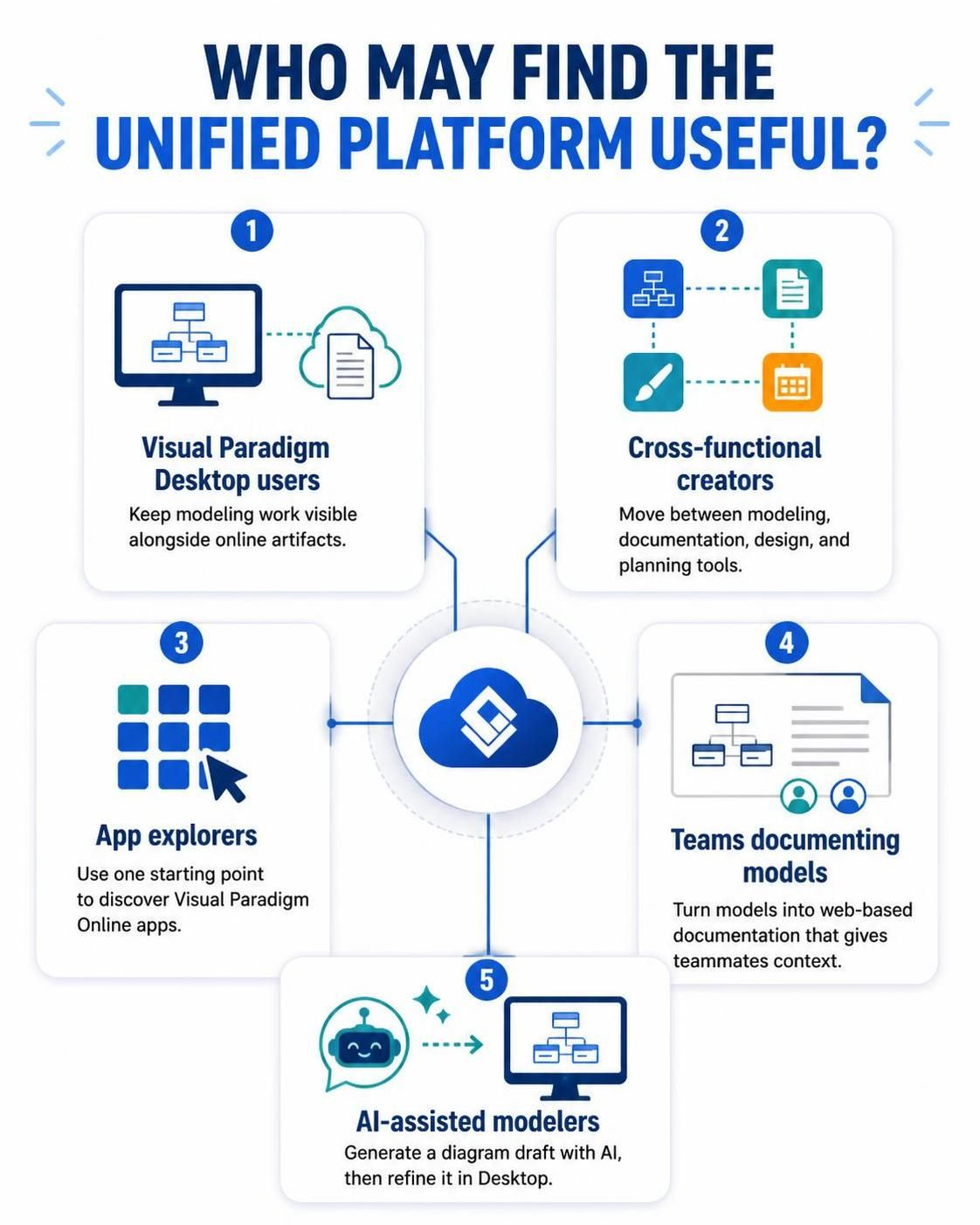
The platform may be especially helpful if you:
-
Use Visual Paradigm Desktop and want your modeling work visible alongside online artifacts.
-
Regularly switch between modeling, documentation, design, and planning tools.
-
Want a single starting point for discovering available Visual Paradigm Online apps.
-
Need to turn models into web-based documentation that gives teammates context.
-
Want to use AI-assisted diagram generation as a starting point, then refine the result in Desktop.
Access and licensing
The article says access to the Unified Platform and its core features is available to all users. However, many advanced online applications require Visual Paradigm Professional Edition or higher, with active software maintenance or a subscription plan. Check the requirements for the specific app you plan to use before building a workflow around it.
What to keep in mind
The platform provides a central place to access and manage artifacts, but a unified workspace does not automatically guarantee consistent project organization. Teams still benefit from shared naming conventions, clear ownership, and a habit of keeping documentation up to date. Also, confirm license eligibility for individual apps: platform access and access to every advanced application are not the same thing.
Getting started
Begin by opening the Unified Platform and exploring the artifact hub and app launcher. If you use Visual Paradigm Desktop, open the platform from Team → Unified Platform and check whether your local diagrams appear in the artifact list. Then try one small end-to-end workflow: create or choose a diagram, refine it in Desktop if needed, and publish it to OpenDocs with a short explanation.

 English
 Arabic
 Chinese (Simplified)
 Dutch
Dutch French
 German
 Italian
 Japanese
 Korean
 Portuguese
 Russian
 Spanish