


Overview
Visual Paradigm offers five desktop editions tailored to different team sizes, project complexities, and organizational needs. This guide breaks down each edition’s capabilities and recommends the best fit for various stakeholders and development processes.
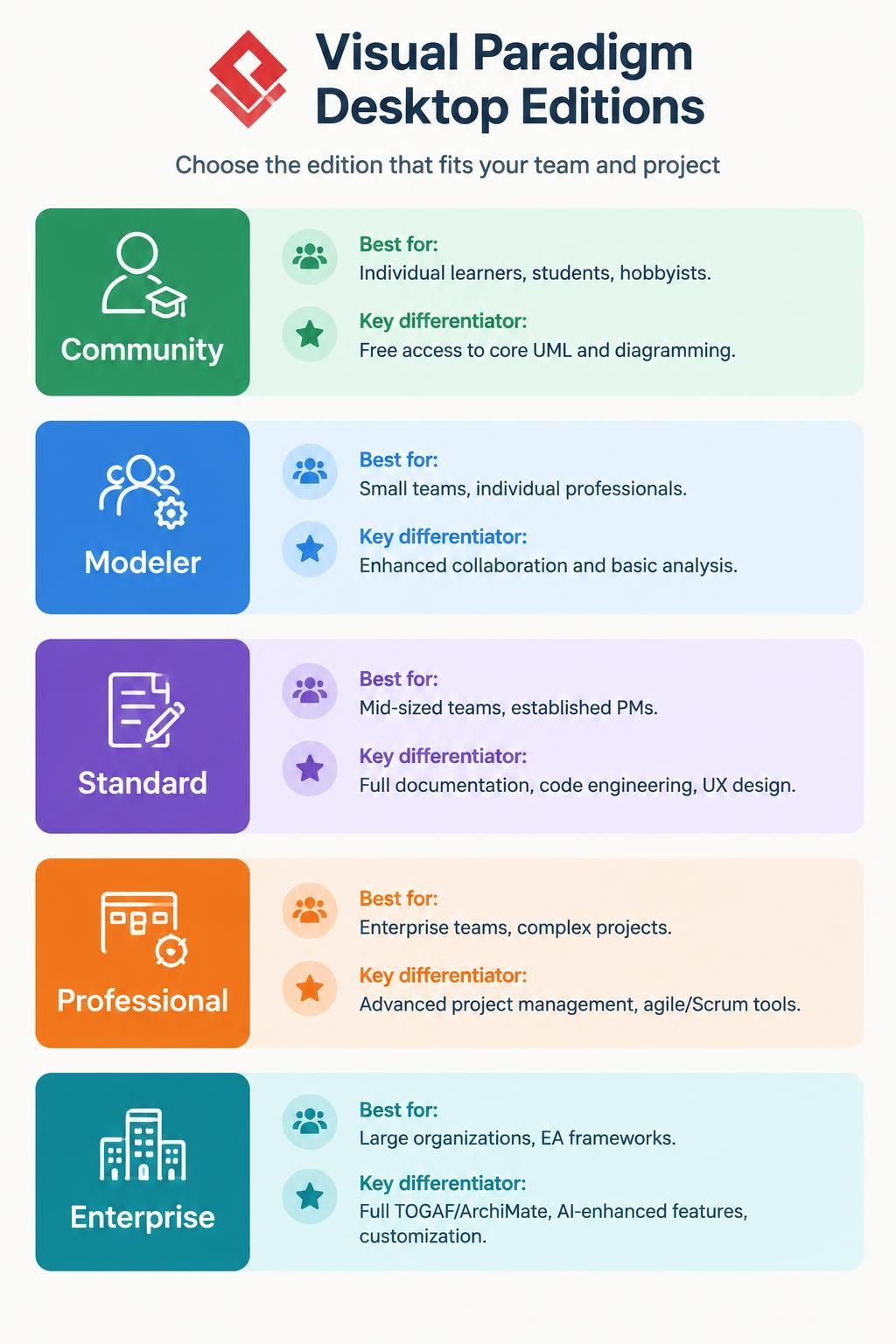
Edition Summary at a Glance
| Edition | Best For | Key Differentiator |
|---|---|---|
| Community | Individual learners, students, hobbyists | Free access to core UML/diagramming |
| Modeler | Small teams, individual professionals | Enhanced collaboration & basic analysis |
| Standard | Mid-sized teams, established PMs | Full documentation, code engineering, UX design |
| Professional | Enterprise teams, complex projects | Advanced project management, agile/scrum tools |
| Enterprise | Large organizations, EA frameworks | Full TOGAF/ArchiMate, AI-enhanced features, customization |
1. Community Edition
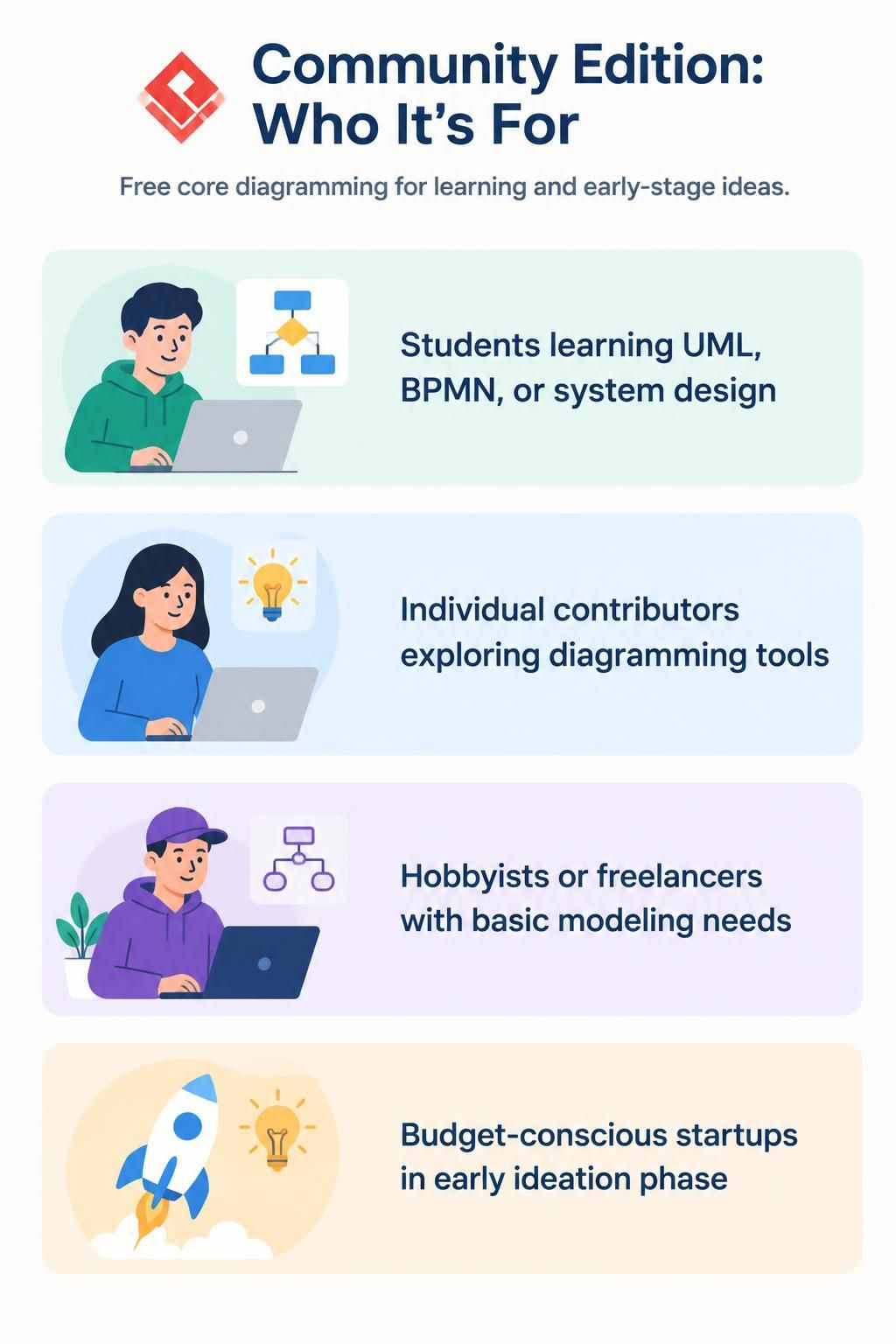
Who It’s For
-
Students learning UML, BPMN, or system design
-
Individual contributors exploring diagramming tools
-
Hobbyists or freelancers with basic modeling needs
-
Budget-conscious startups in early ideation phase
Key Features
✅ Core diagramming: UML, SysML (basic), Flowcharts, ERD (Standard notation)
✅ Basic organization charts (partial support)
✅ Mind mapping (partial)
✅ Analysis Canvas (partial)
❌ No BPMN, DFD variants, SoaML, CMMN
❌ No team collaboration beyond partial revision history
❌ No code/database engineering
❌ No UX design tools
❌ No project management or agile tools
❌ No documentation generation (Doc. Composer)
❌ No AI-powered features
Limitations
-
Limited export options
-
Watermarked outputs in some cases
-
No cloud repository or concurrent editing
-
No integrations (Jira, Confluence)
Verdict
Ideal for: Learning, personal projects, simple diagrams. Not suitable for professional team environments or production workflows.
2. Modeler Edition
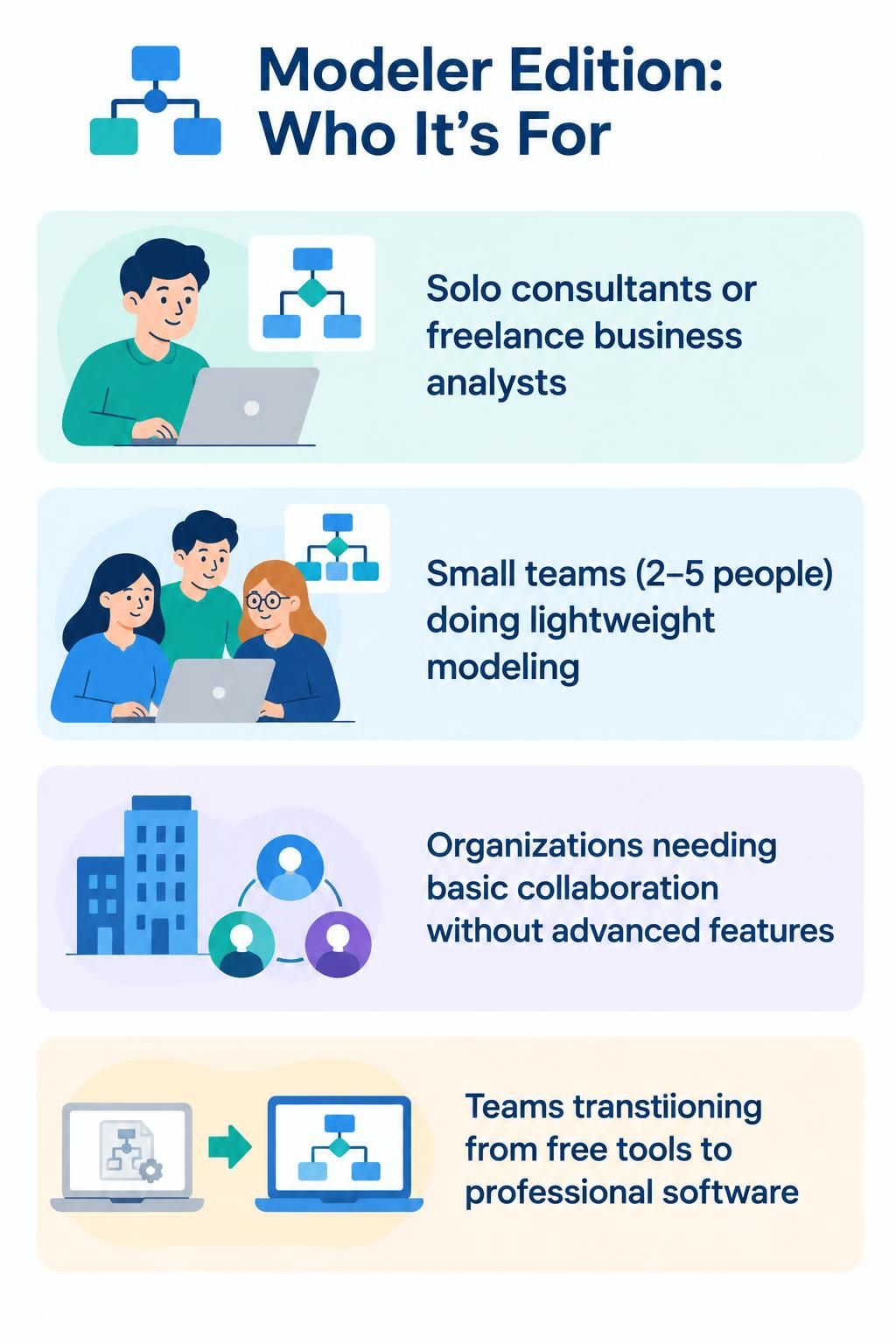
Who It’s For
-
Solo consultants or freelance business analysts
-
Small teams (2-5 people) doing lightweight modeling
-
Organizations needing basic collaboration without advanced features
-
Teams transitioning from free tools to professional software
Key Features
✅ All Community features, plus:
✅ Full UML, SysML, Flowcharts, ERD (both Standard & Chen notation)
✅ BPMN diagrams
✅ DFD variants (Yourdon/Coad, Yourdon/DeMarco, Gane Sarson)
✅ EPC diagrams
✅ Full team collaboration: concurrent modeling, revision history
✅ Diagram review & commenting
✅ Task management
✅ Project glossary management
✅ Matrix tool, RACI/CRUD charts
✅ Textual analysis, Use case descriptions
✅ Basic UX wireframes, storyboards, wireflows
✅ Doc. Composer & Project Publisher
✅ Code engineering (generate/update code from UML, round-trip)
✅ Visual REST API designer
✅ Database engineering (ERD ↔ database, DDL generation/reversal)
✅ Hibernate ORM support
✅ Diagram animation (BPMN, Sequence, Activity)
✅ Atlassian Confluence & Jira integration
❌ No CMMN, SoaML, BMM
❌ No advanced model analysis (On-Demand Model ETL)
❌ No high-fidelity mockups or prototyping
❌ No advanced project management (Gantt, PERT, WBS, Roadmap)
❌ No agile/scrum tools (User Story Mapping, Scrum Canvas)
❌ No customer journey maps
❌ No enterprise architecture frameworks (TOGAF, ArchiMate, DoDAF)
❌ No AI-powered features
Verdict
Ideal for: Professional individual modelers or small teams needing robust UML/BPMN/code engineering without enterprise-level project management or EA frameworks. Good bridge between free and full-featured tools.
3. Standard Edition
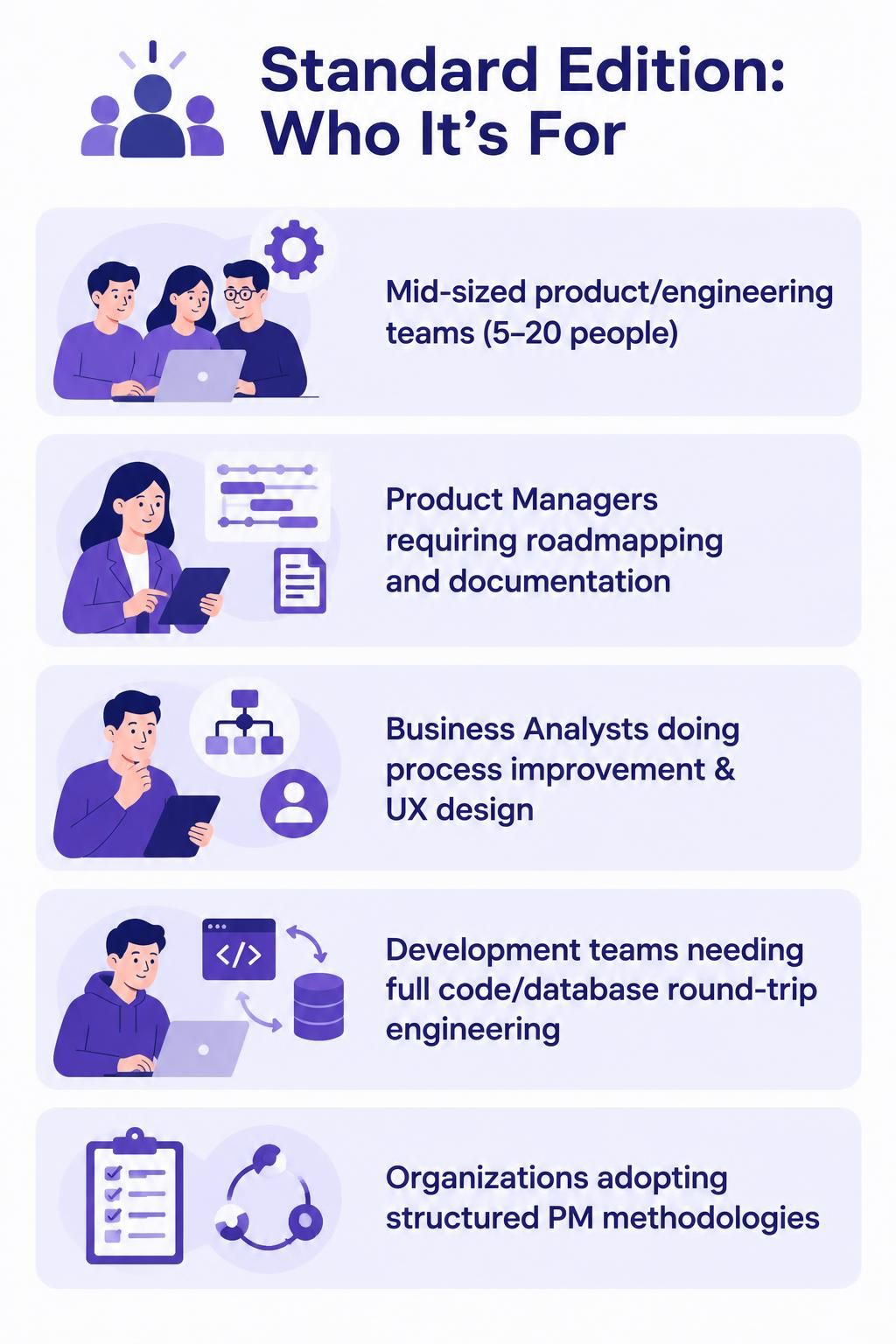
Who It’s For
-
Mid-sized product/engineering teams (5-20 people)
-
Product Managers requiring roadmapping and documentation
-
Business Analysts doing process improvement & UX design
-
Development teams needing full code/database round-trip engineering
-
Organizations adopting structured PM methodologies
Key Features
✅ All Modeler features, plus:
✅ Advanced diagramming: SoaML, C4 model, Mind mapping (full)
✅ Organization charts (full)
✅ Change request management
✅ On-Demand Model ETL
✅ High-fidelity mockup tool, UX prototyping
✅ Shape/color legend, Model Nicknamer, Model Transitor
✅ Visual Diff for diagram comparison
✅ Design pattern tool
✅ Zachman Framework
✅ STEPS wizards (partial)
✅ Gantt chart, PERT chart (AI-enhanced), Breakdown Structure (WBS/RBS/FDS)
✅ Roadmap & Implementation Plan diagrams
✅ Form builder, Visual file cabinet
✅ User Story tools (3C’s, scenario editor, storyboard)
✅ User Story Mapping & Agile tools (Sprint backlog, Affinity Table, Burndown, Scrumboard)
✅ Scrum Canvas (full one-page Scrum management)
✅ LeSS Canvas, Nexus Canvas
✅ Customer Journey Map
✅ Decision table (AI-enhanced)
✅ Process Map Designer
✅ Cause & Effect (Fishbone) diagrams, Radar charts
✅ AI diagram generation
✅ Custom AI Endpoint
✅ AI Chatbot features (diagram generation, conversational editing, documentation, image-based understanding)
✅ OpenDocs (rich text docs, integrated diagram editor, VPasCode integration)
✅ NotesKeep (AI note-taking, document management, semantic search)
✅ VPasCode (multi-language diagram editor, live preview, AI-assisted coding)
✅ Extensive AI-powered software development tools (use case generators, sequence diagram refinement, MVC architecture generator, C4 PlantUML Studio, DB Modeler AI)
✅ Agile workflow AI tools (affinity mapping, retrospective planner, backlog refinement, Agilien for Jira)
✅ Project management AI tools (stakeholder management, MoSCoW prioritization, Eisenhower Matrix, KPI builder)
✅ Process analysis AI tools (5 Whys, root cause analysis, cost-benefit, gap analysis, Lean Six Sigma DMAIC, force field analysis, value stream mapping)
✅ Strategic analysis AI tools (SWOT/TOWS, PESTLE, Porter’s Five Forces, Ansoff Matrix, OKRs, Balanced Scorecard, BCG Matrix, Blue Ocean Strategy, Value Chain, competitive analysis, Hoshin Kanri, benchmarking, scenario analysis)
✅ Content & visual AI tools (brainstorming, JSON CRUD tables, infographic designers, markdown presentation maker, AI Presentation Studio, site builder, article writer, markmap studio, flipbook maker)
❌ No ArchiMate or ArchiMate 4
❌ No TOGAF ADM Guide-Through
❌ No DoDAF, NAF, MODAF
❌ No Enterprise Model Finder
❌ No plug-in development or custom guide-through creation
❌ No AI-Enhanced TOGAF or Import ArchiMate from chatbot
Verdict
Ideal for: Teams practicing Agile/Scrum, Product Managers needing roadmaps and user story mapping, Business Analysts doing end-to-end process design and UX, and development teams requiring full code/database engineering. Strong AI integration makes it future-ready. Best value for most professional teams.
4. Professional Edition
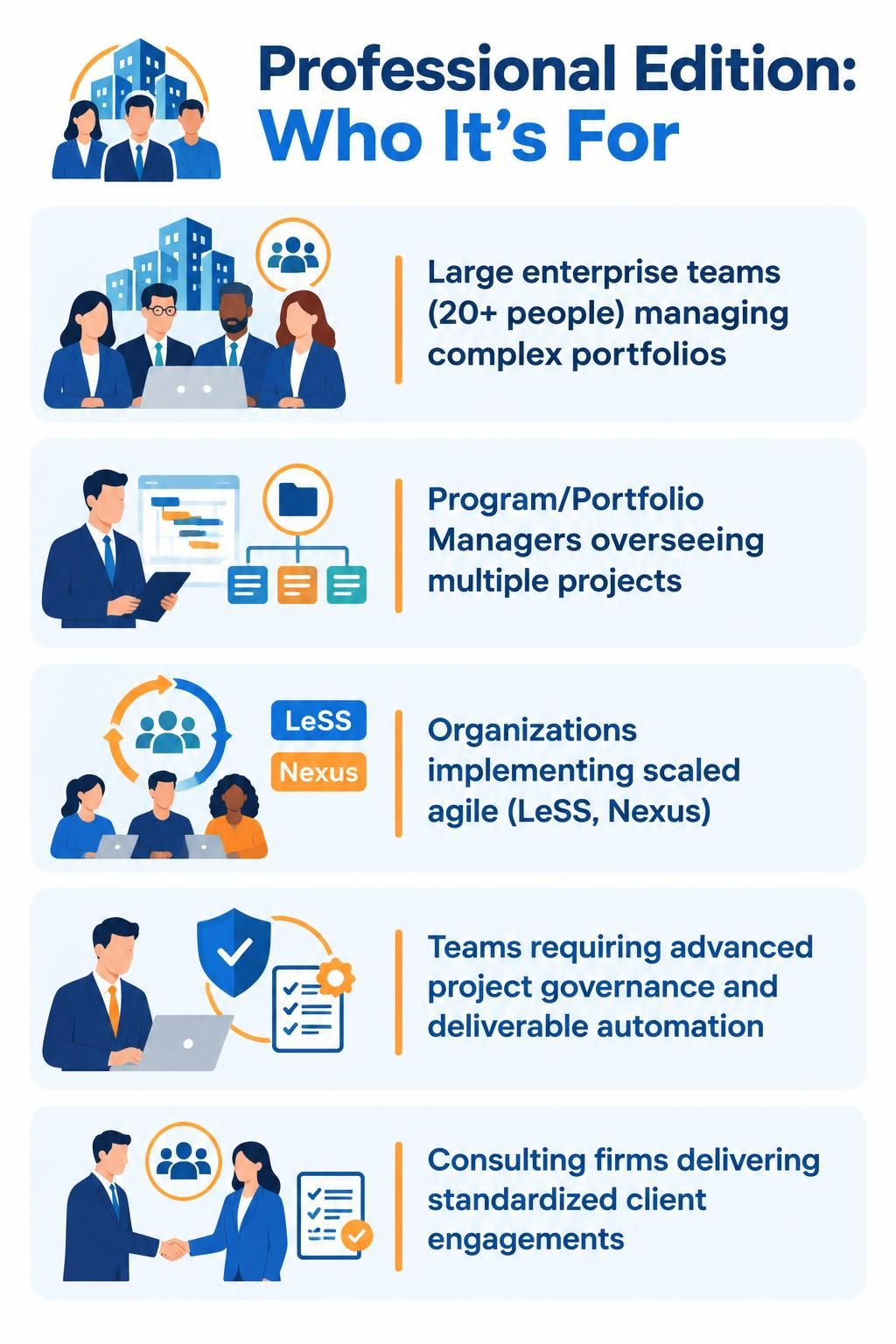
Who It’s For
-
Large enterprise teams (20+ people) managing complex portfolios
-
Program/Portfolio Managers overseeing multiple projects
-
Organizations implementing scaled agile (LeSS, Nexus)
-
Teams requiring advanced project governance and deliverable automation
-
Consulting firms delivering standardized client engagements
Key Features
✅ All Standard features, plus:
✅ AI-Powered SysML v2 Studio
✅ STEPS wizards (full)
✅ Project Management Lifecycle Guide-Through (four process schemes, actionable work items, automatic deliverable generation)
✅ PMBOK Just-in-Time process map
✅ Business Rule Grid, Fact Model
✅ BMM Strategic Planning Guide-Through
✅ Business Process Reengineering Canvas (customizable)
✅ Quality Control Canvas
✅ Full TOGAF ADM customization capabilities (Note: TOGAF itself not included)
❌ No ArchiMate or ArchiMate 4
❌ No TOGAF ADM Guide-Through (base or AI-enhanced)
❌ No DoDAF, NAF, MODAF
❌ No Enterprise Model Finder
❌ No plug-in development
❌ No custom guide-through or just-in-time work item creation
Verdict
Ideal for: Organizations needing structured project management frameworks (PMBOK, PRINCE2-aligned), business process reengineering initiatives, quality control programs, and strategic planning with BMM. Bridges the gap between tactical project execution and strategic enterprise architecture. Still lacks full EA framework support.
5. Enterprise Edition
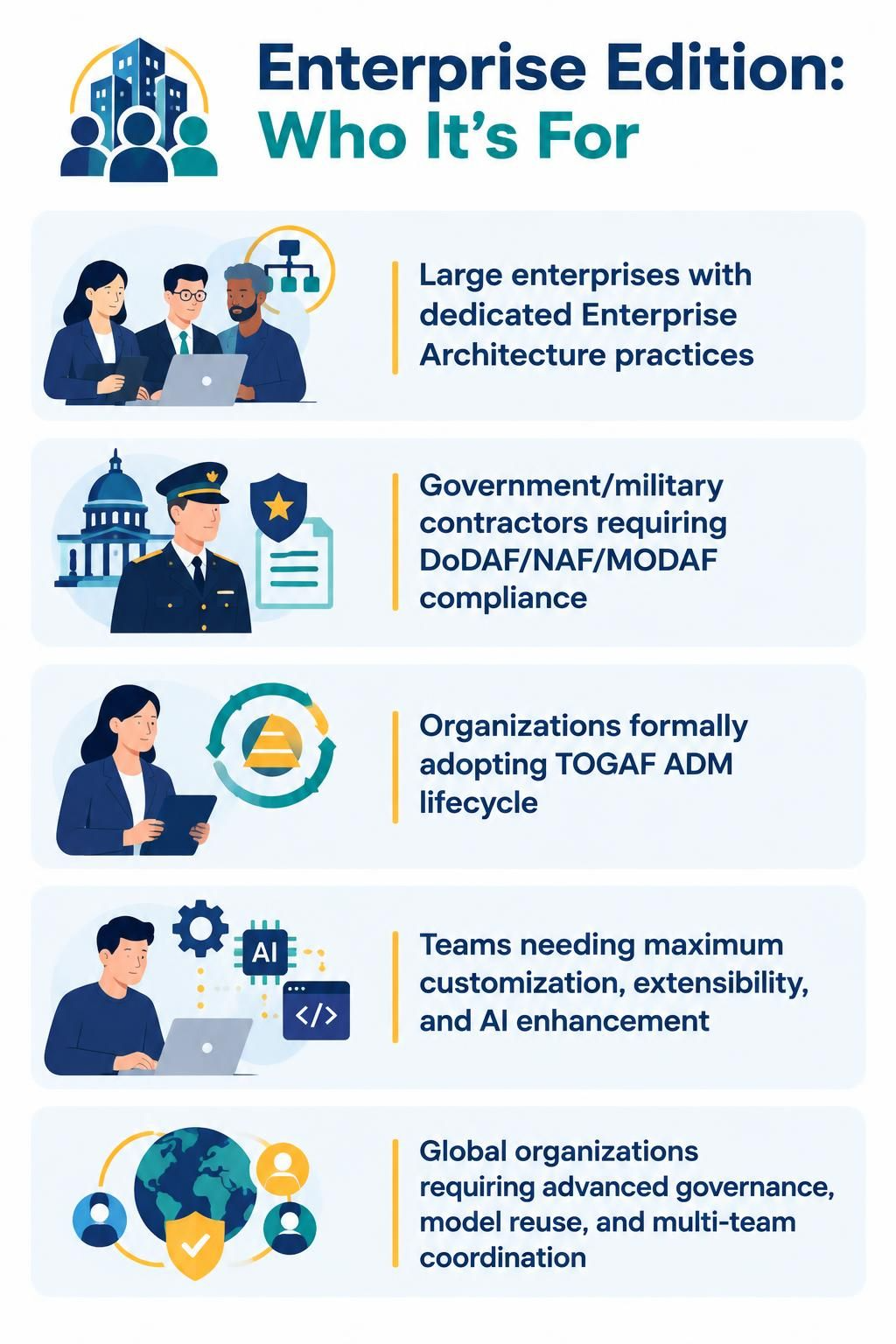
Who It’s For
-
Large enterprises with dedicated Enterprise Architecture practices
-
Government/military contractors requiring DoDAF/NAF/MODAF compliance
-
Organizations formally adopting TOGAF ADM lifecycle
-
Teams needing maximum customization, extensibility, and AI enhancement
-
Global organizations requiring advanced governance, model reuse, and multi-team coordination
Key Features
✅ All Professional features, plus:
✅ ArchiMate diagram (standard & version 4)
✅ ArchiMate viewpoints
✅ TOGAF ADM Guide-Through (process navigator, actionable work items, automatic deliverables)
✅ AI-Enhanced TOGAF Guide-Through
✅ TOGAF ADM customization (custom cycles, work items, artifacts)
✅ TOGAF Just-in-Time process map (customizable)
✅ DoDAF, NAF, MODAF frameworks
✅ Just-in-Time process map (base & customizable)
✅ Enterprise Model Finder
✅ Plug-in development capability
✅ Create custom guide-through processes
✅ Create custom just-in-time work items
✅ Import ArchiMate from chatbot to Visual Paradigm (AI-enhanced)
Exclusive Enterprise Advantages
-
Full EA framework coverage: Only edition supporting ArchiMate 4, complete TOGAF lifecycle, and defense frameworks (DoDAF/NAF/MODAF)
-
Maximum extensibility: Plug-in development and custom process creation enable tailoring to unique organizational methodologies
-
AI-enhanced EA: Import ArchiMate models via chatbot, AI-enhanced TOGAF guidance
-
Enterprise governance: Enterprise Model Finder for cross-project model discovery and reuse
Verdict
Ideal for: Enterprises with mature EA practices, regulated industries (defense, healthcare, finance), organizations undergoing digital transformation with TOGAF, and teams requiring maximum customization and integration flexibility. The only choice for ArchiMate and formal TOGAF adoption.
Decision Matrix: Which Edition Fits Your Team?
By Team Size & Role
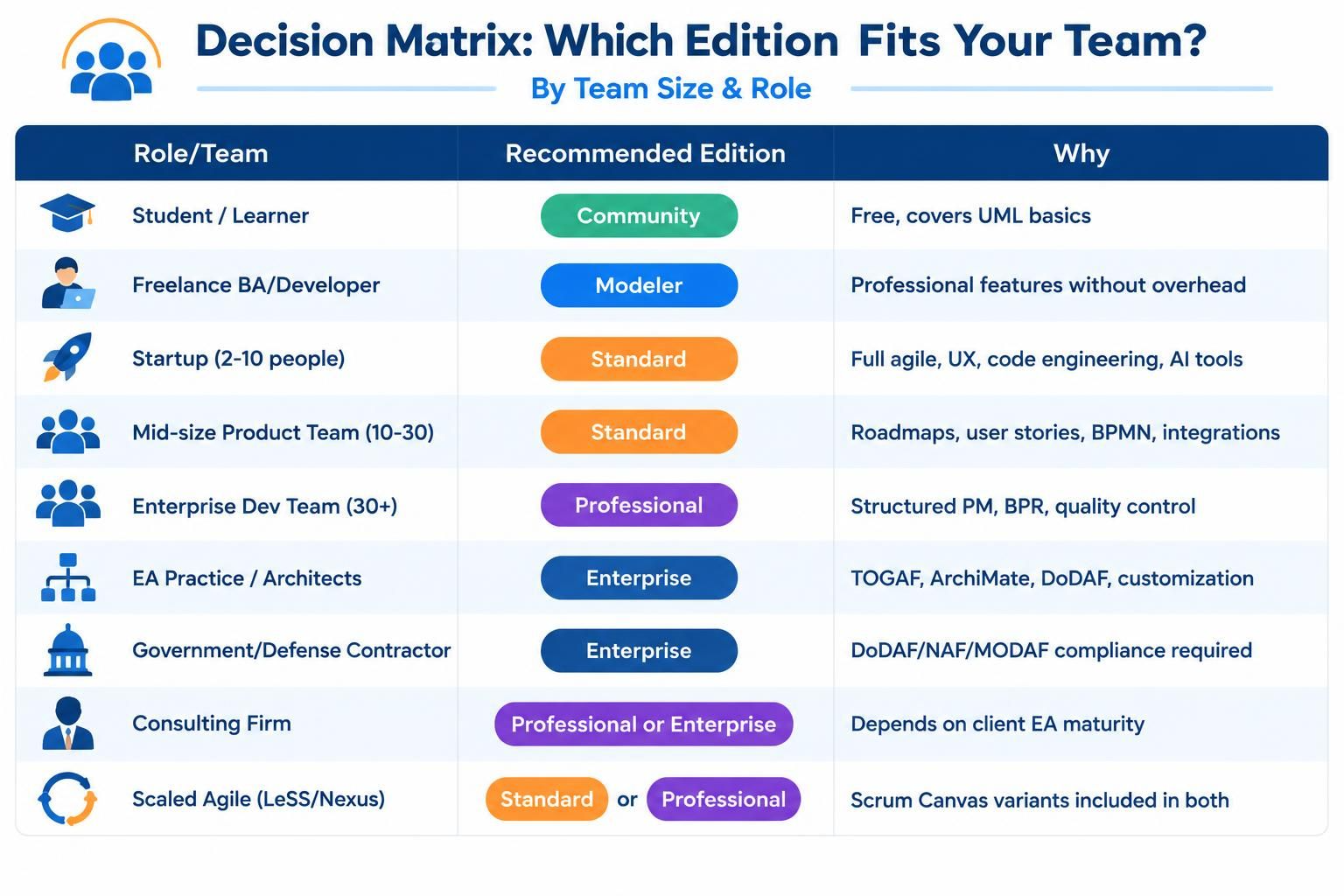
| Role/Team | Recommended Edition | Why |
|---|---|---|
| Student / Learner | Community | Free, covers UML basics |
| Freelance BA/Developer | Modeler | Professional features without overhead |
| Startup (2-10 people) | Standard | Full agile, UX, code engineering, AI tools |
| Mid-size Product Team (10-30) | Standard | Roadmaps, user stories, BPMN, integrations |
| Enterprise Dev Team (30+) | Professional | Structured PM, BPR, quality control |
| EA Practice / Architects | Enterprise | TOGAF, ArchiMate, DoDAF, customization |
| Government/Defense Contractor | Enterprise | DoDAF/NAF/MODAF compliance required |
| Consulting Firm | Professional or Enterprise | Depends on client EA maturity |
| Scaled Agile (LeSS/Nexus) | Standard or Professional | Scrum Canvas variants included in both |
By Development Process
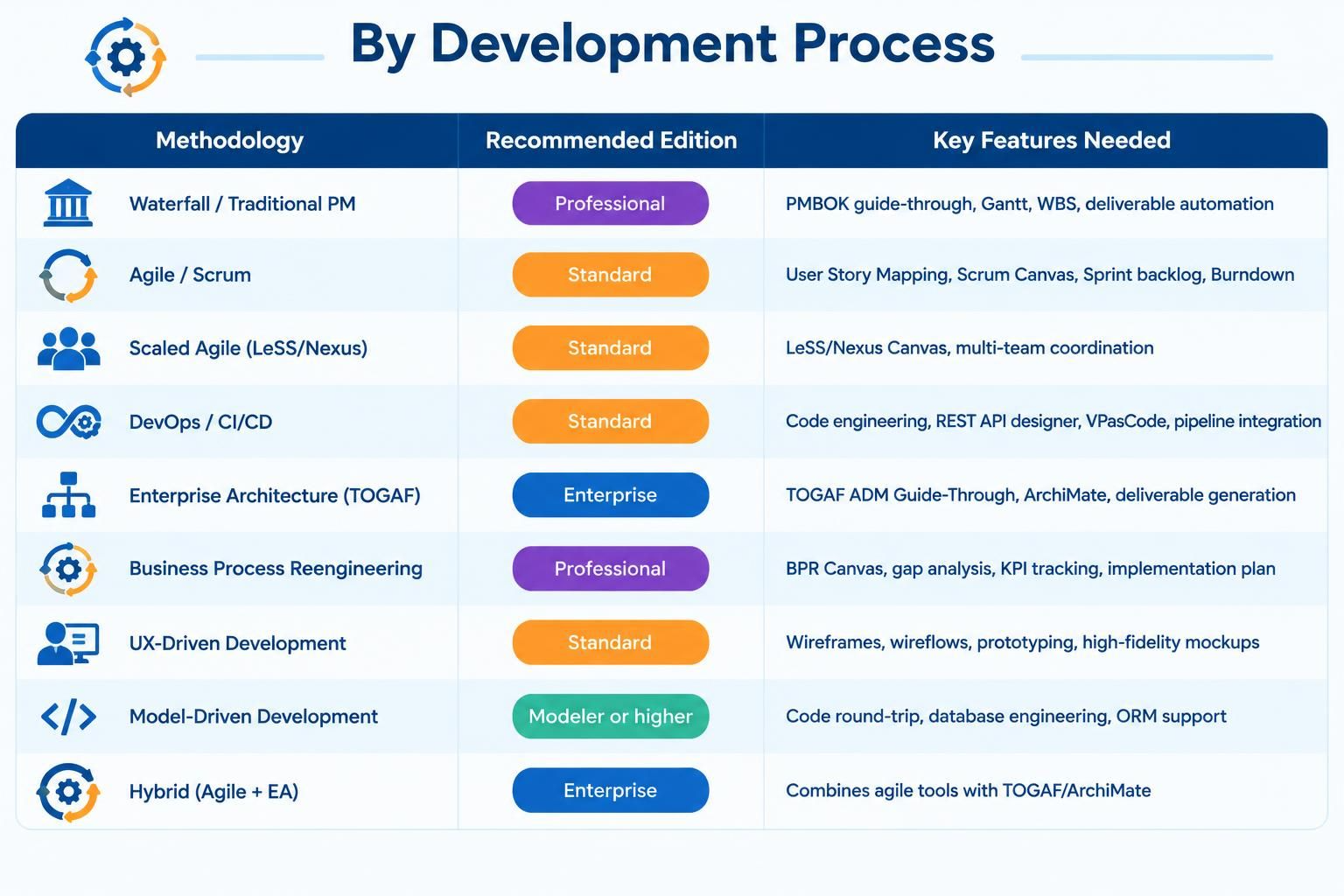
| Methodology | Recommended Edition | Key Features Needed |
|---|---|---|
| Waterfall / Traditional PM | Professional | PMBOK guide-through, Gantt, WBS, deliverable automation |
| Agile / Scrum | Standard | User Story Mapping, Scrum Canvas, Sprint backlog, Burndown |
| Scaled Agile (LeSS/Nexus) | Standard | LeSS/Nexus Canvas, multi-team coordination |
| DevOps / CI/CD | Standard | Code engineering, REST API designer, VPasCode, pipeline integration |
| Enterprise Architecture (TOGAF) | Enterprise | TOGAF ADM Guide-Through, ArchiMate, deliverable generation |
| Business Process Reengineering | Professional | BPR Canvas, gap analysis, KPI tracking, implementation plan |
| UX-Driven Development | Standard | Wireframes, wireflows, prototyping, high-fidelity mockups |
| Model-Driven Development | Modeler or higher | Code round-trip, database engineering, ORM support |
| Hybrid (Agile + EA) | Enterprise | Combines agile tools with TOGAF/ArchiMate |
By Stakeholder Needs
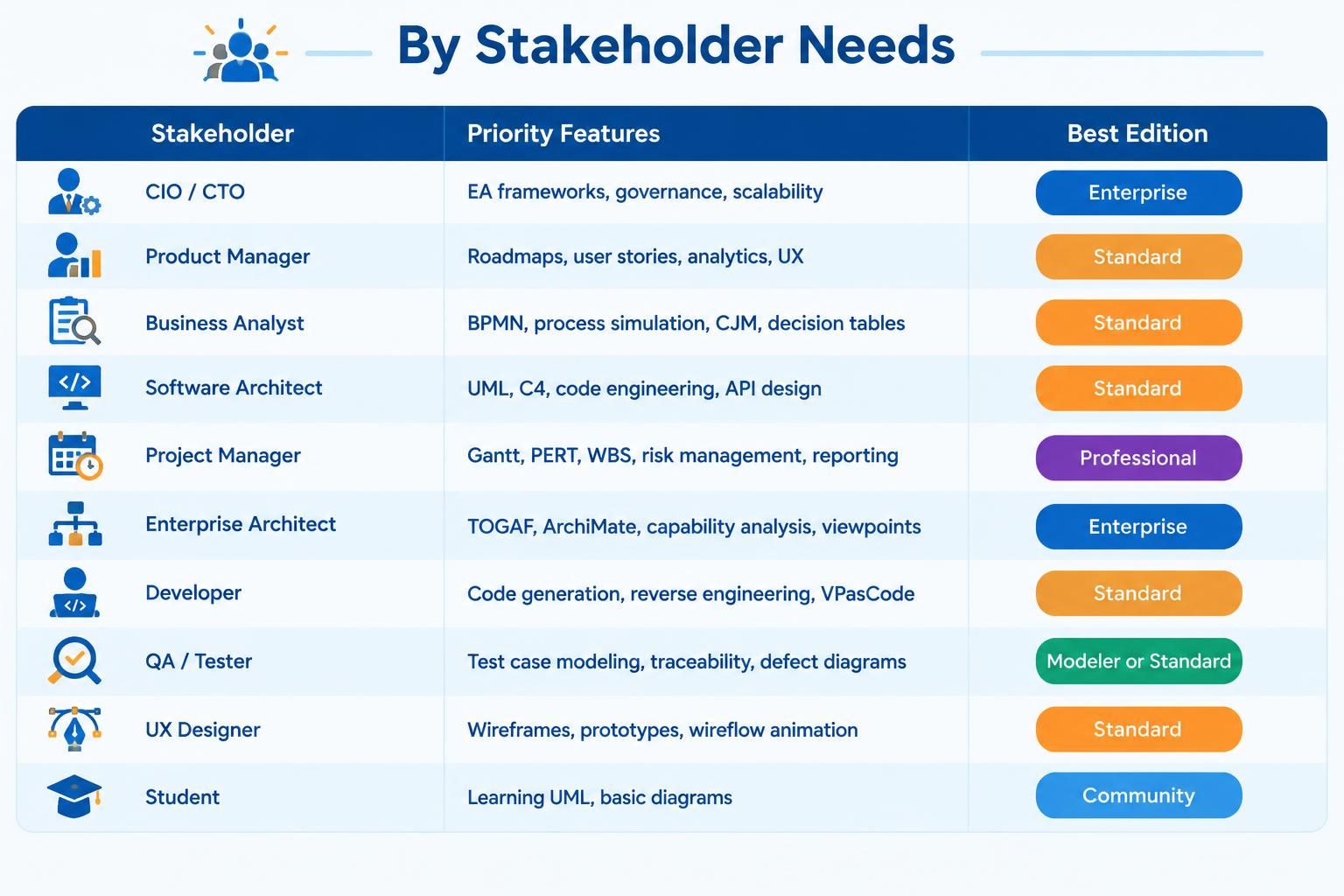
| Stakeholder | Priority Features | Best Edition |
|---|---|---|
| CIO / CTO | EA frameworks, governance, scalability | Enterprise |
| Product Manager | Roadmaps, user stories, analytics, UX | Standard |
| Business Analyst | BPMN, process simulation, CJM, decision tables | Standard |
| Software Architect | UML, C4, code engineering, API design | Standard |
| Project Manager | Gantt, PERT, WBS, risk management, reporting | Professional |
| Enterprise Architect | TOGAF, ArchiMate, capability analysis, viewpoints | Enterprise |
| Developer | Code generation, reverse engineering, VPasCode | Standard |
| QA / Tester | Test case modeling, traceability, defect diagrams | Modeler or Standard |
| UX Designer | Wireframes, prototypes, wireflow animation | Standard |
| Student | Learning UML, basic diagrams | Community |
Upgrade Path Recommendations
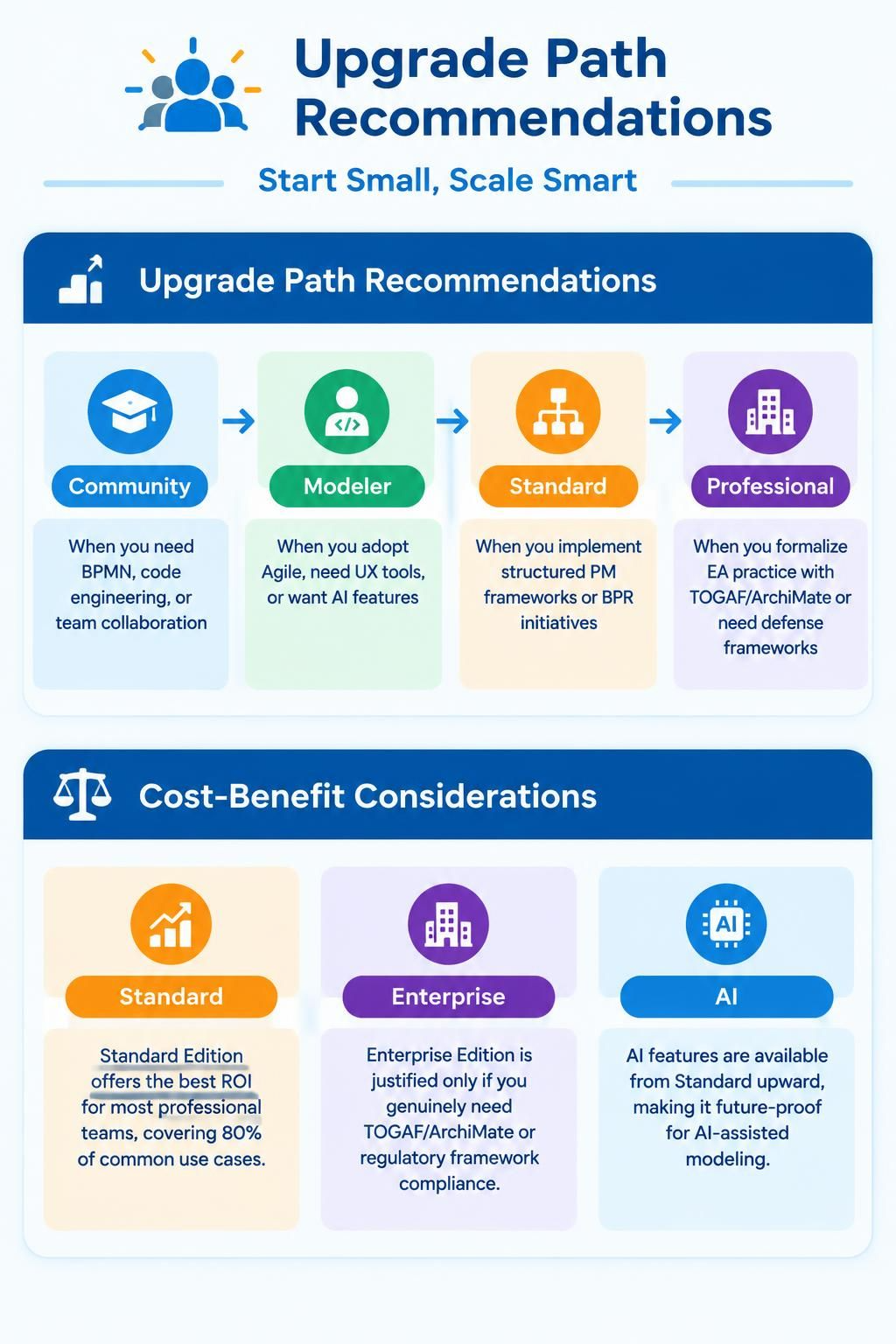
Start Small, Scale Smart
-
Community → Modeler: When you need BPMN, code engineering, or team collaboration
-
Modeler → Standard: When you adopt Agile, need UX tools, or want AI features
-
Standard → Professional: When you implement structured PM frameworks or BPR initiatives
-
Professional → Enterprise: When you formalize EA practice with TOGAF/ArchiMate or need defense frameworks
Cost-Benefit Considerations
-
Standard Edition offers the best ROI for most professional teams, covering 80% of common use cases
-
Enterprise Edition is justified only if you genuinely need TOGAF/ArchiMate or regulatory framework compliance
-
AI features are available from Standard upward, making it future-proof for AI-assisted modeling
Final Recommendations
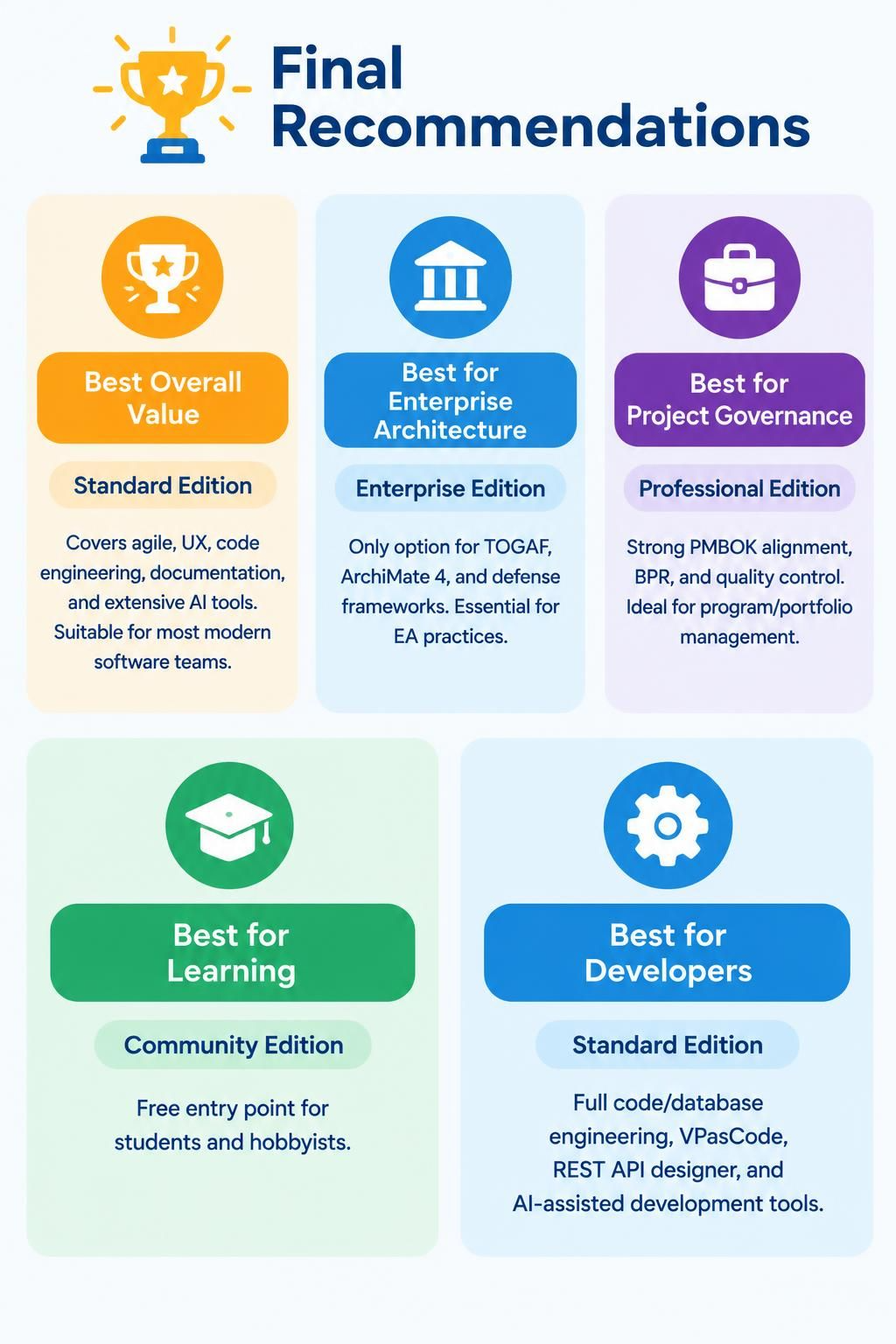
🏆 Best Overall Value: Standard Edition
Covers agile, UX, code engineering, documentation, and extensive AI tools. Suitable for most modern software teams.
🏛️ Best for Enterprise Architecture: Enterprise Edition
Only option for TOGAF, ArchiMate 4, and defense frameworks. Essential for EA practices.
💼 Best for Project Governance: Professional Edition
Strong PMBOK alignment, BPR, and quality control. Ideal for program/portfolio management.
🎓 Best for Learning: Community Edition
Free entry point for students and hobbyists.
🔧 Best for Developers: Standard Edition
Full code/database engineering, VPasCode, REST API designer, and AI-assisted development tools.
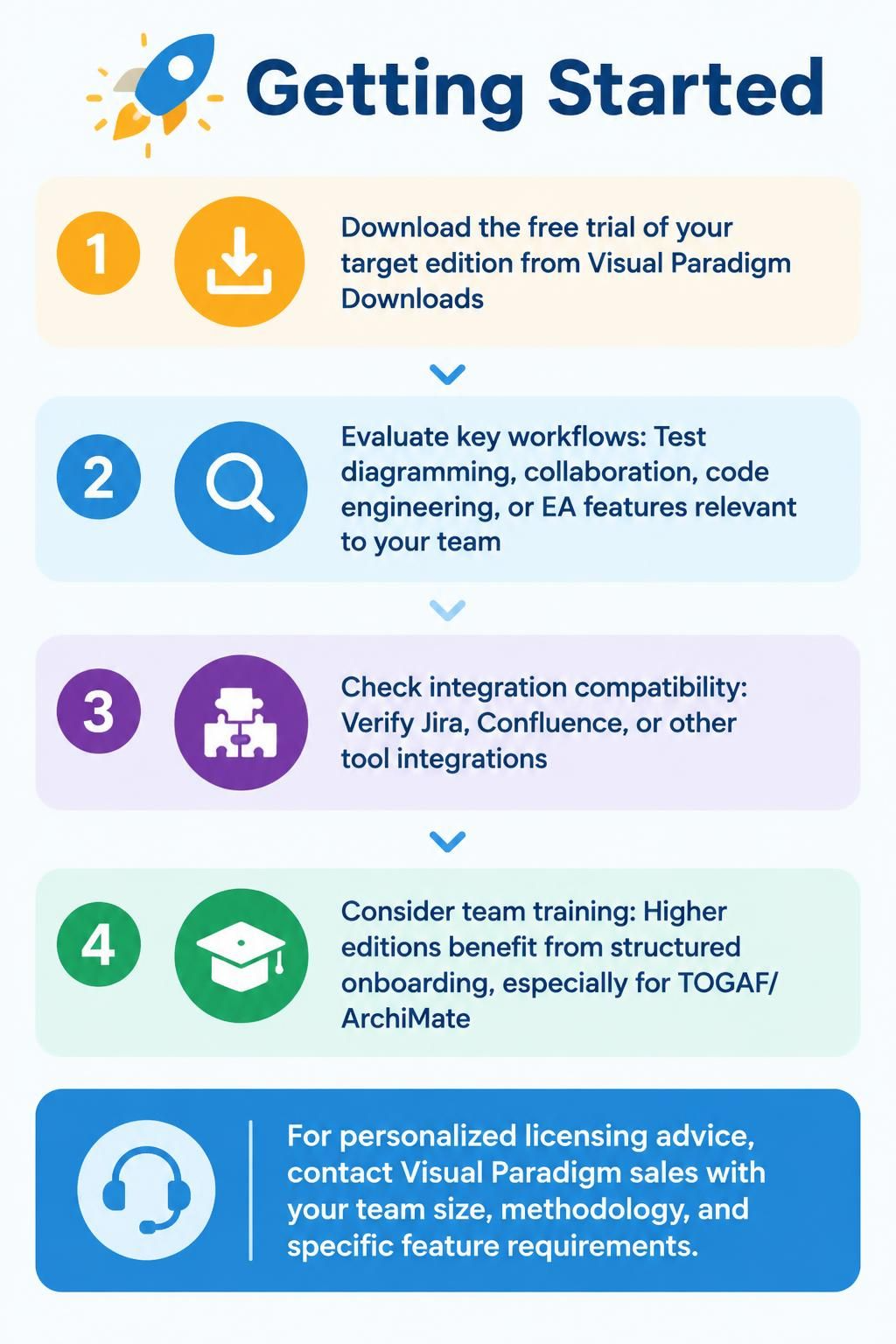
Getting Started
-
Download the free trial of your target edition from Visual Paradigm Downloads
-
Evaluate key workflows: Test diagramming, collaboration, code engineering, or EA features relevant to your team
-
Check integration compatibility: Verify Jira, Confluence, or other tool integrations
-
Consider team training: Higher editions benefit from structured onboarding, especially for TOGAF/ArchiMate
For personalized licensing advice, contact Visual Paradigm sales with your team size, methodology, and specific feature requirements.

 English
 Arabic
 Chinese (Simplified)
 Dutch
 French
 German
 Italian
 Japanese
 Korean
 Portuguese
 Russian
 Spanish