


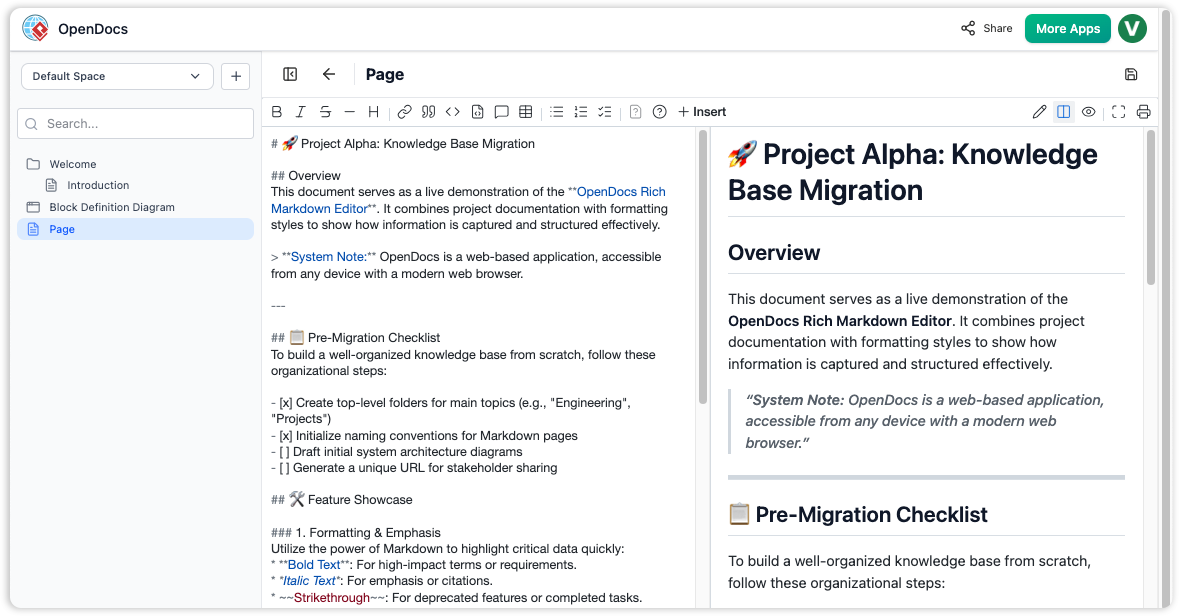
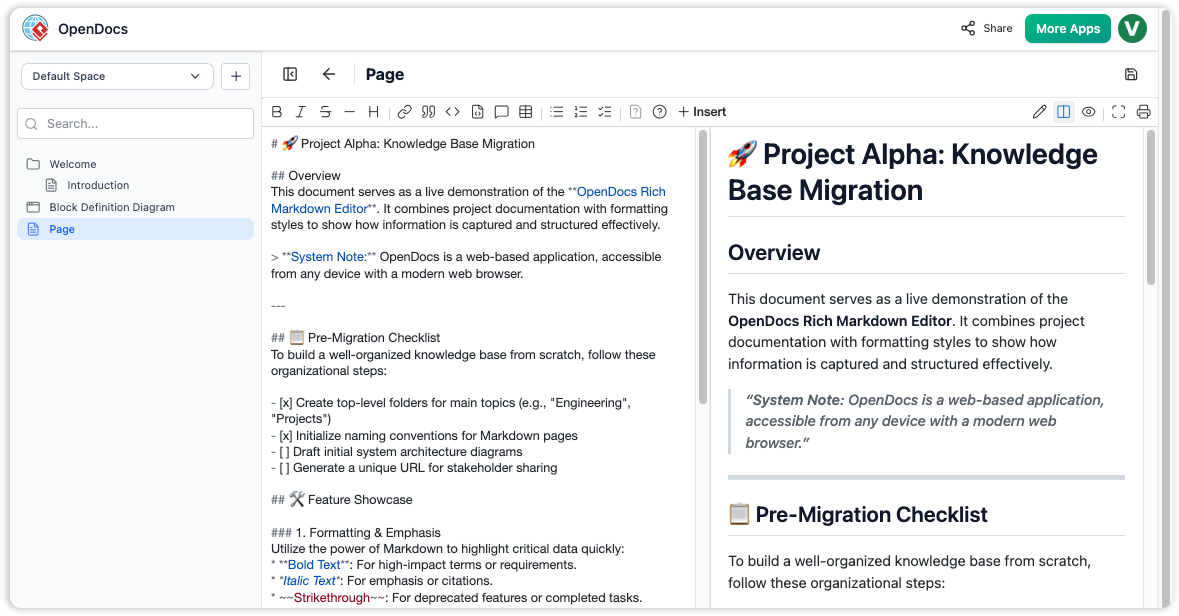
In the rapidly evolving landscape of systems engineering and software development, technical documentation often suffers from a critical flaw: staleness. As models change, static documents like Confluence pages or Word files require tedious manual updates. Visual Paradigm’s OpenDocs architecture solves this by treating documentation not as a static repository, but as a dynamic, living ecosystem.
This tutorial explores the core architecture of OpenDocs, detailing how it integrates Visual Paradigm Desktop, the OpenDocs Pipeline, and Generative AI to create a seamless workflow between modeling and documentation.
1. The Foundation: The OpenDocs Pipeline
The backbone of this system is the OpenDocs Pipeline. Unlike traditional file management where a diagram is exported as a PNG and pasted into a document, OpenDocs treats visual elements as first-class, versioned cloud assets.
- Central Transit Hub: The Pipeline acts as a secure repository. It manages the “source of truth” for all diagrams.
- Live Vector Connection: When a diagram is embedded in a document, it maintains a direct link to its source model file.
- Automatic Sync: If a user modifies a BPMN flow in the Desktop editor, the Pipeline detects this change and updates the live view in the documentation instantly.
This architecture eliminates the “export, upload, and re-upload” cycle. Instead of saving a screenshot, you simply save the model, and the documentation reflects the change immediately.
2. Core Concepts of Diagram-Aware Text
OpenDocs fundamentally shifts the paradigm from static images to interactive diagrams. This is achieved through several key concepts:
Diagram-Aware Text
In standard platforms, an image is just a pixel map. In OpenDocs, embedded visuals are live vectors. This means:
- Interactivity: Readers can click directly on an element within the document to open the source model for inspection.
- Active Workspace: Documentation becomes a place to explore the system, not just a passive reference.
Tree-Structured Spaces
Organization is handled via a deep, hierarchical nested folder-tree structure. This mirrors the logical organization of complex systems. Users can drag and drop pages or diagrams to reorganize growing knowledge repositories intuitively, ensuring that large documentation sets remain navigable.
Automated Synchronization & Revisions
When a source diagram changes, the document displays an indicator in the Pipeline panel. Authors can selectively review these revisions and swap out elements with a single click. This ensures documentation stays current without manual intervention, while retaining author control over when changes are incorporated.
3. The Role of AI in Documentation
Visual Paradigm’s integration of AI transforms the documentation process from manual entry to generative creation.
AI Chatbots & Generators
Users can provide natural language prompts to generate complex diagrams instantly. For example, a user can request, “Create a flowchart for a refund process,” and the AI subsystem will generate a professionally structured diagram directly inside the workspace.
Model-to-Text AI Generation
This is the bidirectional capability that ensures consistency. The AI system can analyze structural diagram flows and automatically generate corresponding descriptive textual narratives. If the diagram changes, the text updates. If the text is edited, the model can be informed. This keeps functional documentation from drifting out of date.
4. Distribution Layers
Once the documentation is compiled, OpenDocs offers flexible distribution layers to reach stakeholders effectively:
- Interactive Flipbooks: Embed documentation into dynamic, interactive formats.
- Web-based Bookshelves: Share broadly via web links for client-facing deliverables.
- Dynamic Sharing: Stakeholders access the documentation in formats that suit their needs, whether for internal review or public release.
Conclusion
By combining the power of Visual Paradigm’s modeling engine with the accessibility of web-based documentation, OpenDocs creates a robust environment where diagrams are not just illustrations, but active components of the system architecture. The integration of the Pipeline and AI ensures that your documentation is always accurate, always accessible, and always up to date.

 English
 Arabic
 Chinese (Simplified)
 Dutch
Dutch French
 German
 Italian
 Japanese
 Korean
 Portuguese
 Russian
 Spanish