


Introduction
In the fast-paced world of modern business, clarity is currency. Business processes are the backbone of any organization, yet documenting them has traditionally been a tedious, error-prone, and highly technical endeavor. For business analysts, process owners, and architects, the gap between understanding a workflow and visually mapping it according to strict standards like BPMN 2.0 (Business Process Model and Notation) is often wide and difficult to bridge.
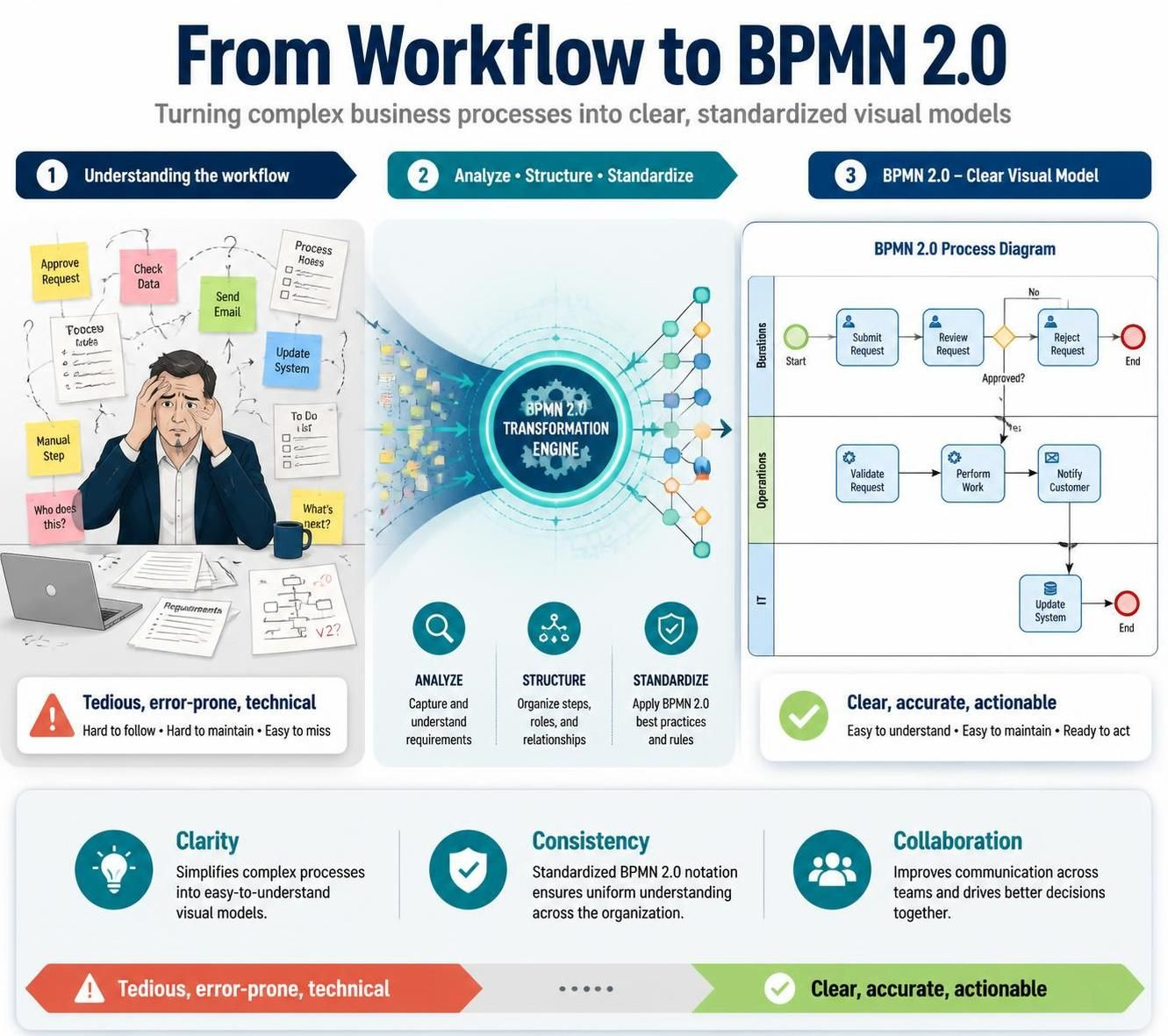
Enter the era of AI-assisted modeling. Visual Paradigm’s AI Diagramming Chatbot represents a paradigm shift in how we approach business process management. By leveraging conversational AI, this tool transforms natural language descriptions into compliant, professional-grade BPMN diagrams in seconds. This guide explores how this technology eliminates the barriers of traditional diagramming, accelerates process discovery, and integrates seamlessly into enterprise-grade workflows.
The Challenge of Traditional Process Mapping
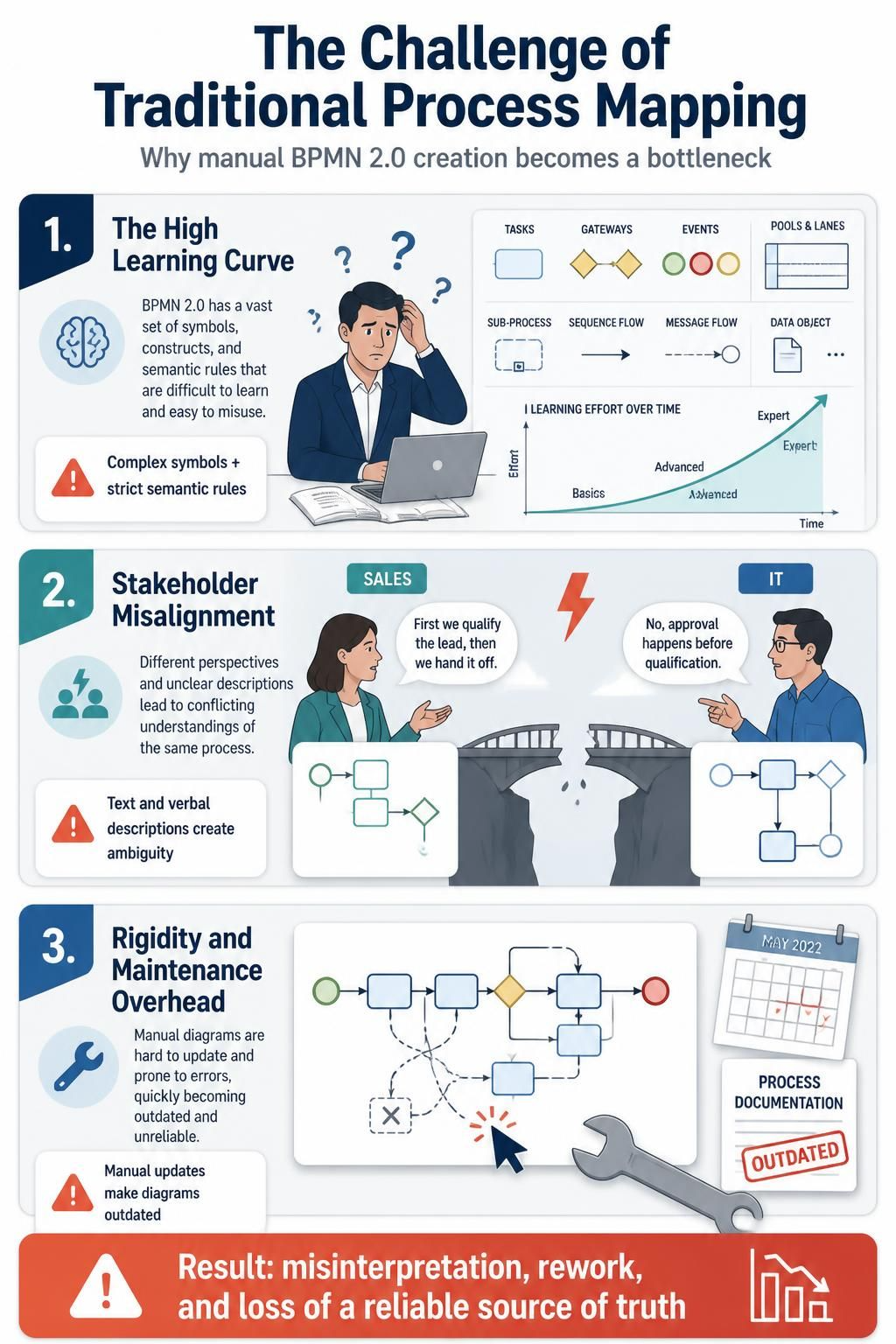
Before diving into the solution, it is essential to understand why manual BPMN creation is a bottleneck for many teams.
1. The High Learning Curve
BPMN 2.0 is a robust standard with a vast array of symbols—tasks, gateways, events, pools, and lanes—each with specific semantic rules. Mastering these nuances takes time. Non-compliant diagrams not only look unprofessional but can lead to misinterpretation by developers or execution engines, causing costly implementation errors.
2. Stakeholder Misalignment
Processes are often described in text emails or verbal meetings. These textual descriptions are ambiguous. Without a standardized visual map, stakeholders from different departments (e.g., Sales vs. IT) may have vastly different interpretations of the same workflow, leading to friction and rework.
3. Rigidity and Maintenance Overhead
Business logic evolves rapidly. In traditional tools, updating a diagram requires manual dragging, dropping, and reconnecting of shapes. As processes change, diagrams quickly become outdated, losing their value as a source of truth.
Key Concepts: What is AI-Powered BPMN Generation?
At its core, Visual Paradigm’s AI Chatbot is a specialized Large Language Model (LLM) fine-tuned on enterprise modeling standards. Unlike generic AI assistants that might produce plausible-looking but syntactically incorrect diagrams, this tool understands the semantics of business processes.
Core Capabilities
-
Natural Language to Notation: You describe the “who, what, when, and how” of a process in plain English. The AI interprets actors as Pools/Lanes, actions as Tasks, decisions as Gateways, and triggers as Events.
-
BPMN 2.0 Compliance: The generator ensures that every element adheres to the official OMG (Object Management Group) specification. This means correct usage of Exclusive Gateways (XOR), Parallel Gateways (AND), and proper sequence flow connections.
-
Contextual Awareness: The AI can handle complex logic, such as conditional branches (“If order > $500, require approval”) and exception handling (boundary events), translating them into accurate visual structures.
Step-by-Step: Generating Your First Diagram
Using the AI Chatbot is intuitive and requires no prior diagramming expertise. Here is how you can go from idea to visualization in minutes.
Step 1: Describe Your Workflow
Start a new session in the AI Chatbot. Describe your process naturally.
Example Prompt:
“Create a BPMN diagram for an employee expense reimbursement process. The employee submits a receipt. If the amount is under $100, it is automatically approved by the system. If it is over $100, it goes to the manager for approval. If the manager rejects it, the employee must resubmit. If approved, it goes to Finance for payment.”
Step 2: AI Generation and Review
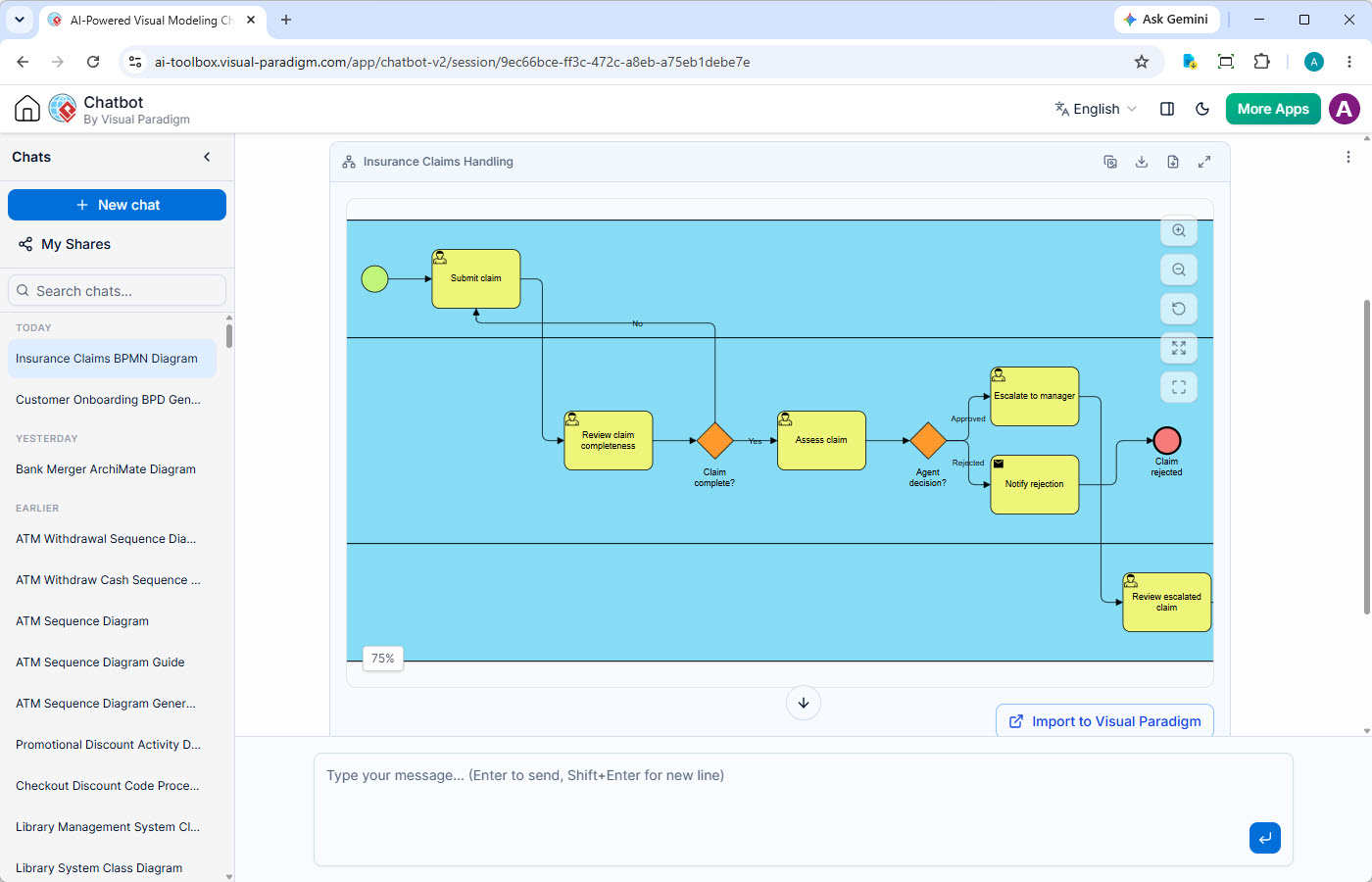
The chatbot instantly generates a BPMN 2.0 diagram. You will see:
-
Pools: Likely “Employee,” “System,” “Manager,” and “Finance.”
-
Gateways: An Exclusive Gateway after the submission to check the amount.
-
Flows: Clear paths for approval, rejection, and payment.
Step 3: Iterate and Refine
Use the Persistent Chat Sessions feature to refine the model. You can say, “Add a notification email to the employee after manager approval,” and the AI will update the diagram without losing the previous context. Use the Artifacts Pane to jump between different versions of your diagram to compare changes.
Advanced Features for Enterprise Workflows
Visual Paradigm doesn’t just stop at generation; it provides a complete ecosystem for managing business processes.
1. Collaborative Refinement in VP Online
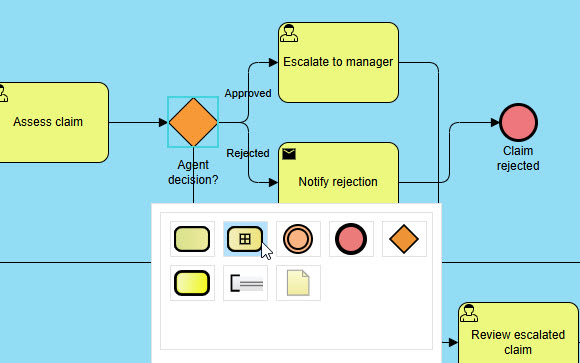
Once the AI generates the initial draft, you can import it into VP Online. This web-based drag-and-drop editor allows teams to hold collaborative workshops. Stakeholders can visually tweak layouts, add annotations, and finalize the process map in real-time. This bridges the gap between AI speed and human nuance.
2. Deep Analysis in VP Desktop
For enterprise-grade governance, import the model into VP Desktop. Here, you can:
-
Simulate Processes: Run simulations to identify bottlenecks or resource constraints.
-
Link to Architecture: Connect business processes to IT systems, requirements, and enterprise architecture models.
-
Generate Documentation: Automatically create detailed process documentation for compliance audits.
3. Enterprise Governance with Custom AI Endpoints
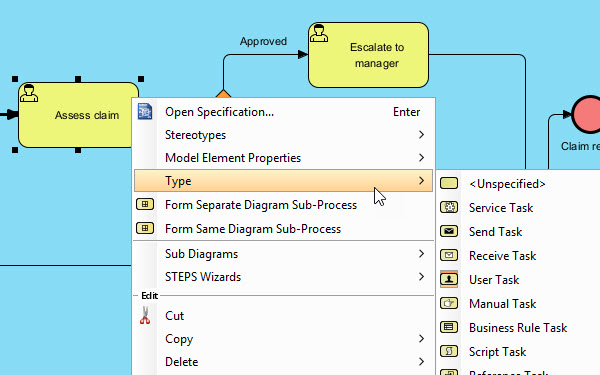
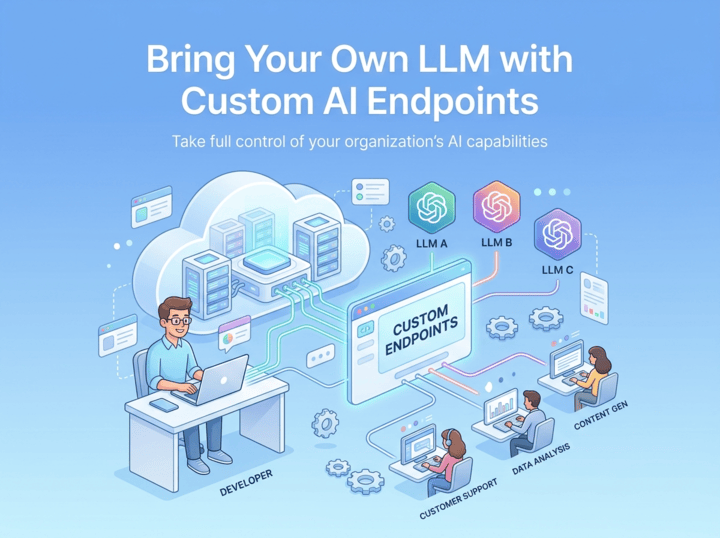
Security and data privacy are paramount for large organizations. Visual Paradigm offers Centralized Custom AI Endpoint Management. Administrators can connect corporate API credentials from providers like OpenAI, Anthropic, Google, or Qwen. This ensures that all visual generation requests are routed through approved, secure channels, keeping internal data private while maintaining transparent usage costs.
Real-World Examples and Use Cases
Example 1: Order Fulfillment Process
Prompt: “Map out an e-commerce order fulfillment process. Customer places order. System checks inventory. If in stock, warehouse picks and packs. If out of stock, notify customer and cancel. After packing, shipping carrier picks up. Send tracking info to customer.”
Result: A clear swimlane diagram showing interactions between Customer, System, Warehouse, and Shipping Carrier, with an exclusive gateway for inventory checks.
Example 2: Employee Onboarding
Prompt: “Create an onboarding process. HR sends offer letter. Candidate accepts. IT prepares laptop and accounts. Manager schedules welcome meeting. New hire completes tax forms. If forms are incomplete, HR requests correction.”
Result: A parallel gateway showing simultaneous IT and Manager tasks, followed by a loop back to HR if tax forms are incomplete.
Trusted by Industry Leaders
Visual Paradigm’s modeling platform is not just a tool for startups; it is trusted by some of the world’s most demanding organizations. Its reliability and compliance make it a staple in enterprises where precision matters.

Beyond BPMN: A Versatile Modeling Suite
While the AI BPMN generator is a standout feature, Visual Paradigm’s AI Chatbot supports a vast library of diagram types, making it a comprehensive tool for architects and analysts.
UML Diagrams
SysML & ArchiMate
C4 Model
Business & Strategic
Accessing the Tool: Web vs. Desktop
Your AI BPMN assistant is available wherever you work.
Instant Access on the Web
Launch the AI Chatbot in any browser for immediate BPMN diagram generation. It’s perfect for quick process discovery sessions, exploring workflow variations, and sharing initial process maps without any software installation.
Try on Web Now
Integrated Desktop Experience
For a truly robust process management workflow, run the AI Chatbot from within VP Desktop. Seamlessly import generated BPMN diagrams into your enterprise model, conduct detailed simulation and analysis, and connect them to your complete business architecture.
Download VP Desktop
Frequently Asked Questions
How does the AI BPMN tool handle complex process logic with gateways and events?
You can describe conditional paths, parallel flows, and exceptions in your prompt (e.g., ‘If the order is over $500, it requires manager approval; otherwise, it is processed automatically.’). The AI is trained to interpret this logic and correctly apply BPMN gateways (Exclusive, Parallel, Inclusive) and boundary events, creating a logically sound process flow.
Are the generated diagrams BPMN 2.0 compliant?
Yes. Our AI BPMN generator is specifically fine-tuned on the Business Process Model and Notation (BPMN) 2.0 standard. This ensures every Business Process Diagram you create is syntactically correct, using the appropriate symbols for tasks, gateways, events, pools, and lanes, which is crucial for clarity and process execution engines.
What distinguishes this AI BPMN Diagram Tool from generic LLMs?
Unlike generic chatbots, our AI model is purpose-built for enterprise modeling. This focus transforms it from a generic chatbot into a professional BPMN tool. It has a deep understanding of process semantics, ensuring that the generated BPMN is not just a plausible-looking picture, but an accurate representation of your workflow. This domain-specific training results in a significantly lower error rate and more meaningful diagrams that serve as a reliable foundation for process analysis and improvement.
Do I need a separate subscription for the AI BPMN Generator?
No. The AI Diagramming Chatbot is an integral part of Visual Paradigm. Full access to its BPMN generation capabilities is included with a license for VP Desktop Professional Edition or VP Online Deluxe Edition.
Further Learning: Core Tutorials
To deepen your expertise in process modeling, explore these official resources:
- How to Develop As-Is and To-Be Business Process?: Official step-by-step guide on capturing current state and generating future-state diagrams from an As-Is model.
- BPR Process Steps: A Step-by-Step Guide to Re-Engineering: Full BPR journey covering As-Is mapping, To-Be design, gap analysis, and implementation planning.
- To-Be Process Design: Building Future-State Workflows: Deep dive into radical To-Be design, value analysis, and innovation techniques for future-state workflows.
- Modeling BPMN Diagrams with Visual Paradigm Desktop: Practical setup and modeling workflow for BPMN diagrams in Visual Paradigm Desktop.
- How to Animate a BPMN Business Process?: Tutorial on using Visual Paradigm’s animation tool to present dynamic process flows to stakeholders.
- How to Create BPMN Business Process Diagrams in Visual Paradigm: Covers swimlanes, flow mapping, and process simulation for bottleneck identification.
- Creating Your First BPMN Diagram in Visual Paradigm: Beginner-friendly guide to tasks, gateways, and sequence flows with validation tips.
- Visual Paradigm: The Ultimate All-in-One Software: Overview of BPMN capabilities including As-Is/To-Be traceability, RACI charts, and process simulation.
- Business Process Modeling Tool Solution Page: Feature summary covering auto As-Is/To-Be gap analysis, process drill-down, and RACI/CRUD chart generation.
Conclusion
The transition from convoluted textual workflows to clear, compliant visual maps no longer needs to be a bottleneck. Visual Paradigm’s AI BPMN Generator empowers business analysts and architects to bypass the steep learning curve of BPMN 2.0, focusing instead on process optimization and stakeholder alignment. By combining the speed of conversational AI with the rigor of enterprise-grade modeling tools like VP Online and VP Desktop, organizations can achieve a new level of agility in their business process management. Whether you are mapping a simple approval flow or re-engineering complex enterprise operations, this tool provides the precision, compliance, and flexibility needed to drive success.
Stop drawing workflows manually. Start optimizing them with AI.
Related posts:
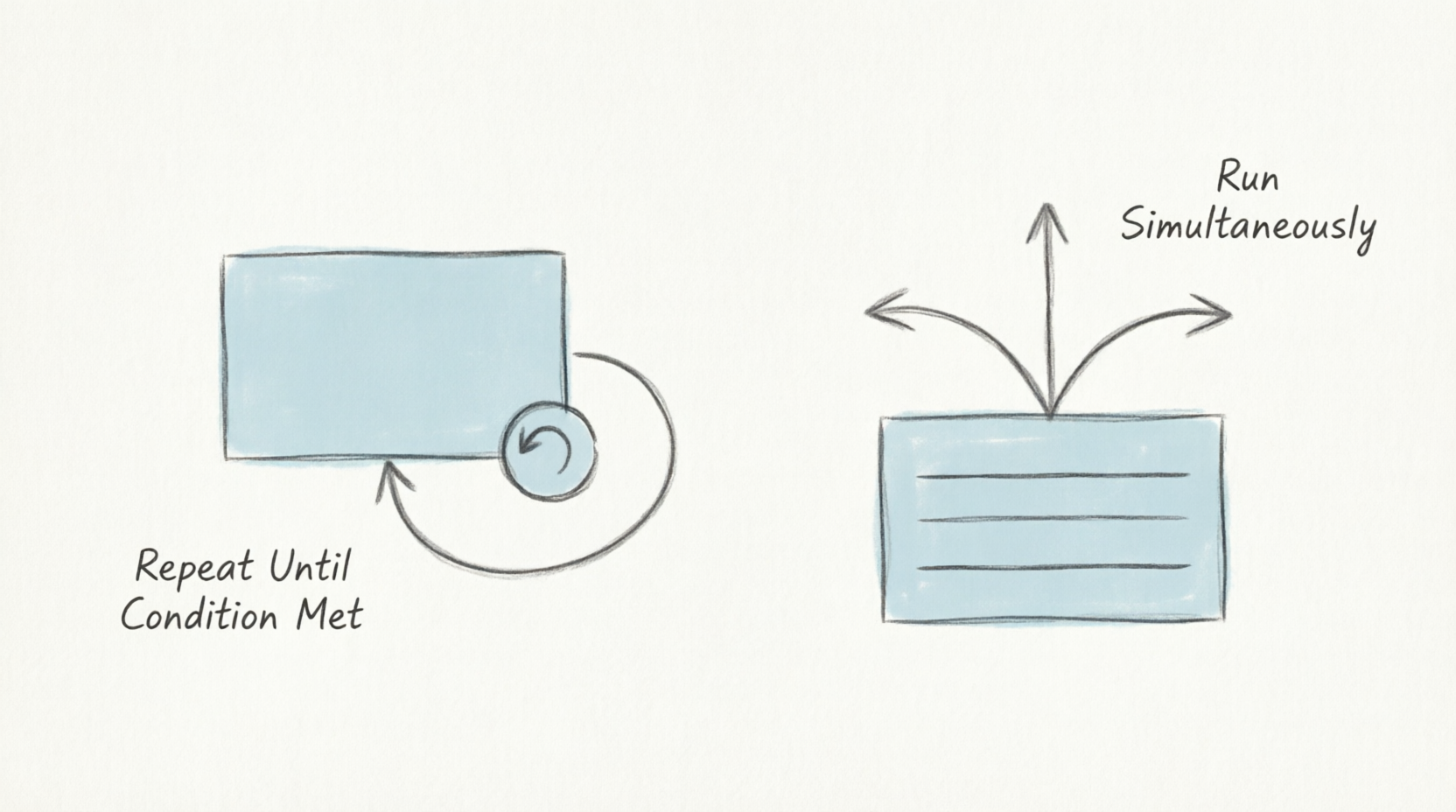 Mastering Repetition in BPMN: A Practical Guide to Loops and Multi-Instance Activities
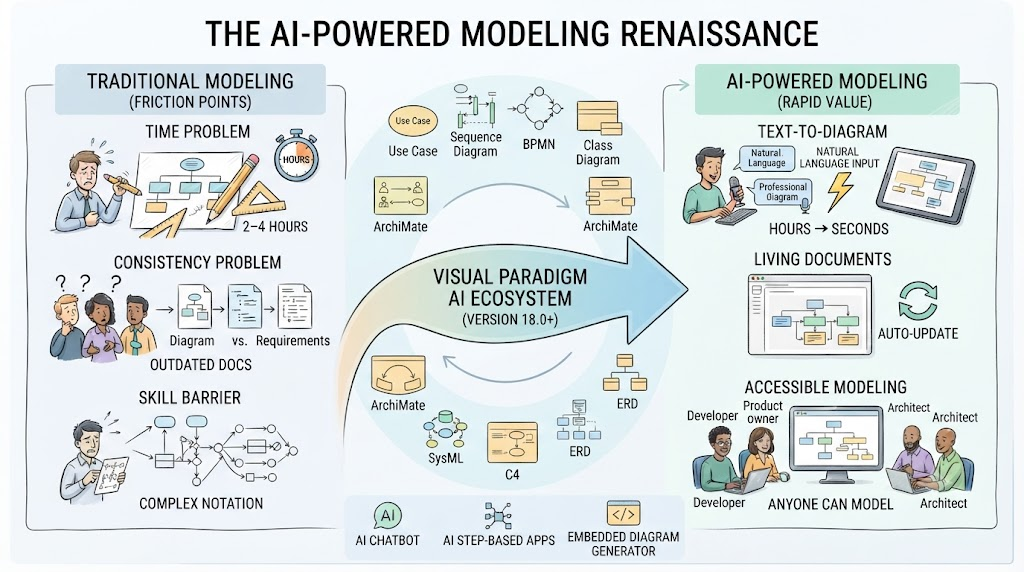 AI-Powered Modeling in Agile: How BPMN and UML Are Making a Comeback
 Step-by-Step Guide: Mapping Employee Onboarding Workflows with AI
 🛒 From Cart to Confirmation: A Beginner’s Complete Guide to BPMN Using Visual Paradigm Online’s Free Web-Shop Workflow

 English
 Arabic
 Chinese (Simplified)
 Dutch
Dutch French
 German
 Italian
 Japanese
 Korean
 Portuguese
 Russian
 Spanish